Connections
Connections allow you to securely store and manage authentication credentials for external services (such as Google Calendar, Outlook, etc.) used by Serenity* Star Agents.
What Are Connections?
Connections are credentials you configure when adding a Connector Type skill to an agent. They enable agents to access third-party services on your behalf, following the permissions you grant.
Connection Assignment & Access Control
- Creation: All connections are created during the process of configuring skills within an agent.
- Personal Ownership: Only you can assign your existing connections to an agent. Your connections are private and cannot be managed or assigned by other users.
- User Isolation: No other user can assign your connections to a different agent, ensuring your credentials remain secure and under your exclusive control.
Managing Connections
To manage your connections, go to the Developer Tools Connections tab.
-
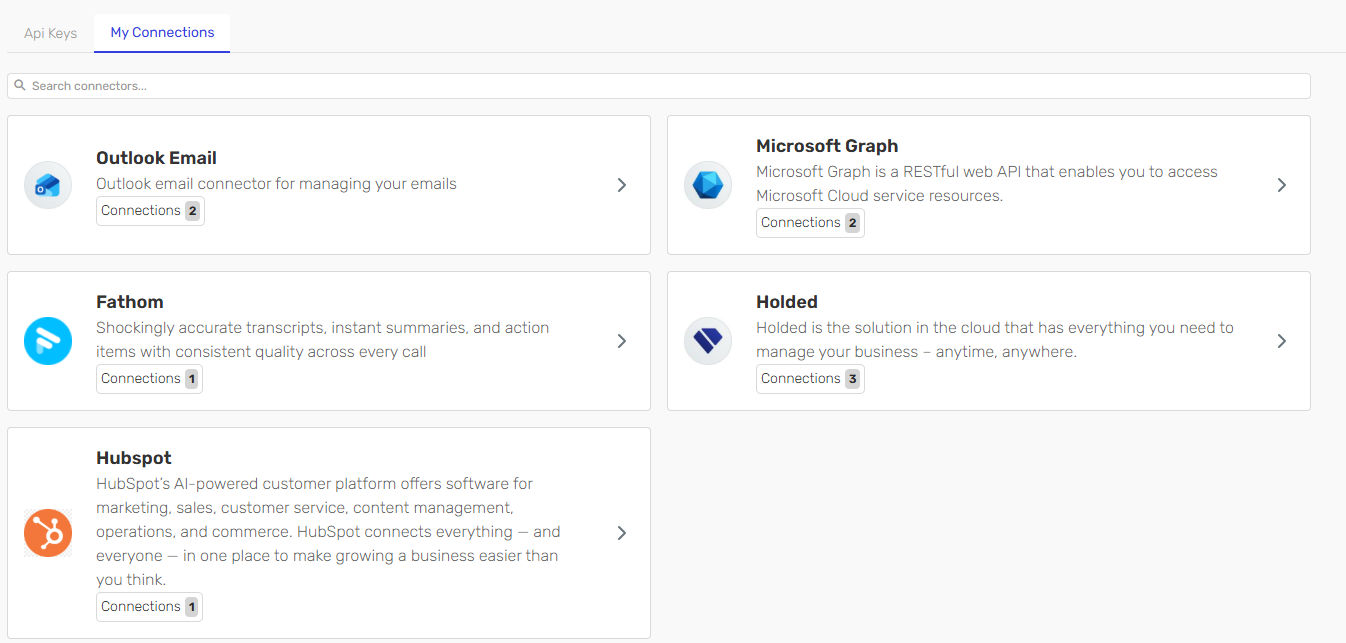
View All Connections: The Connections page lists all credentials you have created. Each card displays the number of connections for a specific service.
-
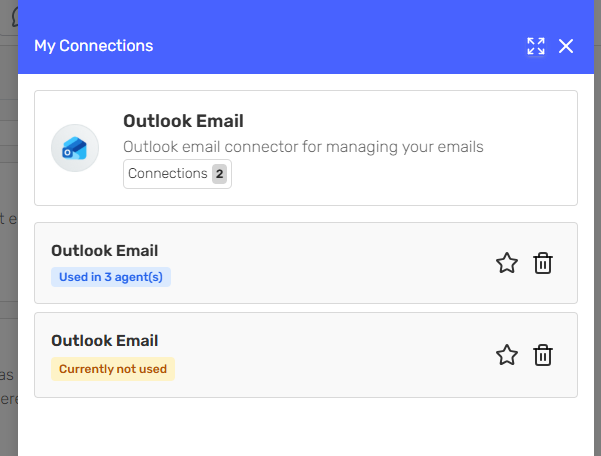
Usage Overview: Click a card to see how many agents are using each connection.
-
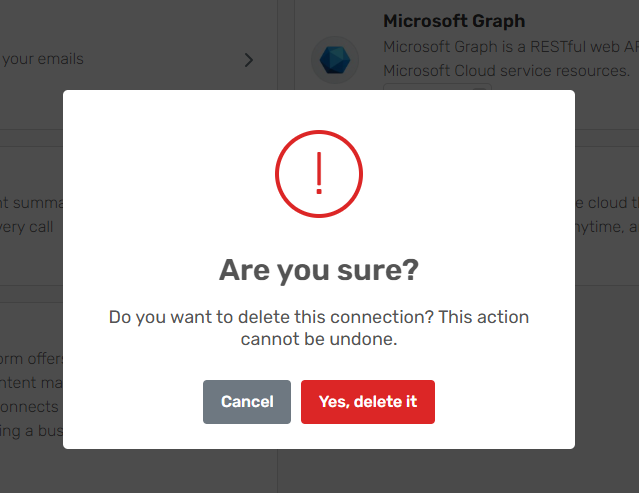
Delete Connections: You can revoke a connection at any time. Deleting a connection will immediately disable the usage and some agents behaviour might be affected if it's in use.
-
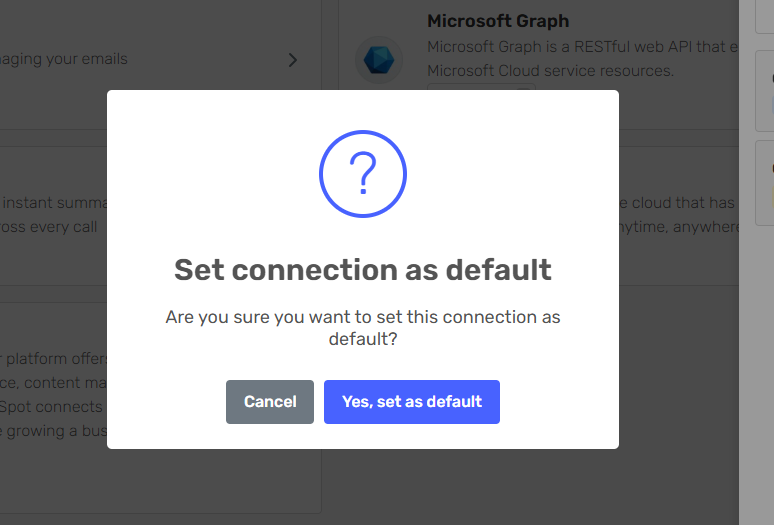
Set Default Connection: You may set a default connection for a service. When an agent requests authorization, your default connection for that service will be used automatically for all future interactions—unless you choose a different one.
Best Practices
- Regularly review all your connections and remove any that are no longer needed.
- Prefer creating separate connections for different agents or integrations to maintain clear boundaries.
- Use strong, unique passwords or OAuth tokens for each connection.
- If a connection is compromised, revoke it immediately and update any affected agents.