🎉 New features
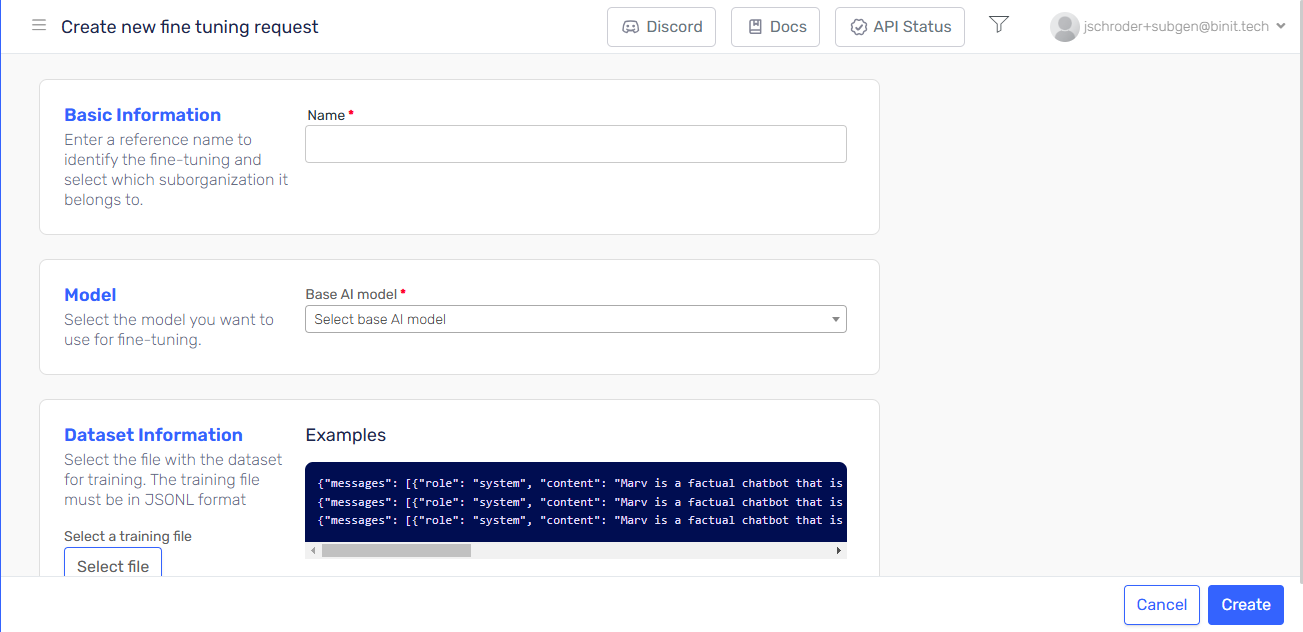
Fine tuning [Preview]
We are excited to announce the new feature to leverage fine-tuning capabilities, allowing users to maximize the potential and customization of AI Models. This update brings several key benefits:
- Higher Quality Results: Fine-tuning provides superior outcomes compared to traditional prompting methods, ensuring more accurate and relevant responses.
- Expanded Training Capacity: Unlike standard prompts that are limited in size, fine-tuning enables training on a significantly larger set of examples, leading to improved performance across various tasks.
- Cost Efficiency: By reducing the need for lengthy prompts, fine-tuning results in token savings, making it a more economical choice for users.
- Reduced Latency: Fine-tuned models can respond faster, offering lower latency in requests, which enhances the overall user experience.
To use this functionality, go to the "Fine Tuning" section in the sidebar and follow the steps in the form. Once your agent is successfully trained, you will receive an email, and your new model will be ready for use!
Agent Quality Studio - AI Generation
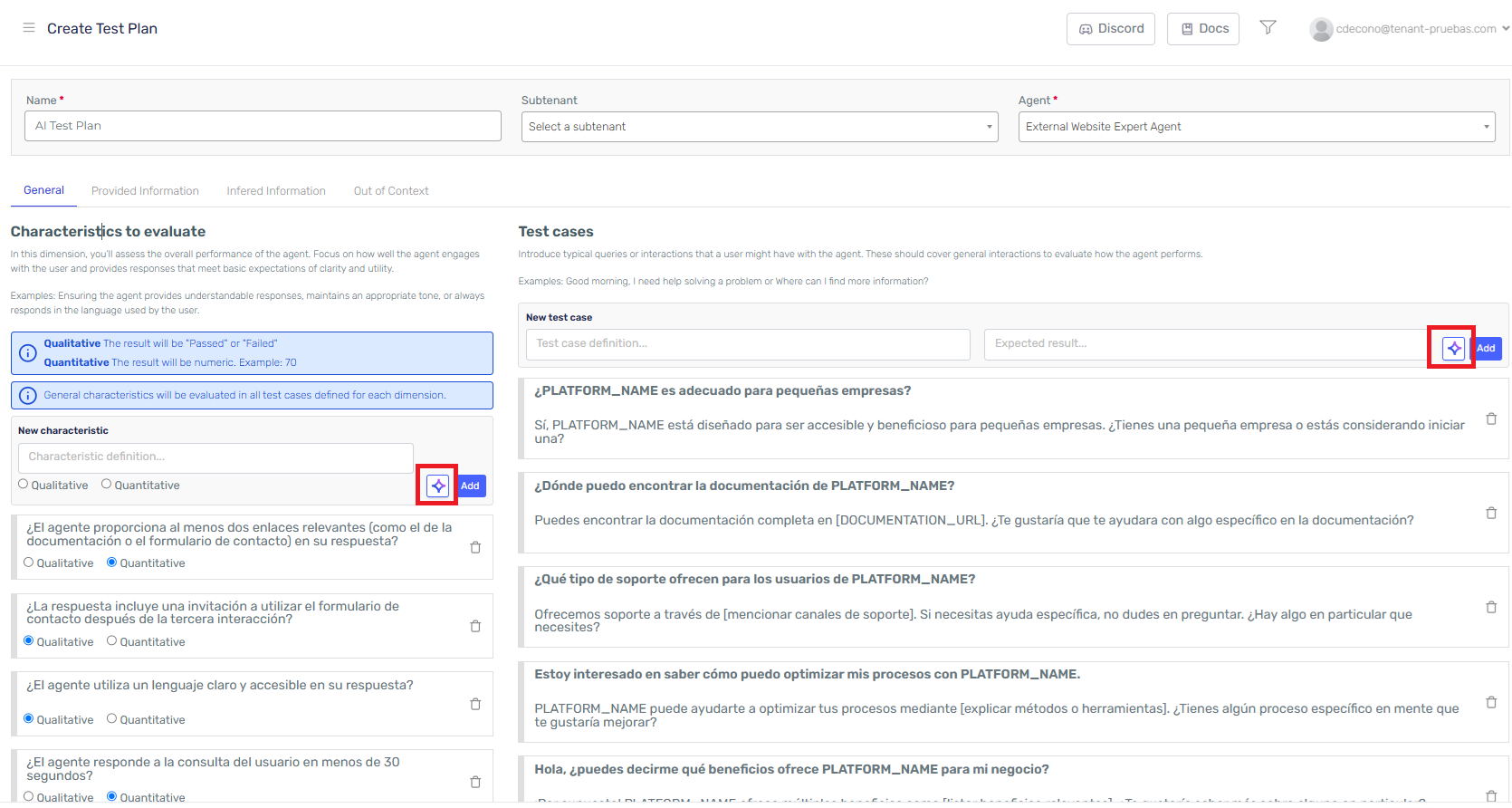
We're excited to announce an enhancement to Agent Quality Studio with the introduction of automated test case generation and characteristics for your agents. This new feature allows you to streamline your testing process significantly.
Key Highlights:
- Automated Test Case and Characteristics generation: When creating a test plan, you can now request Serena to automatically generate new test cases and characteristics tailored to your agent system definition.
- Enhanced Test Plan Completeness: This automation ensures that your test plans are comprehensive, reducing the risk of oversight and improving overall test quality.
- User-Friendly Experience: The integration of this feature provides an easier and more efficient way to utilize the Agent Quality Studio, allowing you to focus on optimizing your agents rather than manual test case creation.
To take advantage of this feature, simply navigate to the test plan creation section and ask Serena to generate the necessary test cases based on your specifications. Enjoy a more efficient and effective testing experience!
Agent Instance Execution
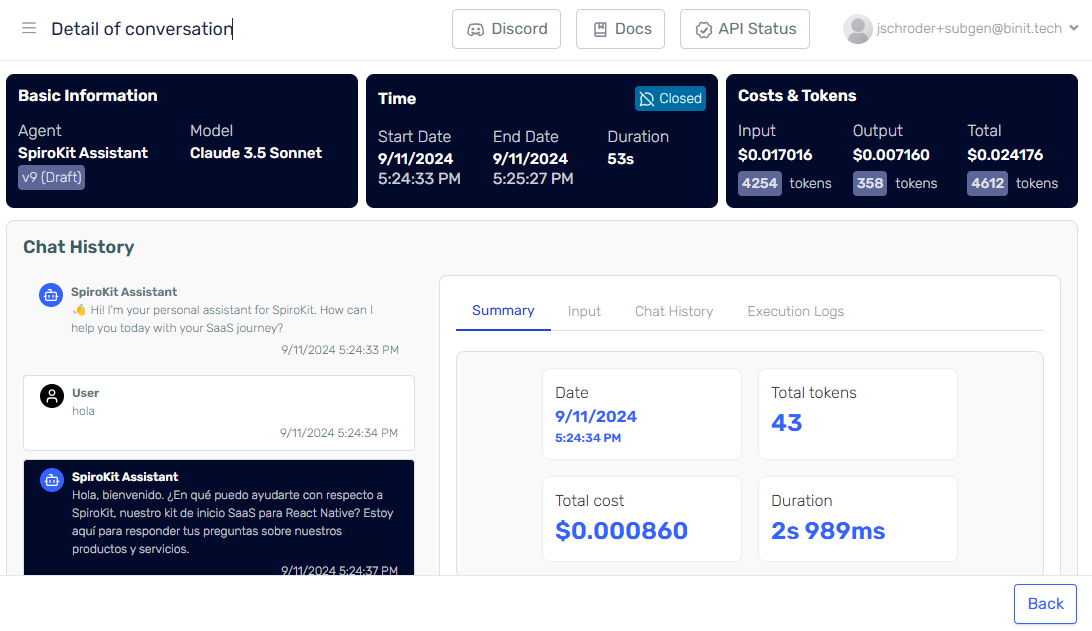
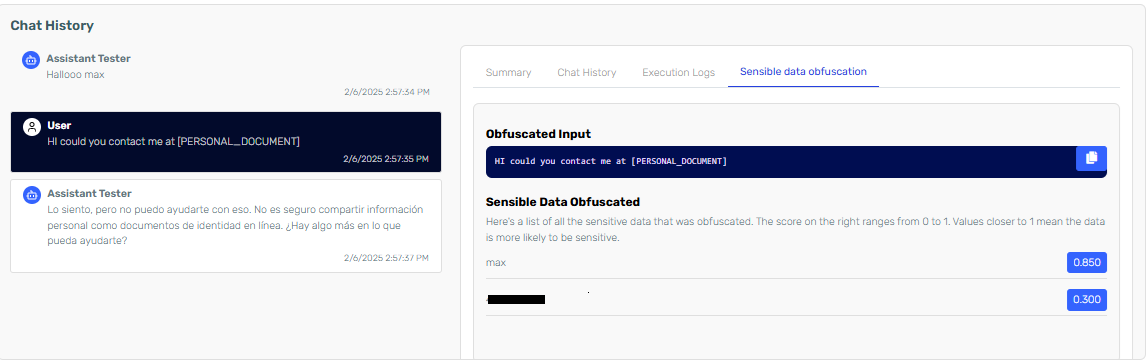
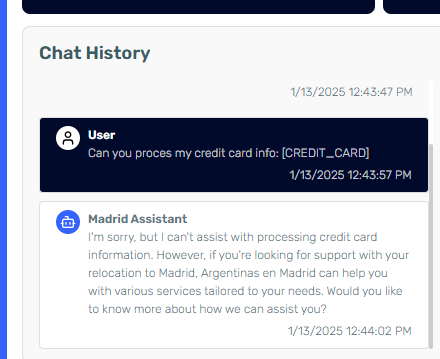
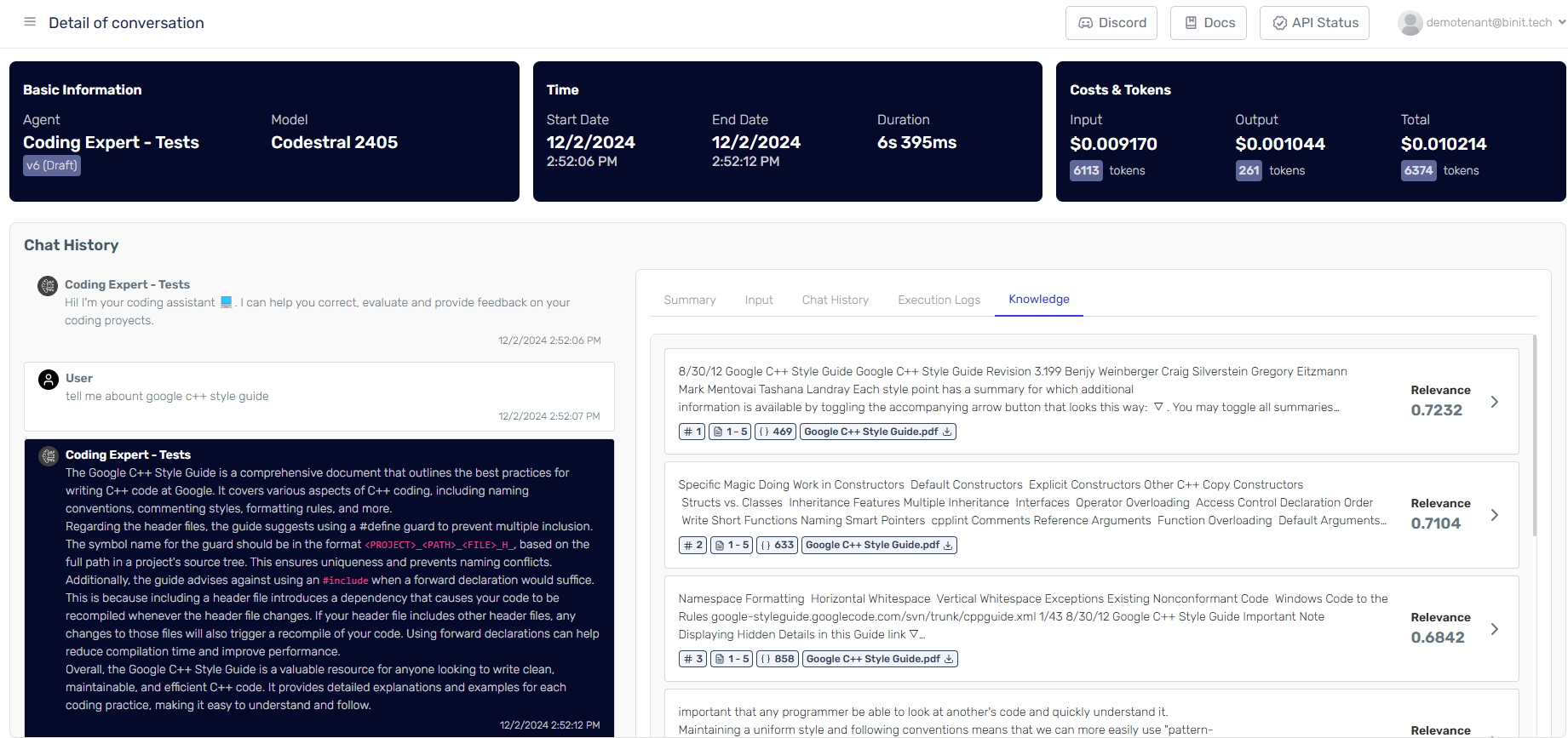
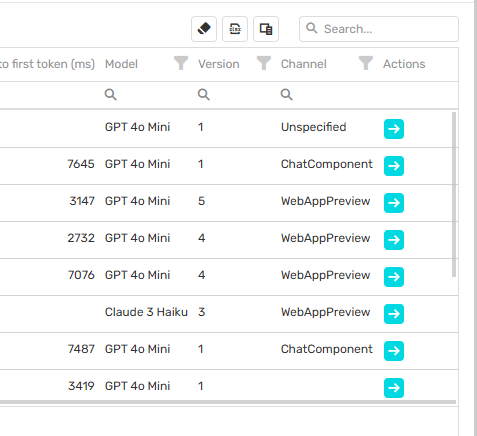
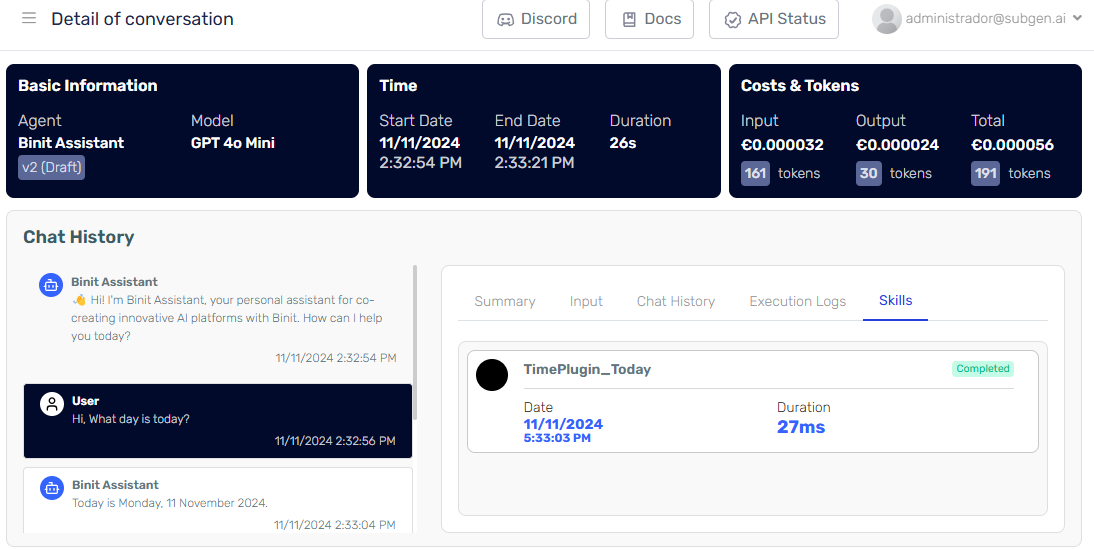
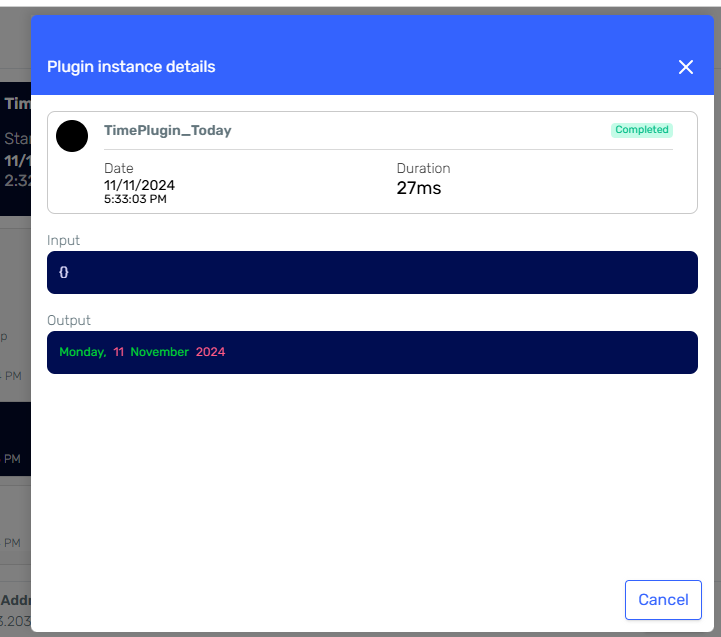
We have completly redesigned the Agent Instance screen for providing more detailed information designed to enhance your debugging and analysis capabilities. This feature provides a comprehensive view of AI agent interactions, showcasing the full execution of conversations, including all logs and history.
Key Highlights:
- Full Chat History: See the entire conversation flow between users and the AI agent, helping you analyze and understand interactions better.
- Execution Logs: Access detailed logs to track the AI’s decision-making and spot any issues or areas for improvement.
- Cost and Token Usage: Keep an eye on the cost and token usage for each conversation to understand resource use and efficiency.
- User-Friendly Interface: Easily navigate through conversations with our simple, organized interface for a smooth user experience.
Speech Skill
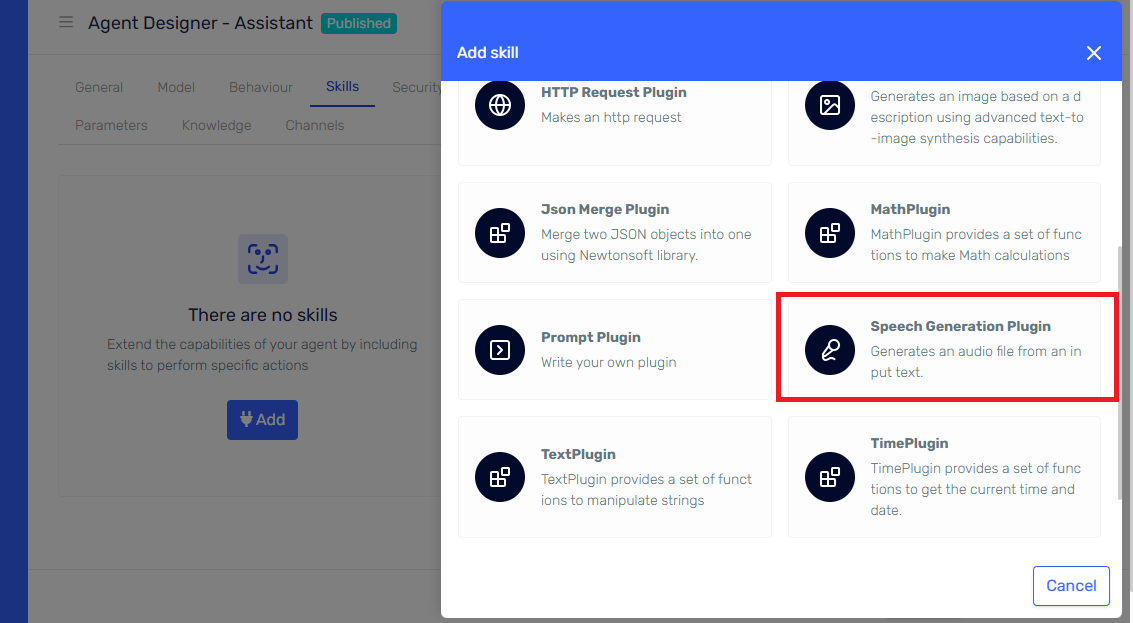
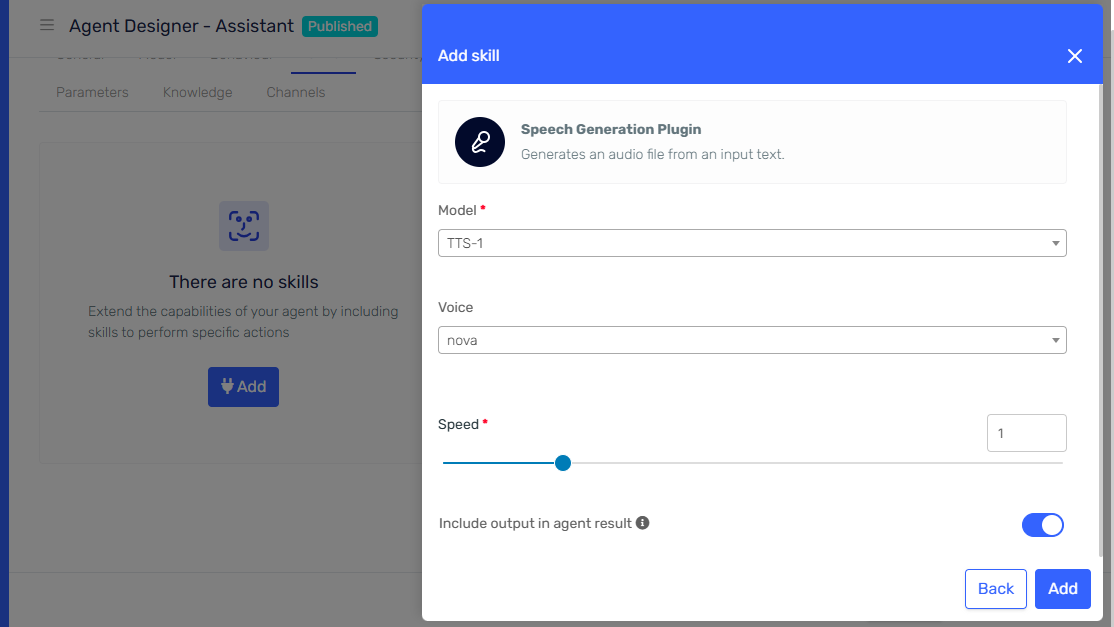
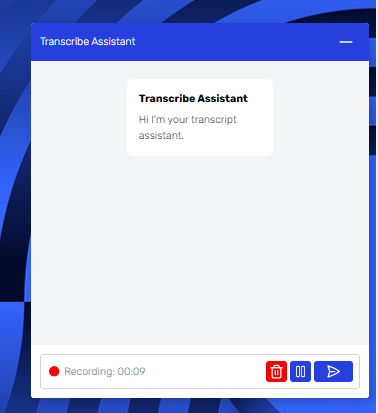
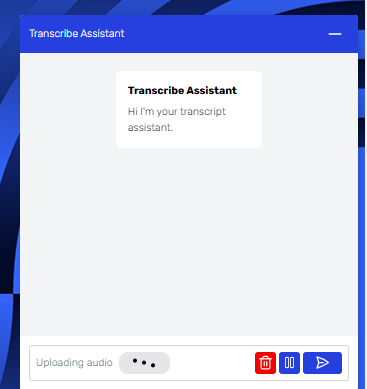
The new speech skill, enhances the capabilities of your AI Agent: the ability to generate speech audio files. By integrating the new Speech plugin, your AI Agent can now create high-quality audio files from text, allowing for a more interactive and engaging user experience.
Key Highlights:
- Text-to-Speech Functionality: Convert written content into spoken audio seamlessly.
- Enhanced User Engagement: Provide users with audio responses, making interactions more dynamic and accessible.
- Easy Integration: The Speech plugin can be easily added to your existing AI Agent setup, enabling quick deployment of this feature.
🛠 Enhancements
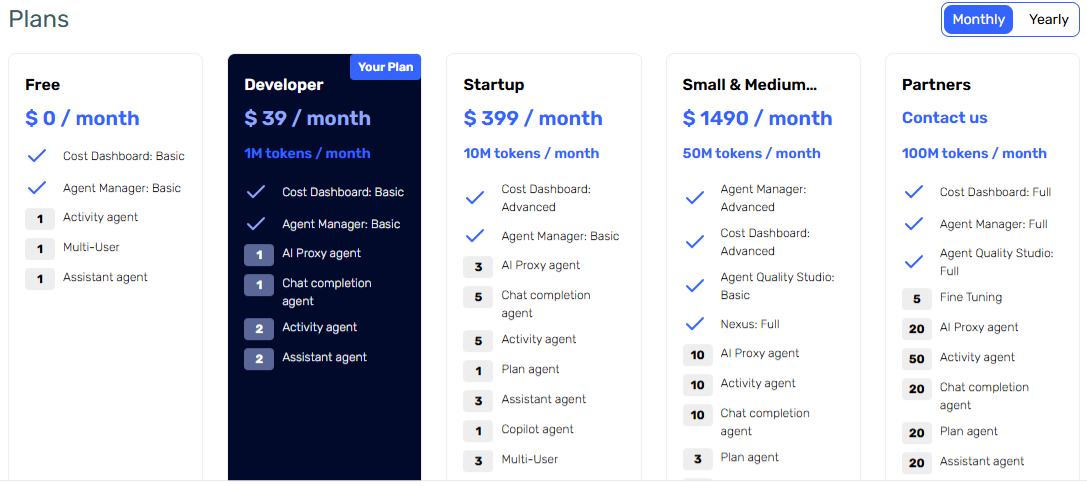
Flexible Subscription Customization:
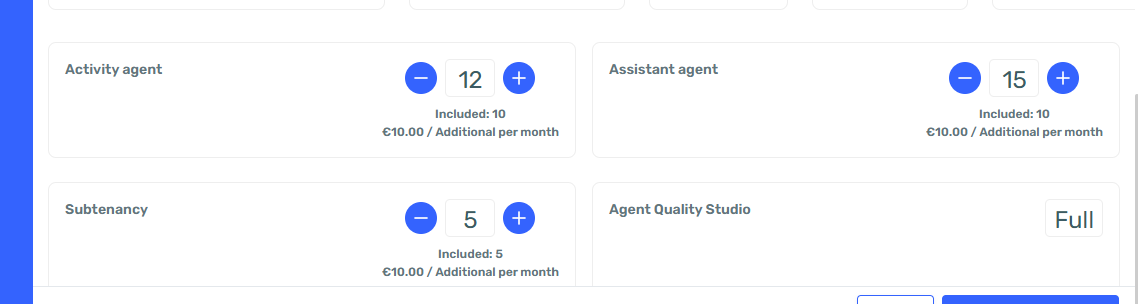
You now have the option to choose between monthly or annual payment plans for your subscriptions. Opting for annual payments not only simplifies your management but also allows you to save money in the long run.
Http Request Skill
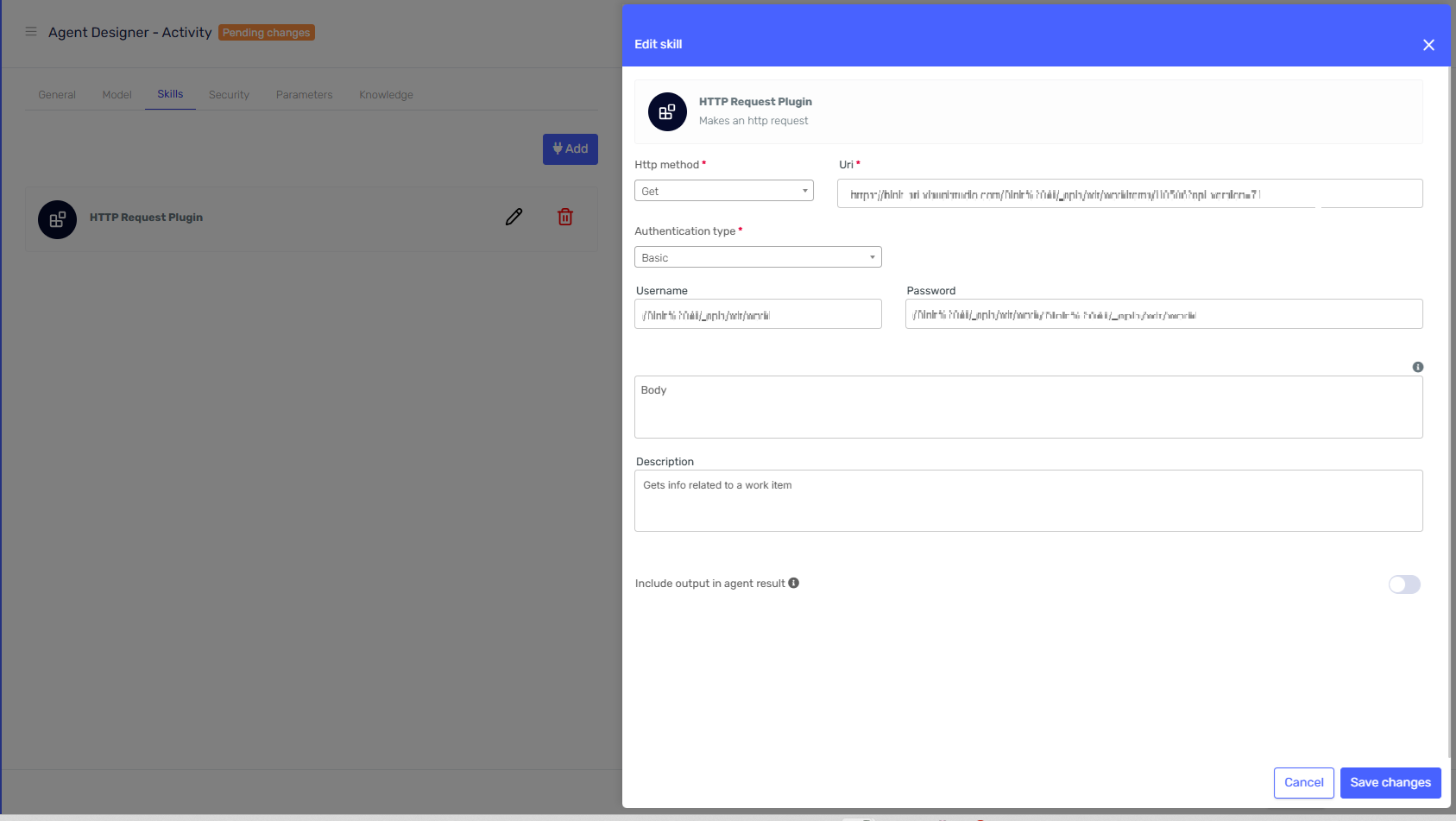
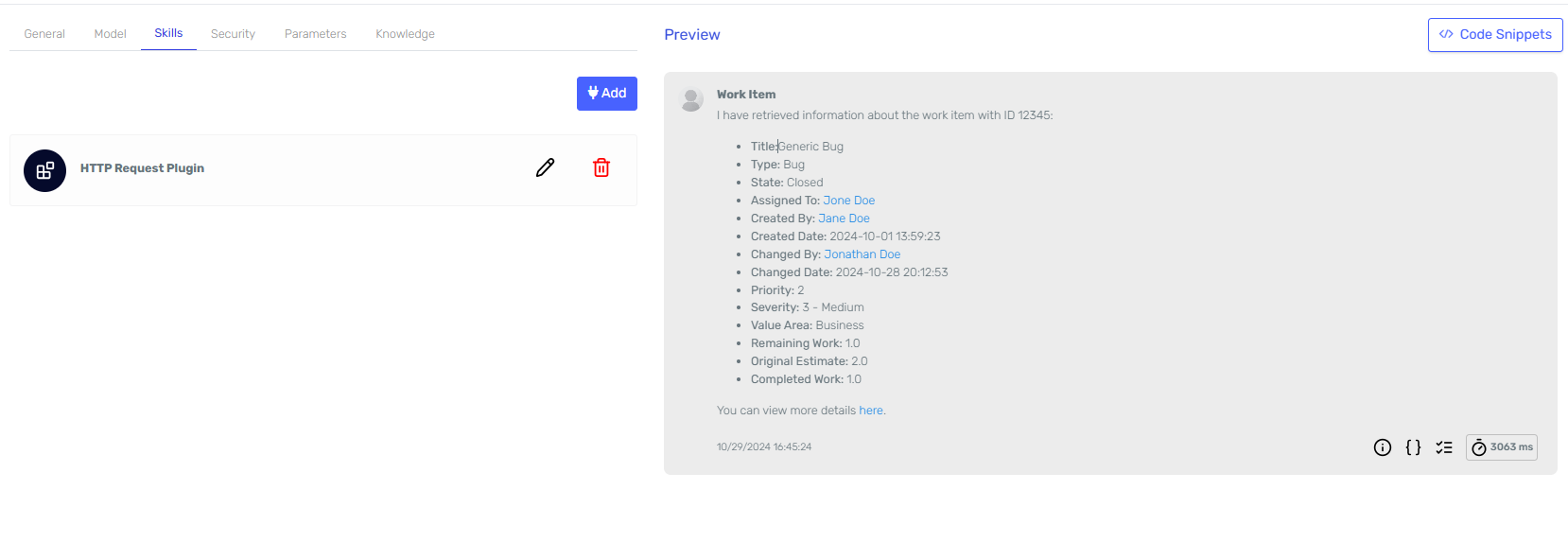
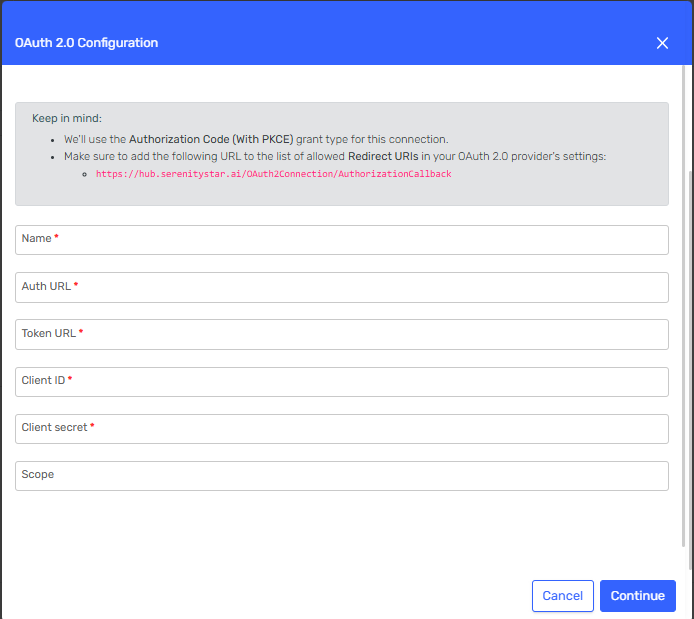
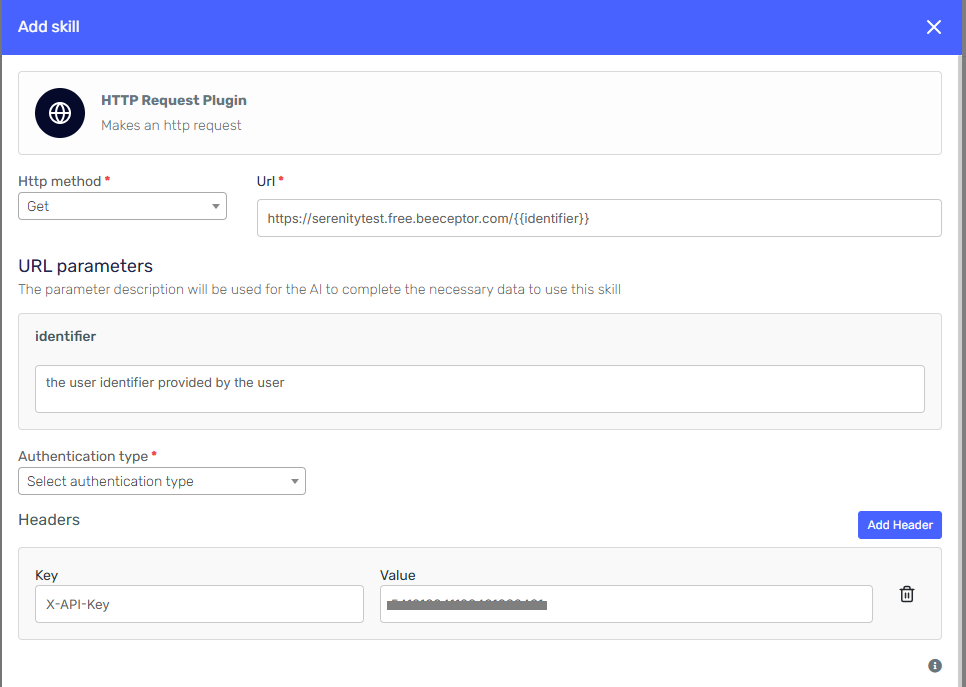
Added Basic Authentication for the Http Request Plugin allowing for more login options and better integration of agents with external apis.
Besides, forms have been refactored providing a more comprehensive user experience:
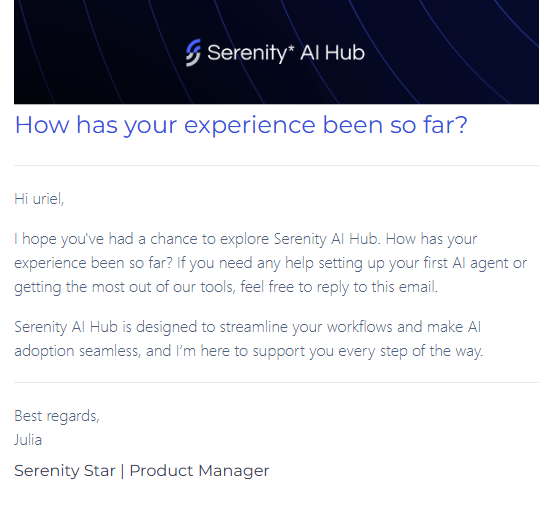
Follow up email
Enjoying Serenity* Star? Tell us about your experience and get support via our emails and follow ups:
Cost Dashboard
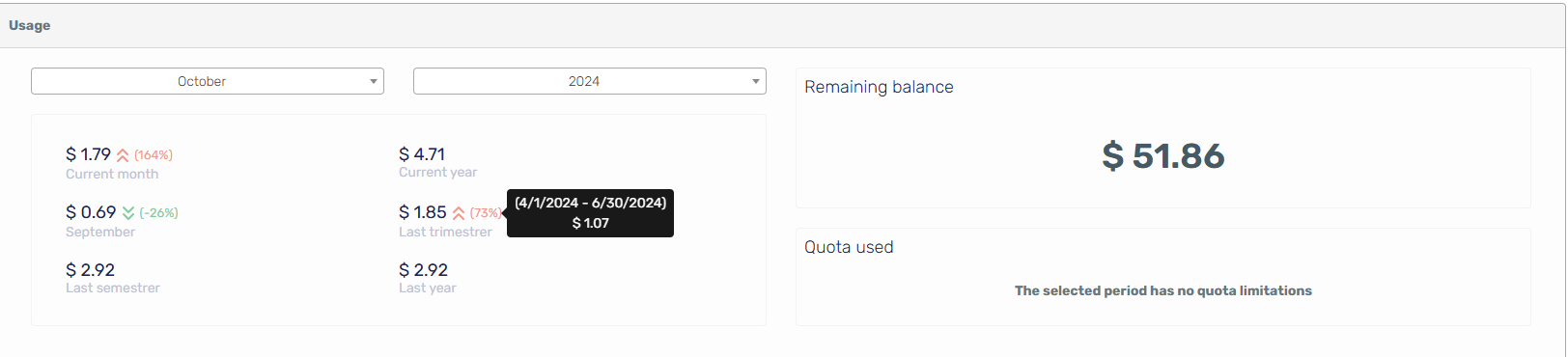
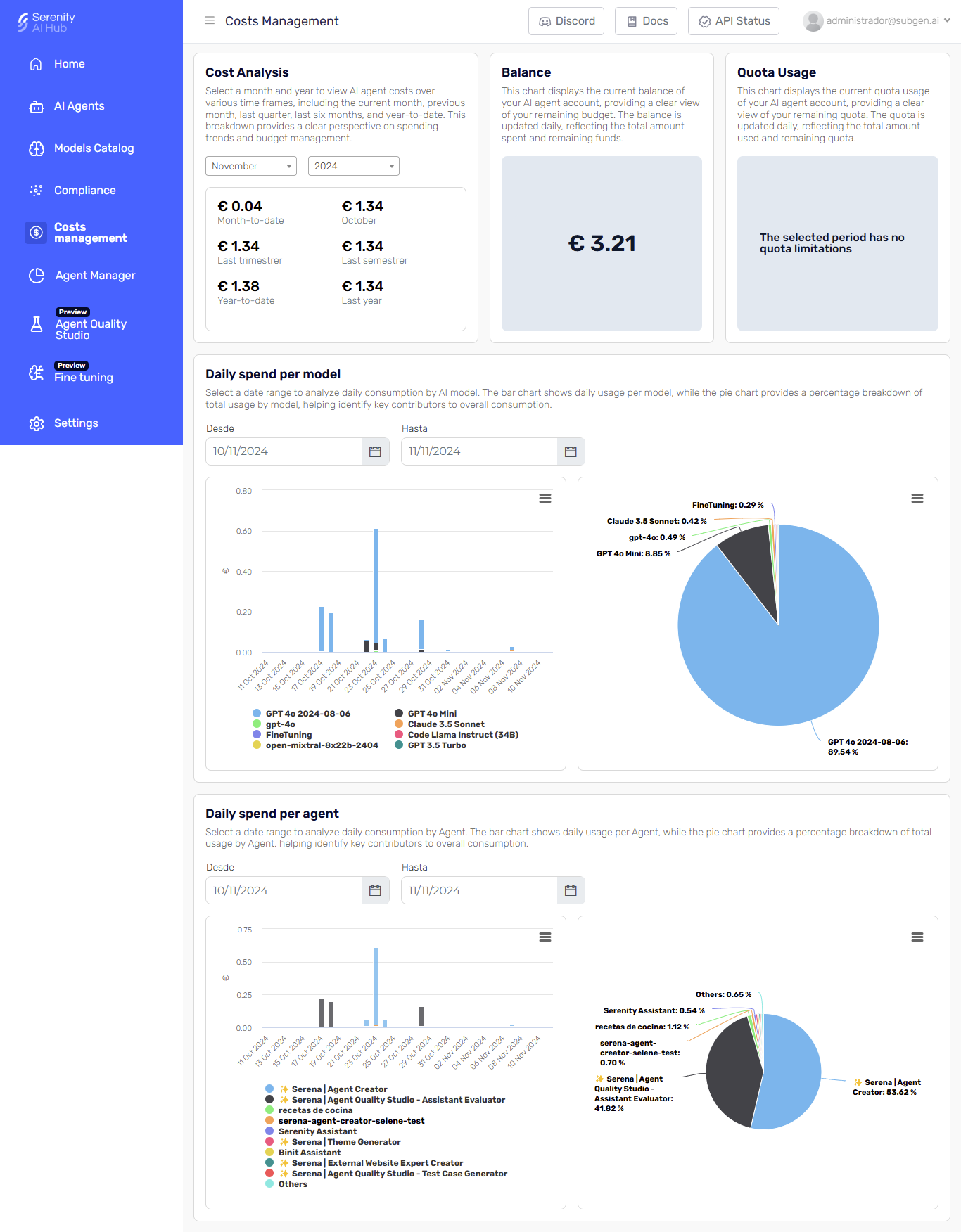
- Refreshed Cost Dashboard: We've revamped the cost dashboard to provide a clearer and more intuitive view of your expenses. Additional calculation logic and helper tools have been integrated to help you closely manage all your costs with ease.
- General Consumption Cards: Introducing general consumption cards that allow you to track your resource usage more effectively.
- Balance and Quota Use: Easily monitor your remaining balance and current quota usage, ensuring you stay informed about your resource allocation.
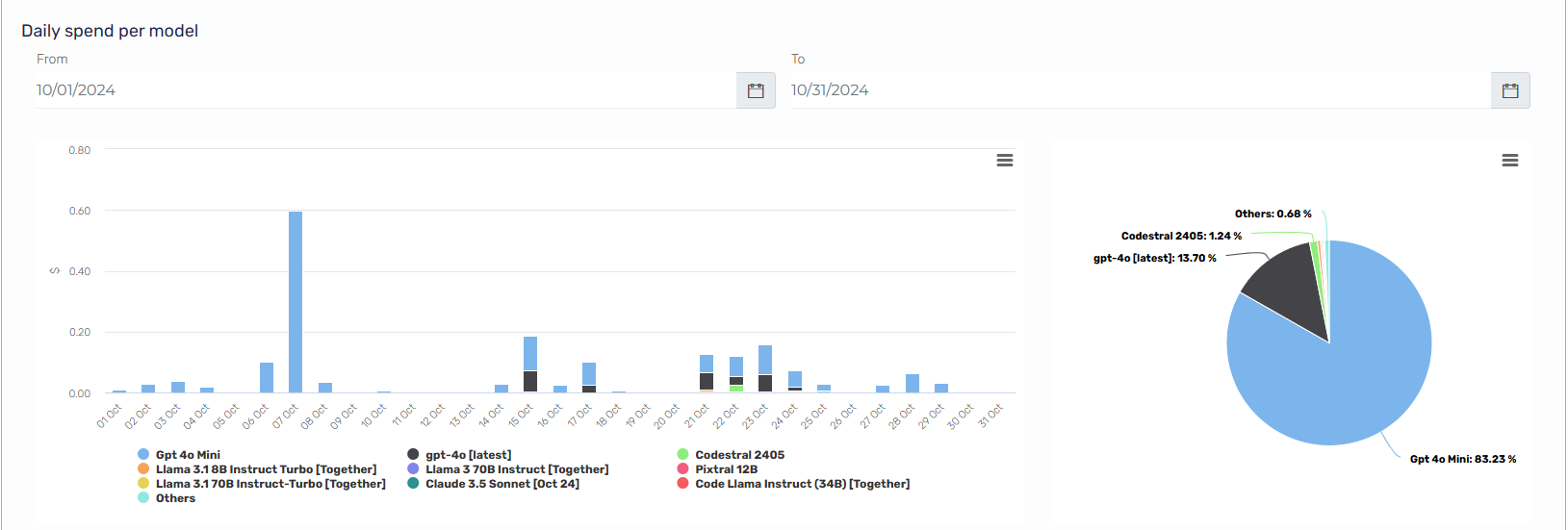
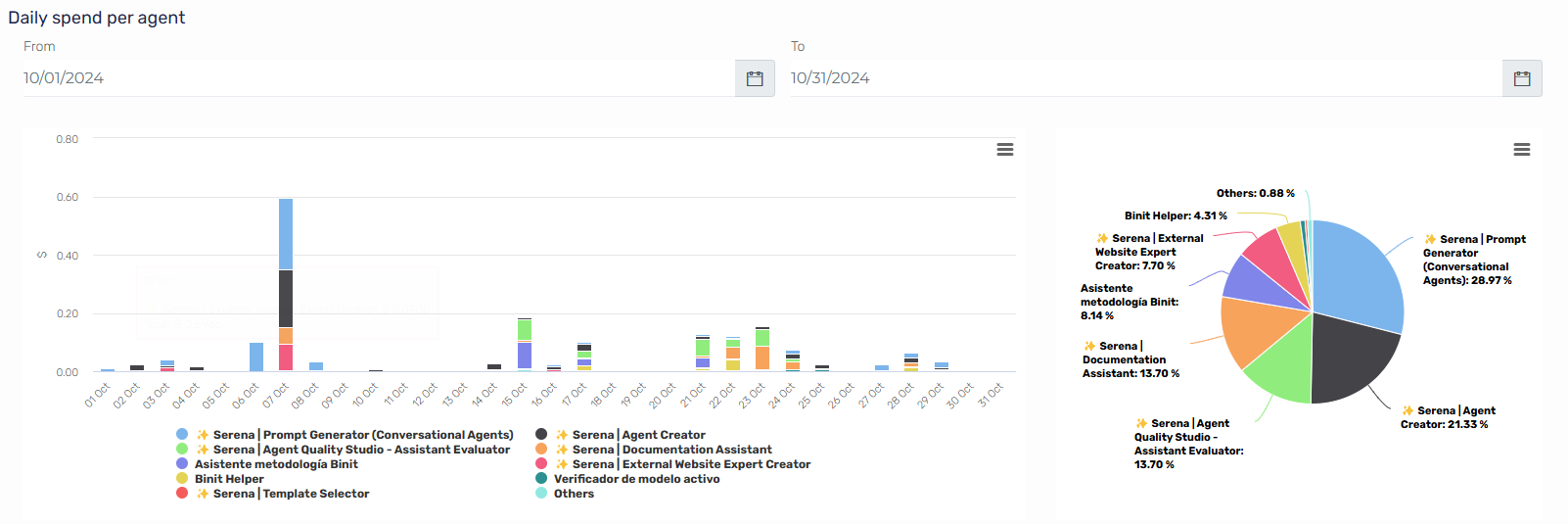
- Model and Agent Daily Consumption: Gain insights into daily consumption metrics for both models and agents, helping you understand usage patterns and optimize resource allocation.
- Customizable Date Filters: Adjust your date filters to get a comprehensive overview of usage distribution and daily consumption by model and agents. This feature allows for better tracking and analysis of your resource utilization over time.
With these enhancements, managing your costs and consumption has never been easier. Dive into the updated cost dashboard and start optimizing your resource management today!
Agent Manager
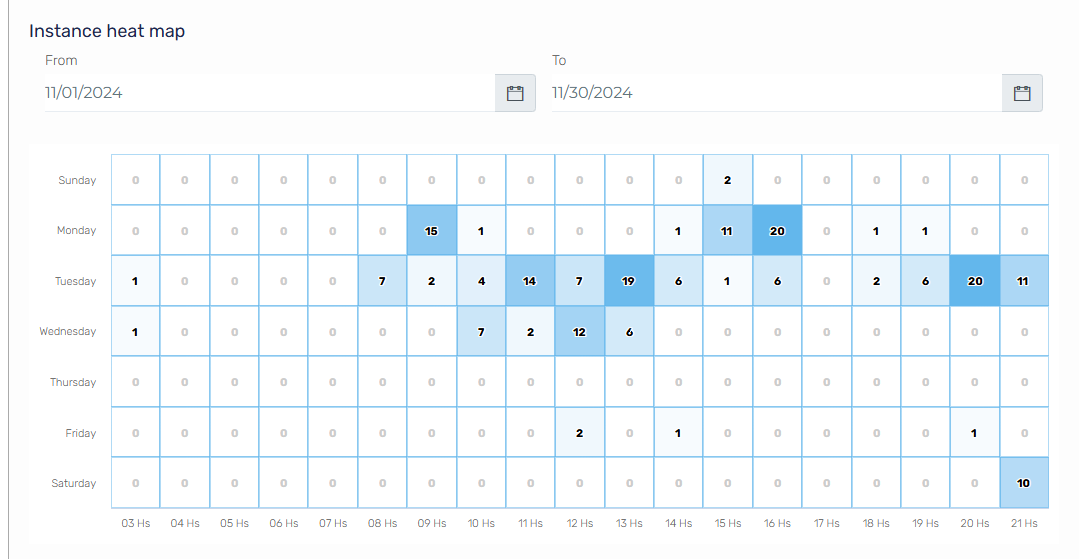
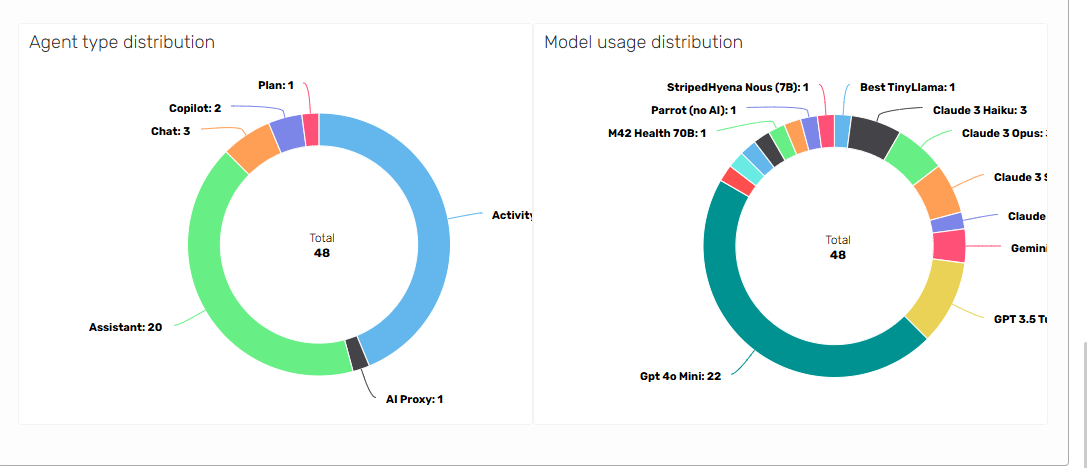
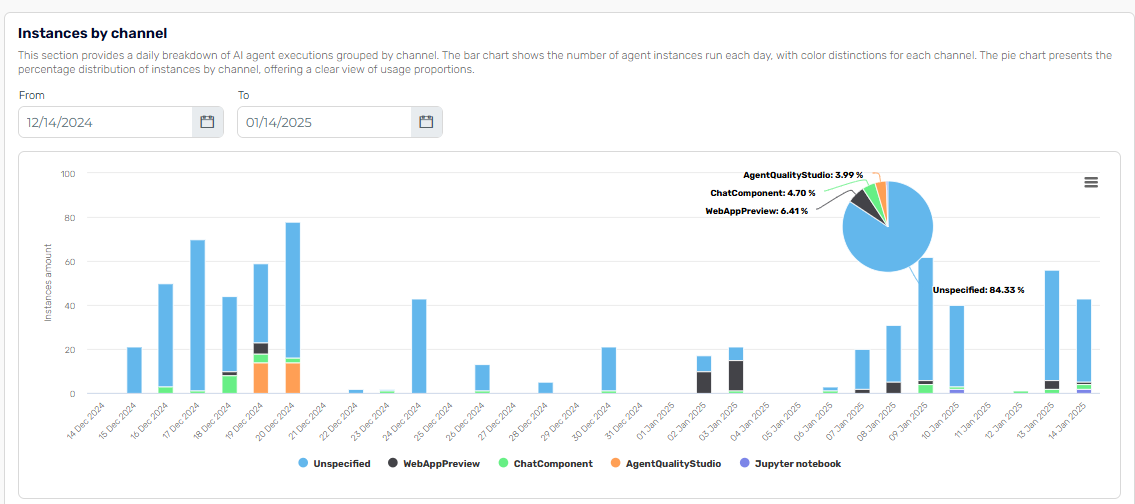
Stay informed on agent performance and efficiency with the new Agent Manager View. This enhanced view provides a comprehensive overview of all your agent instances, their token consumption, and usage patterns—all in one place.
Key Features:
- Usage Trends Monitoring: Track trends in instance usage across input, output, and total tokens to better understand consumption patterns.
- Daily Instance Mapping: Visualize daily instance and token usage broken down by agent, helping you quickly pinpoint areas of high demand.
- Usage Heatmap: Discover peak usage areas with the heatmap feature, allowing you to easily identify when and where agents are most active.
- Execution Uptime: See the uptime of your agent tracking possible issues and performance.
This update offers powerful insights for optimizing agent performance and resource allocation. Enjoy streamlined tracking and monitoring, all in a single, intuitive view.
🐛 Bugs
- Emails are sent when subscription is renewed
- Fix predefined subtenancy selector on agent creator side panel
- Removed user events screen not in use
- Added required evaluator model for agent quality studio
- Added validation for required input parameters on test plan executions
- Added validations for deleting executed plans
- Fix execution of test plans by subtenants
- Corrected titles in test plan screens
- Corrected subtenant selector on test plan
- Improve execution validation queries
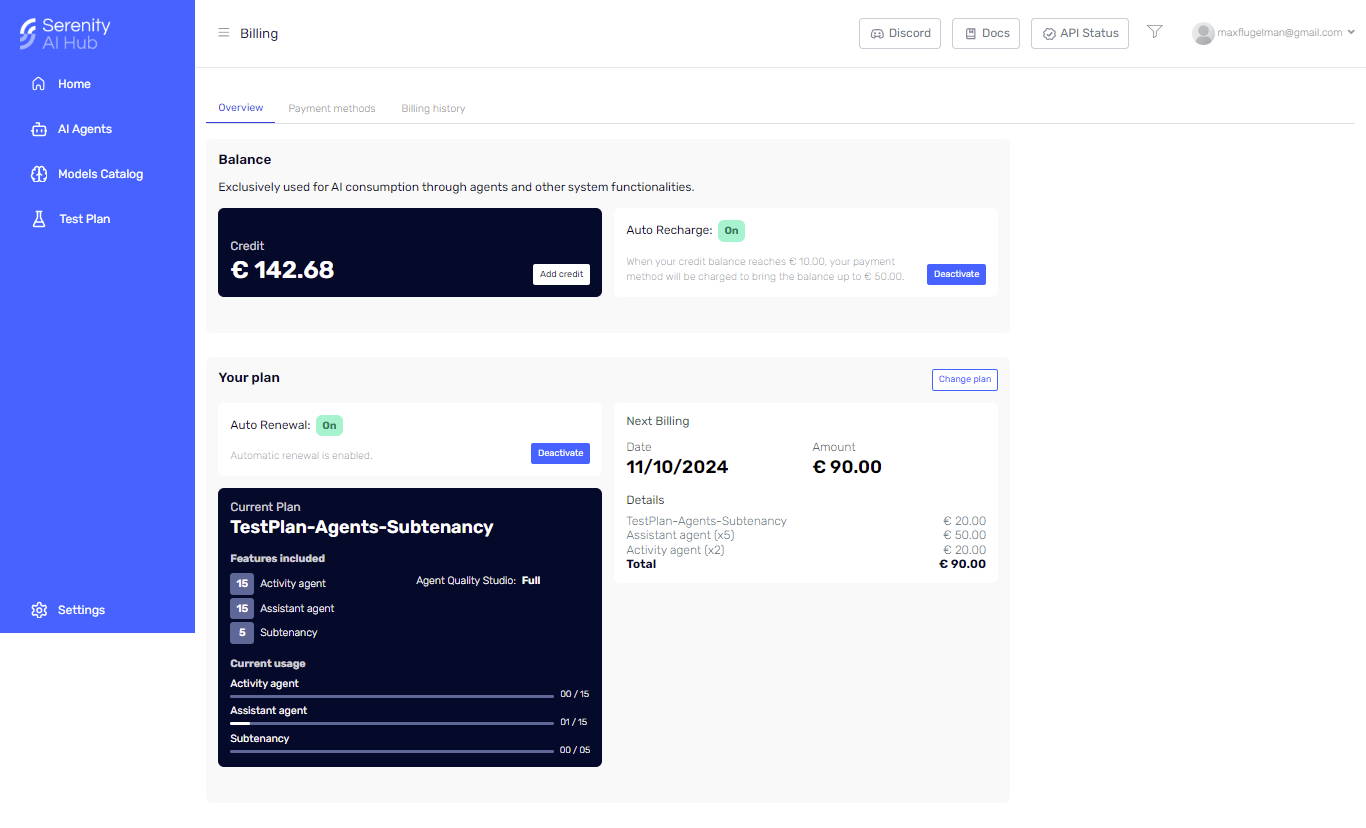
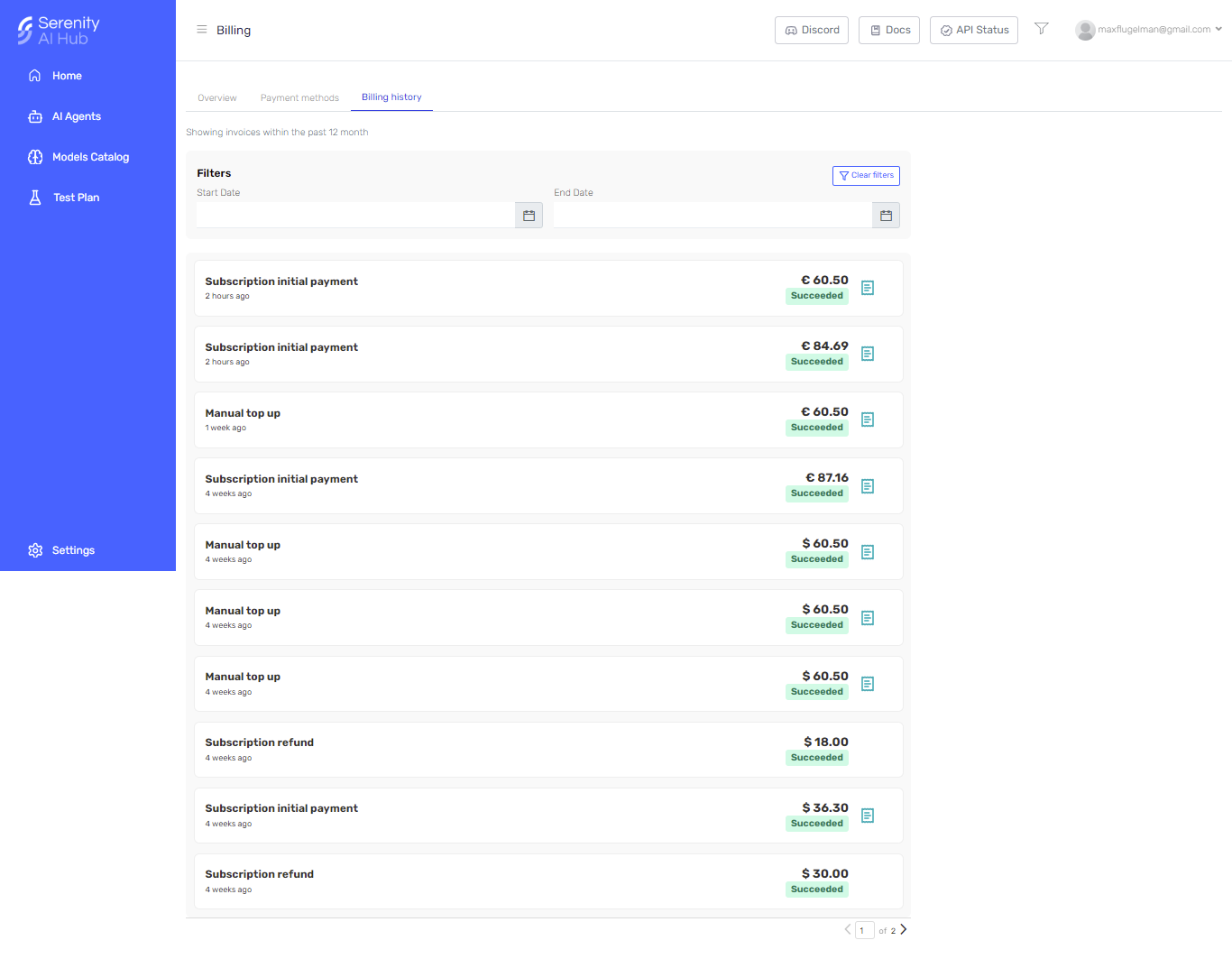
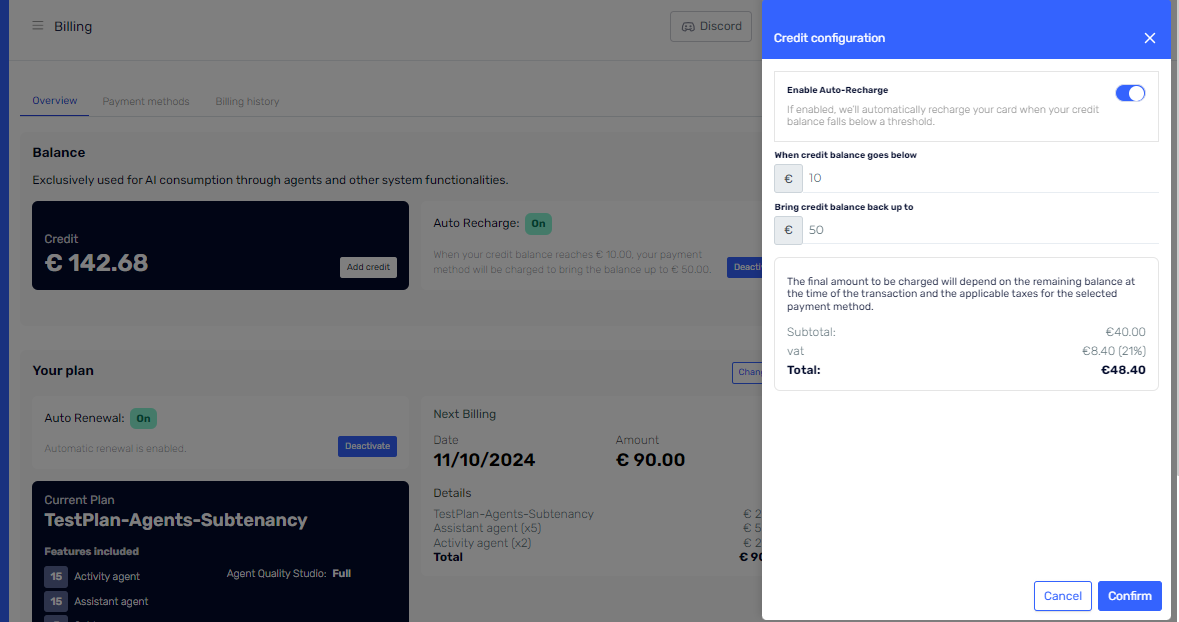
- Various improvements in billing screen when changing plans and summary information
- Corrected bug that generated the body in the http request not to be displayed
- Improved performance on queries when accessing Agent Designer
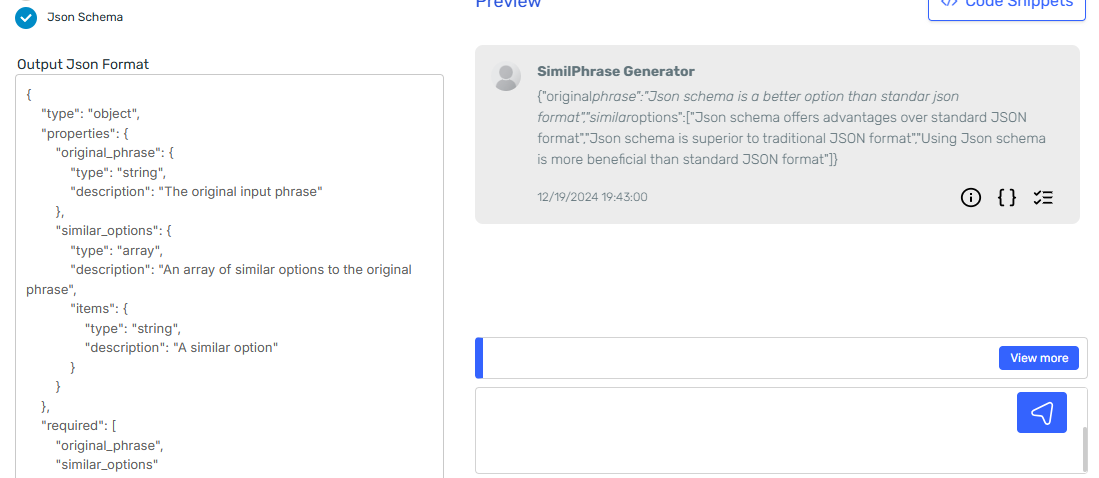
- Removed duplicated json response on Agent Designer preview
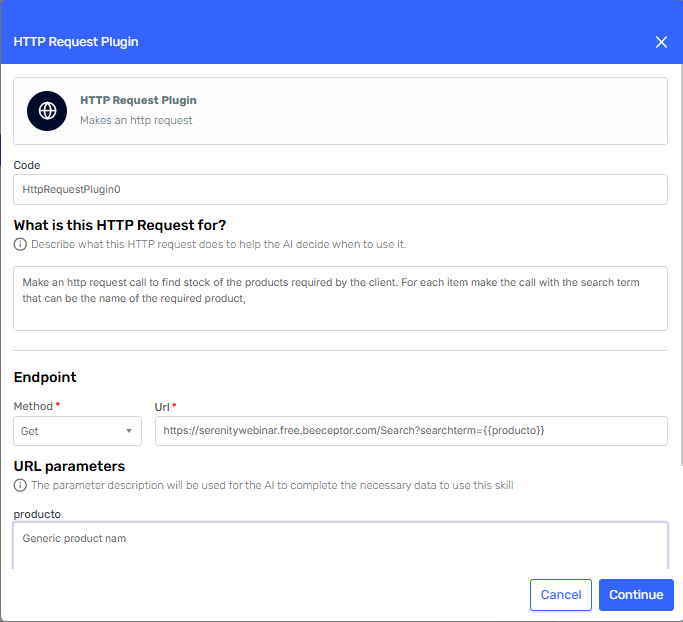 Http Request Skill Configuration: Endpoint setup
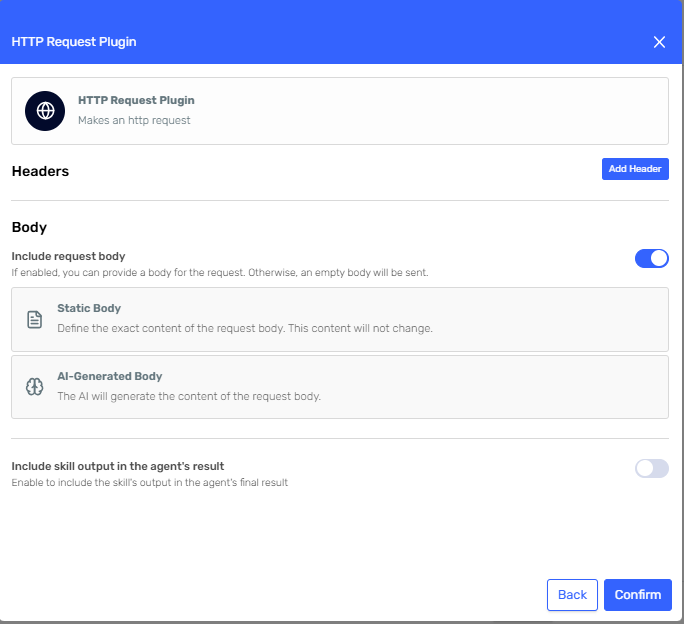 Http Request Skill Configuration: Headers and Body setup
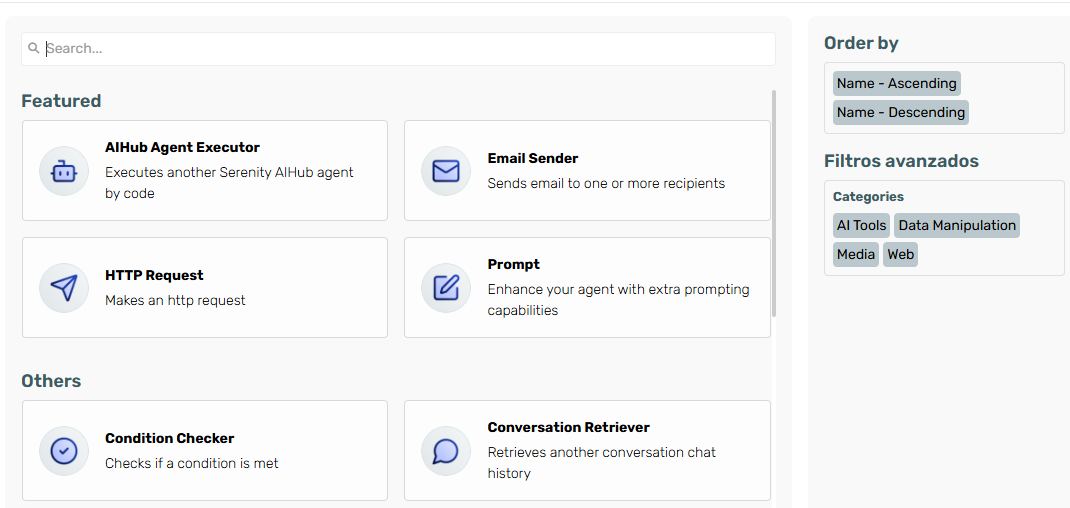
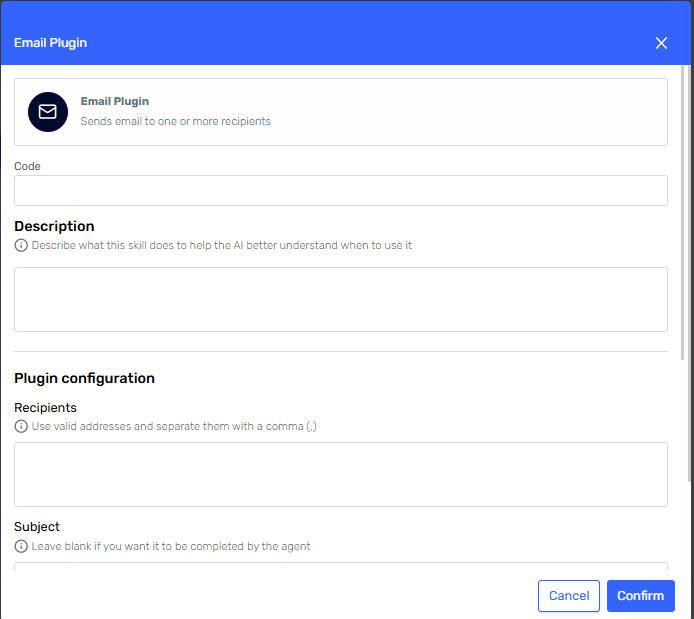 New Email Skill Configuration UI
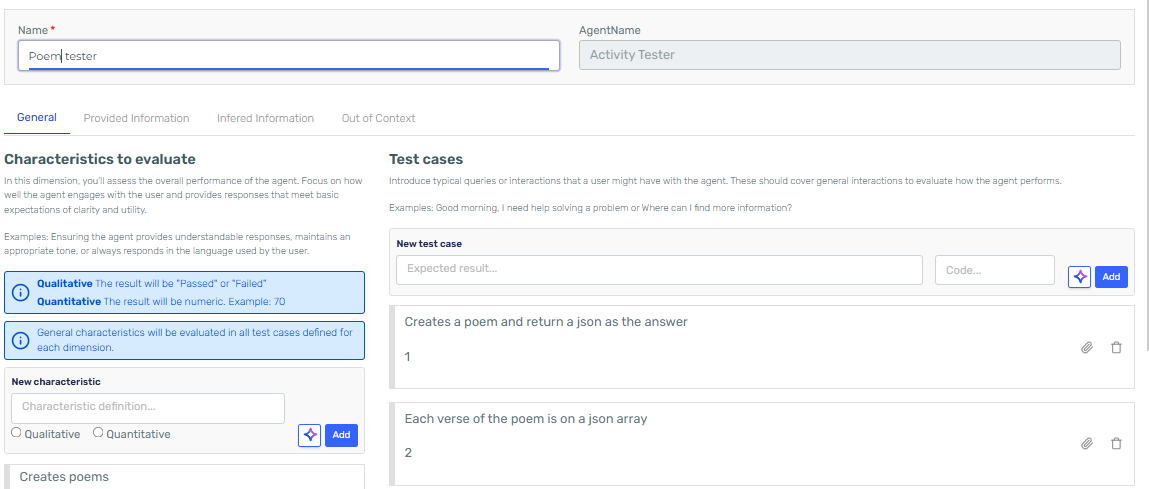 Defining a test plan for an activity Agent. Individiual input parameters can be defined on the test execution screen
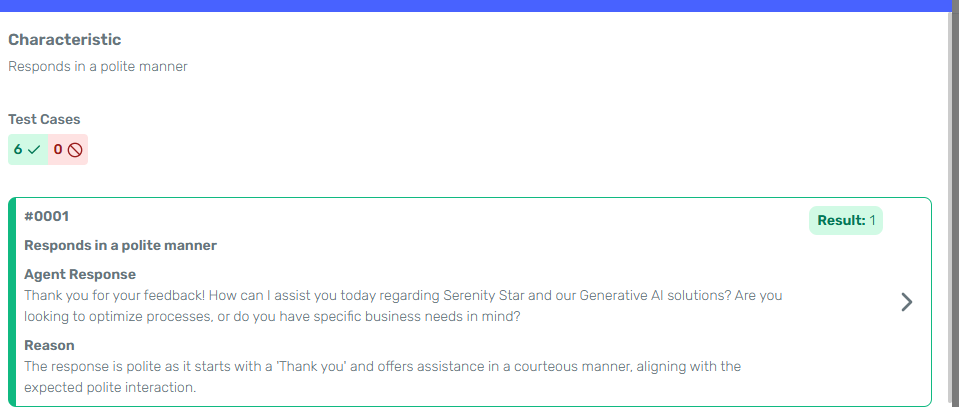
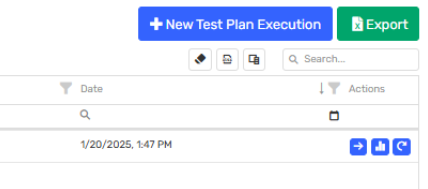 Export test case results for better understanding. Many evaluations can be exported within one file

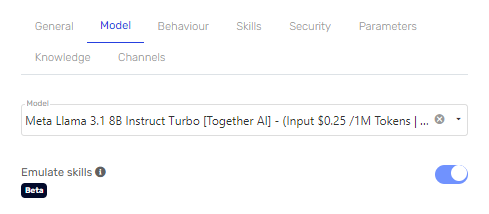

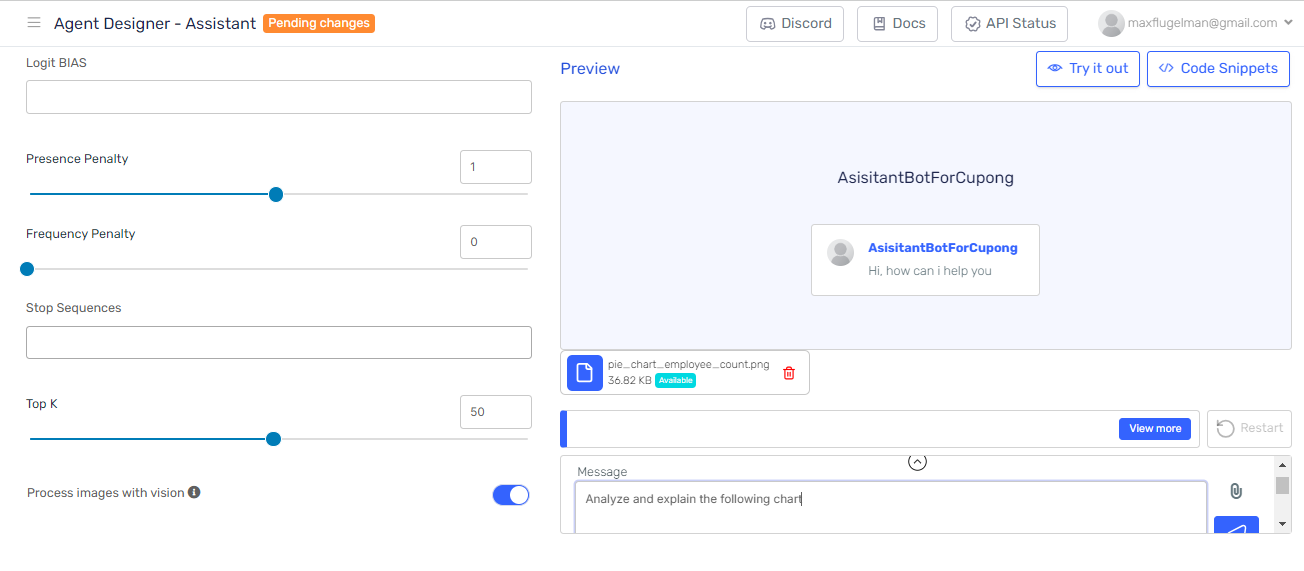 This feature is only available in models that support vision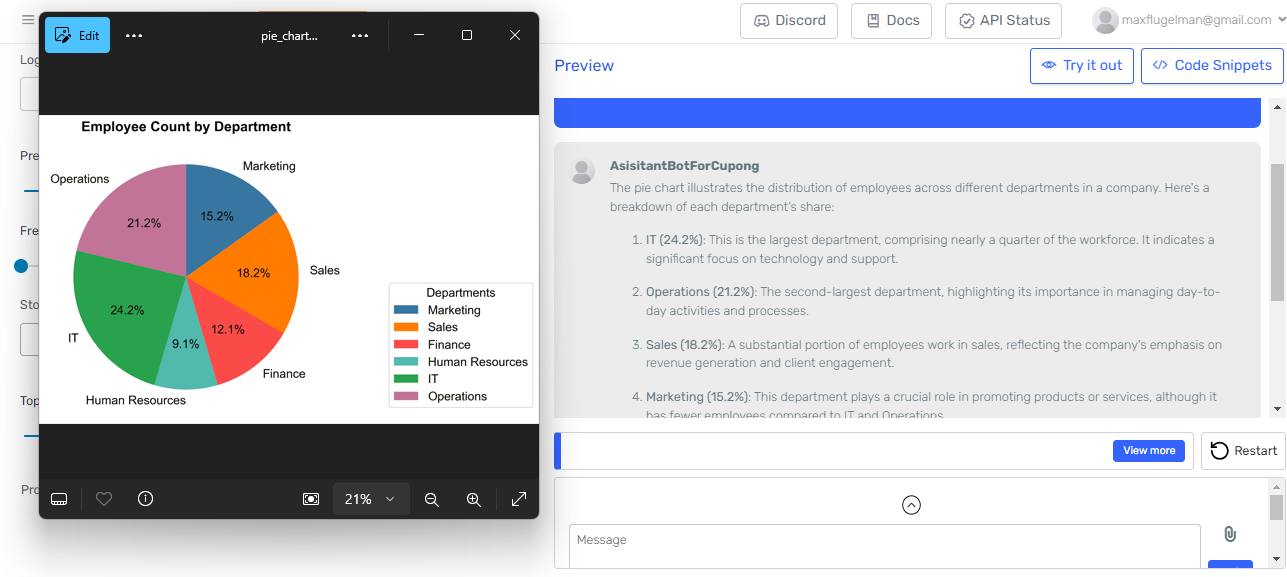
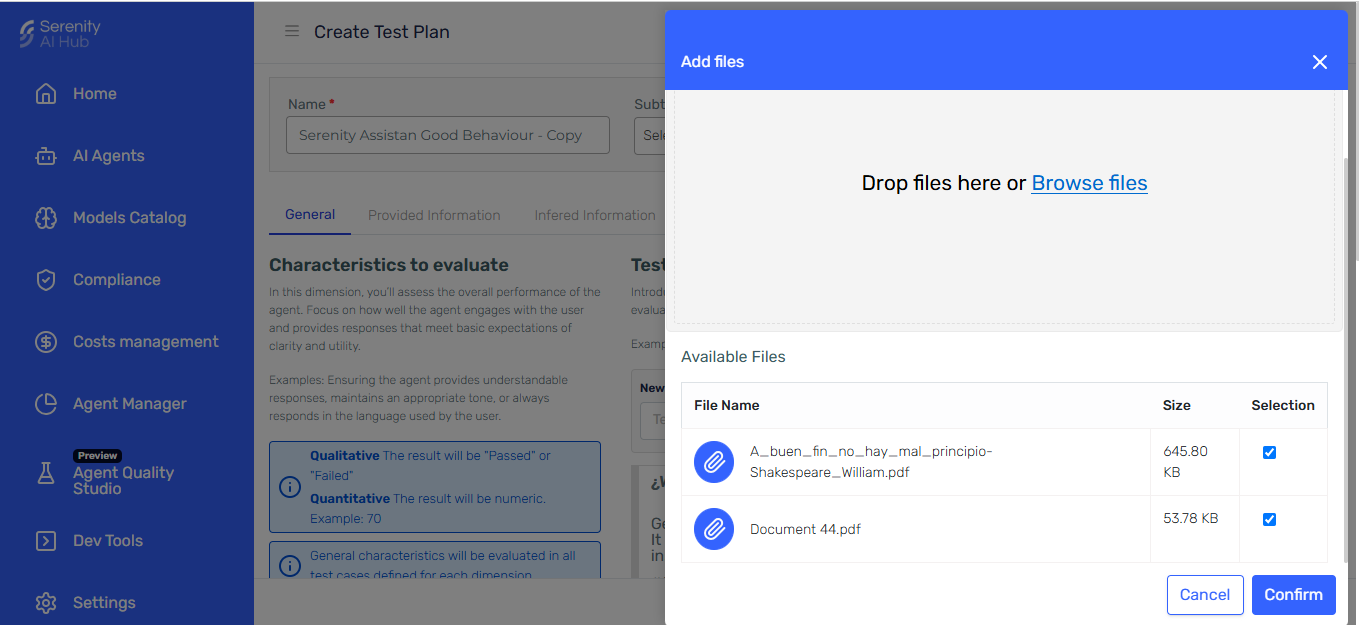
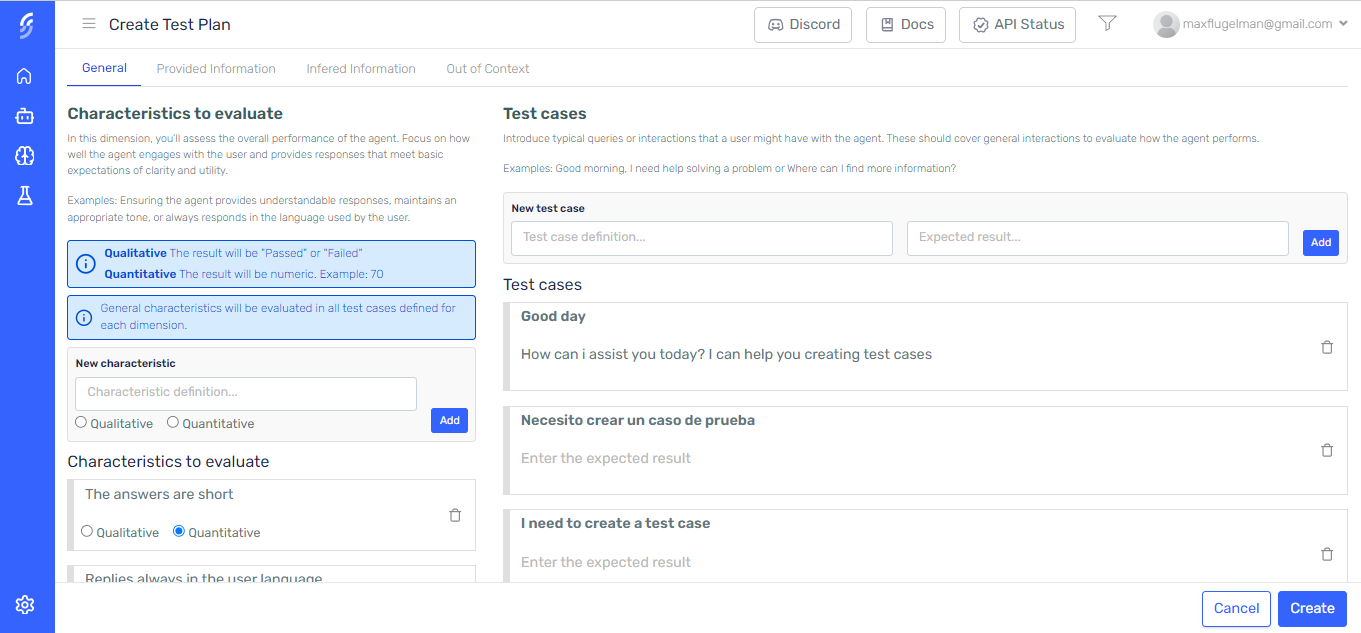 Creating a new Test Plan for the Agent
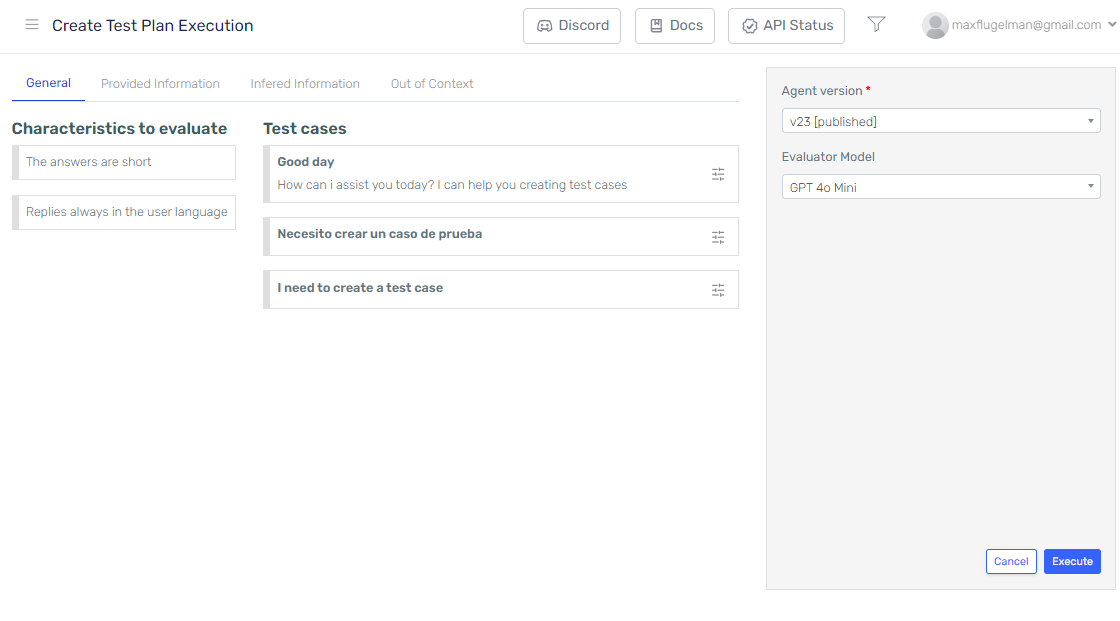 Configuring execution settings as evaluator model, input parameters and overrides