Release 5.0 2026.03.24.1
New Features 🚀
Serenity* AI Chat
Serenity* AI Chat has received a major update focused on usability, clarity, and faster access to the tools you use most every day.
Favorite Agents
Pin your most-used agents and personal assistants for quicker access. Your favorites now appear in the sidebar, making it easier to jump into the right conversation with a single click.

Improved UI
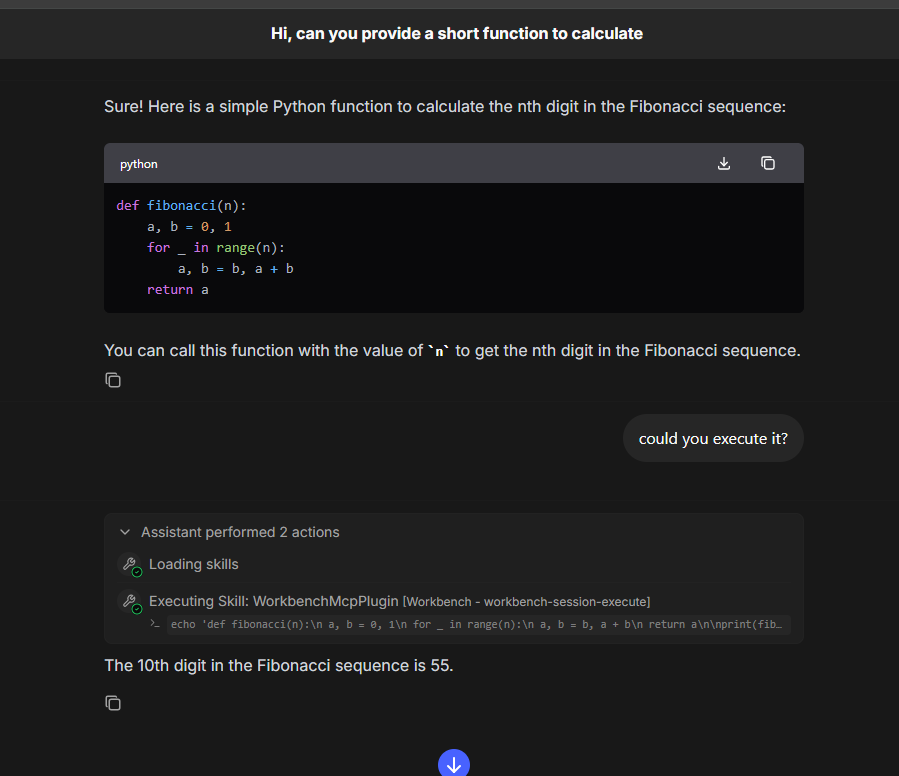
The chat experience has been refreshed with a cleaner layout, clearer status updates for long-running actions, and better visibility into what the assistant is doing at each step.
Knowledge in Personal Assistants
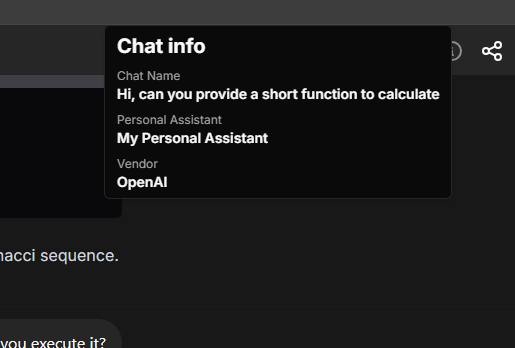
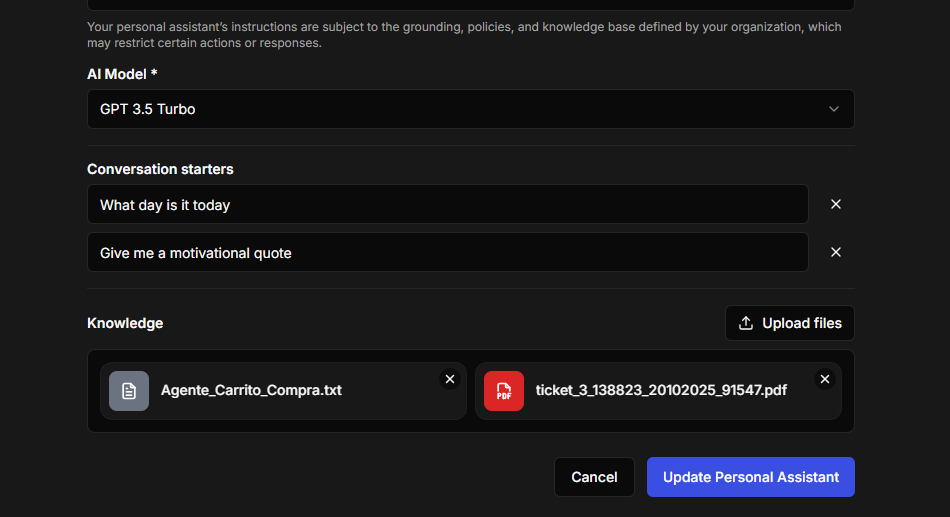
You can now enhance personal assistants with your own knowledge base. Add files directly to an assistant and it will use that content for retrieval-augmented generation in its responses.
This helps produce responses that are more relevant to your workflows and content.
Serenity Workbench
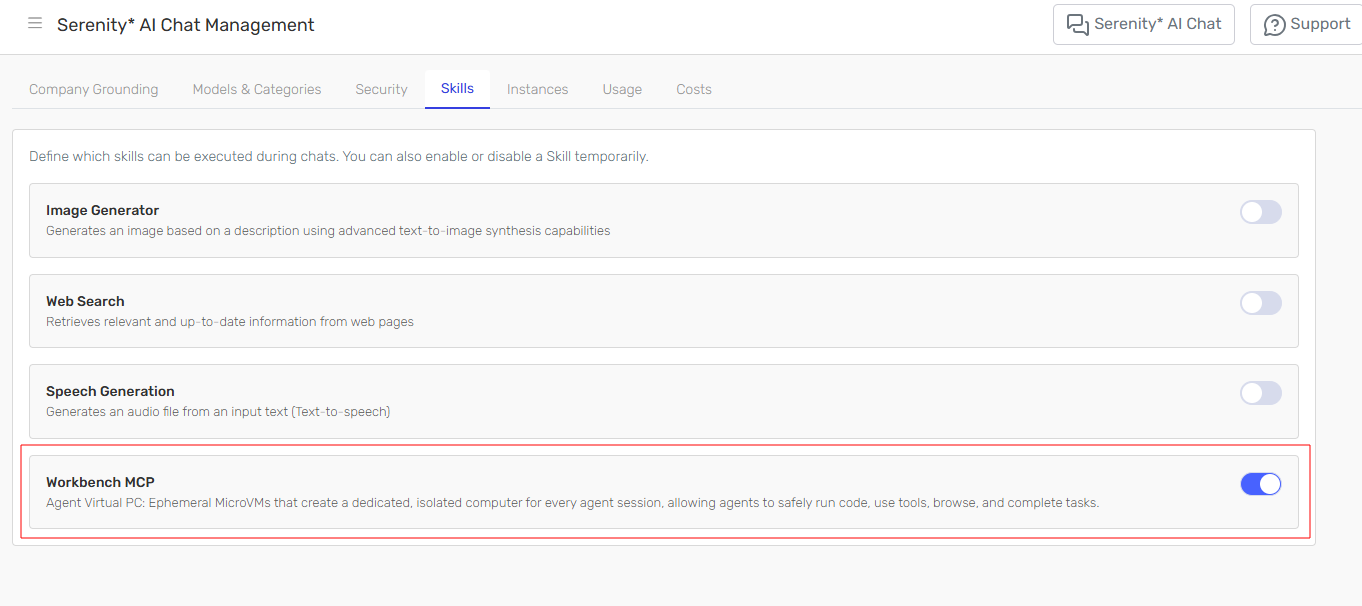
Serenity* AI Chat now integrates with Serenity* Workbench, a dedicated micro-VM environment available directly from your chat conversations. You can run code, edit files, and work in a more capable execution environment without leaving the conversation.
Enable it from Serenity* AI Chat Management.
Connections
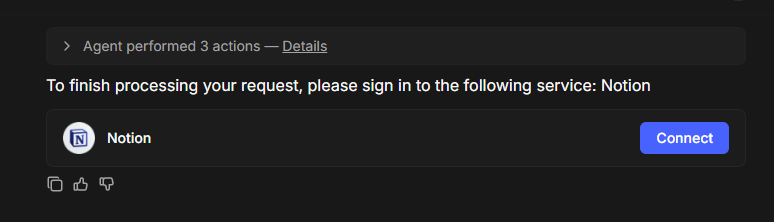
The authentication flow for personal connections in Serenity* AI Chat has been simplified, making it easier to validate accounts, complete authorization, and grant access to the skills your assistants need.
Chat Widget Conversation History
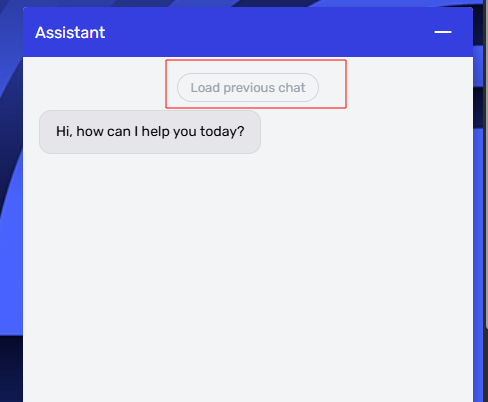
The Serenity* Chat Widget can now display past conversations, making it easier for users to revisit earlier interactions.
Users can open the widget and review previous messages and conversation history directly from the interface.
Enhancements ✨
Default Subtenants
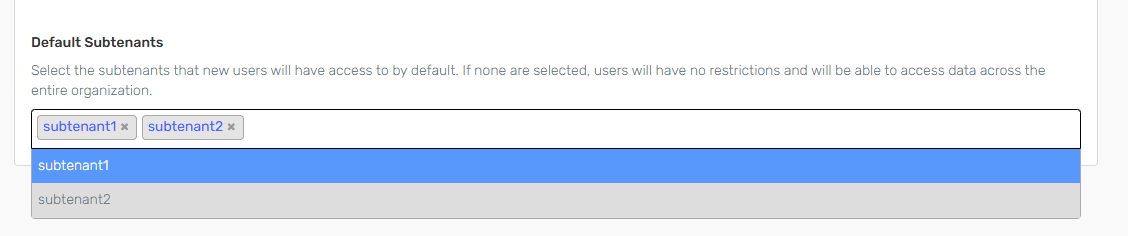
You can now configure default subtenants for new users. When this setting is enabled, users who automatically register to your organization through the configured email domain are assigned access to the selected subtenants by default.
Enable default subtenants in the Compliance Center.
Agent Design Studio API
Agent Design Studio API
The Agent Design Studio API now supports patch methods for granular updates to agent configurations. Update individual agent sections independently:
- Knowledge sources
- Model selection
- Skills (HTTP, MCP, Workflow, Email, and more)
- Behavior and instructions
See the API Reference for details.
Bug Fixes & Minor Improvements 🛠️
- Improved volatile knowledge handling in chat history.
- Allowed chat, copilot, and assistant agents to run in scheduled triggers.
- Improved the UI in the HTTP Skill headers section.
- Improved autosizing behavior across several input areas.
- Fixed an issue where the output JSON format did not update after changing the model.
- Fixed multiple issues in chat widget configuration.
- Updated the
Everyonescoped limit so it applies only to logged-in users, not system users. - Improved the model filter used in the Quality Studio evaluator model selector.
- Improved handling of rate-limit errors in Quality Studio.
- Improved error handling during Quality Studio test-run execution.
- Added support for inactivating datasets in agent knowledge sources.
- Simplified Quality Studio and scheduled trigger creation by inferring the subtenant from the selected agent.
- Tenants now support multiple domains for registration. Contact us for more information.
- Added support for image generation and transcription in Qwen models.
- User administrators assigned to specific subtenants can now grant access only to those subtenants.