Release 5.0 2026.02.10.1
New Features 🚀
AI Services
Serenity* Star now includes a new suite of integrated AI Services. From image generation to embeddings, you can browse the full catalog of available services and stay tuned for new additions. All AI Services are also available via the API—see the API documentation for details.
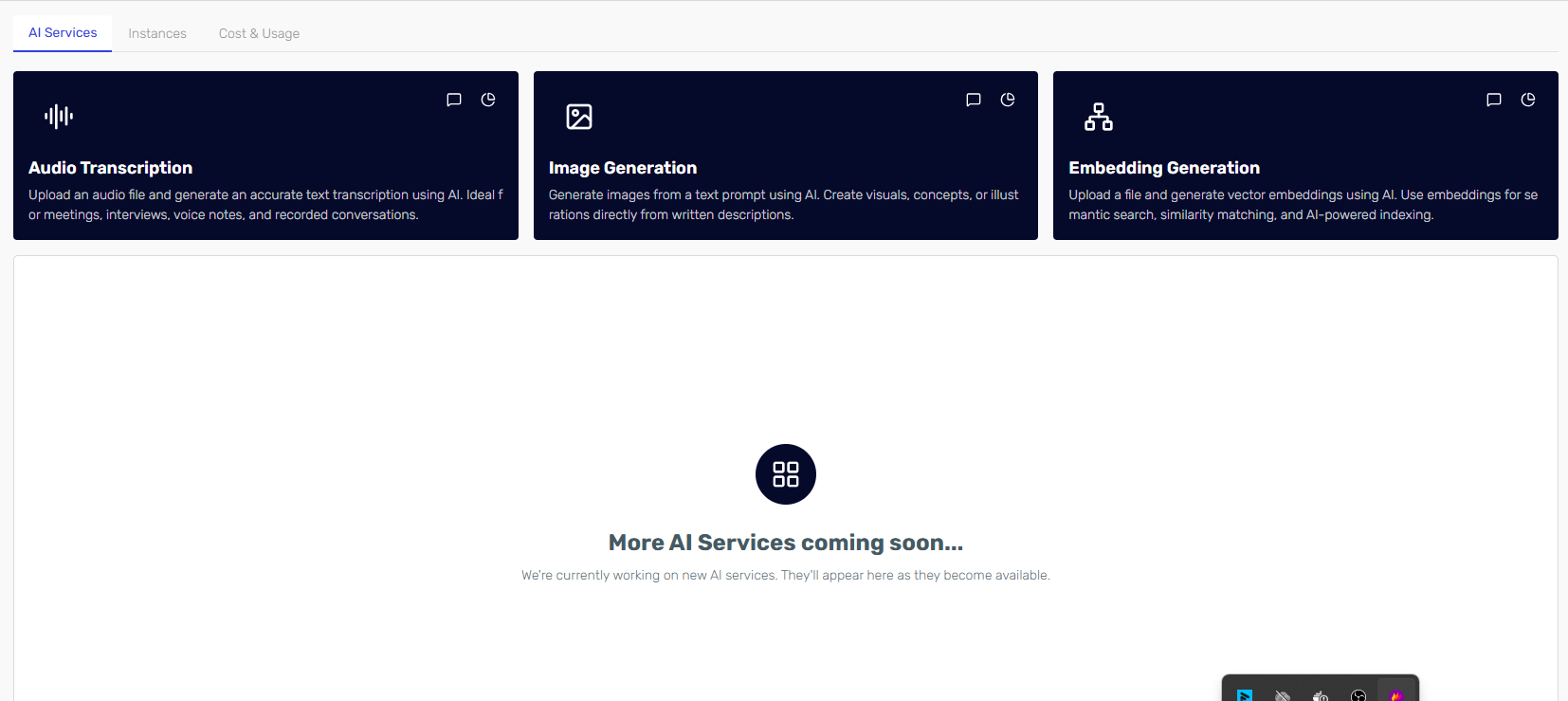
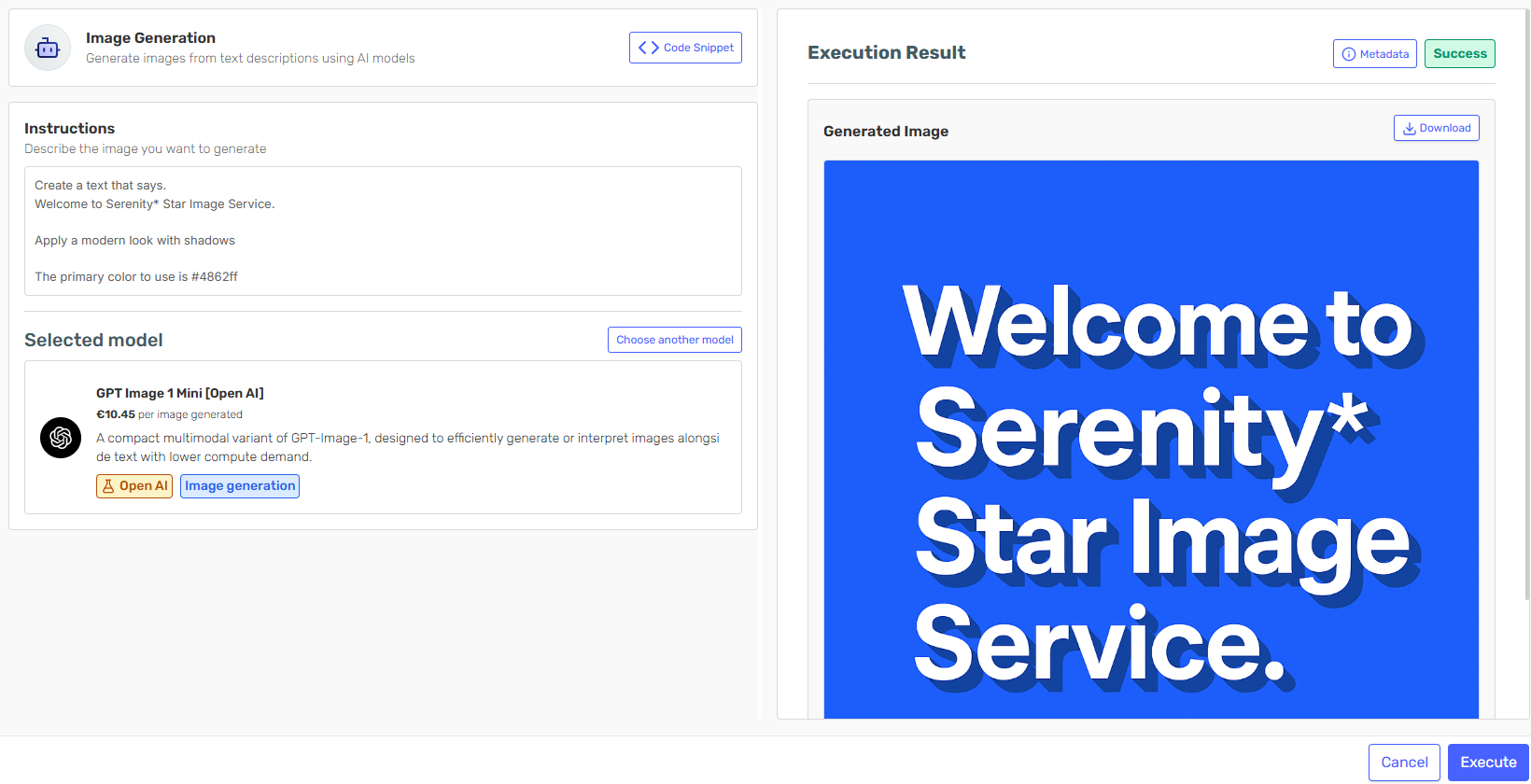
Image Generation
Quickly generate images directly in Serenity* Star by choosing the model that best fits your needs. Describe the image, select a model, and generate results in seconds.
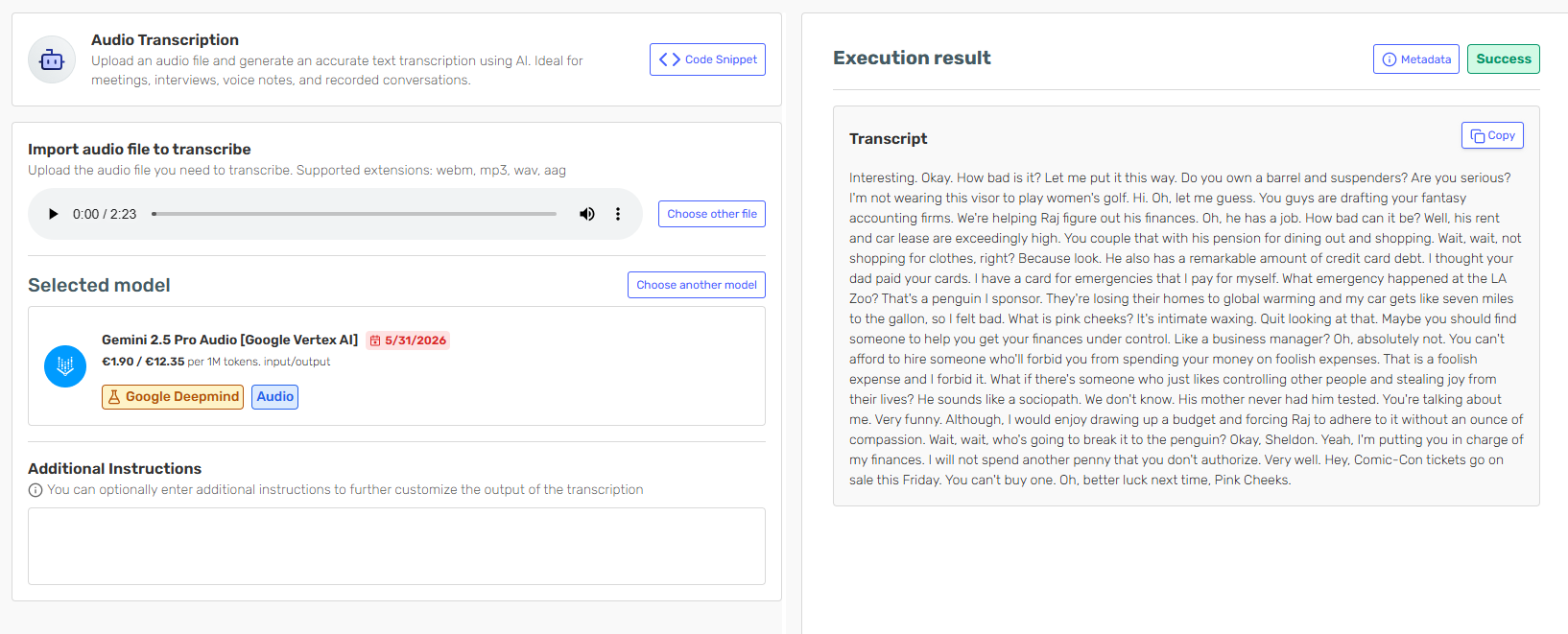
Transcription
Transcribe audio files directly in Serenity* Star by uploading your audio file and selecting your preferred transcription model. Transcriptions are generated instantly and can be easily copied.
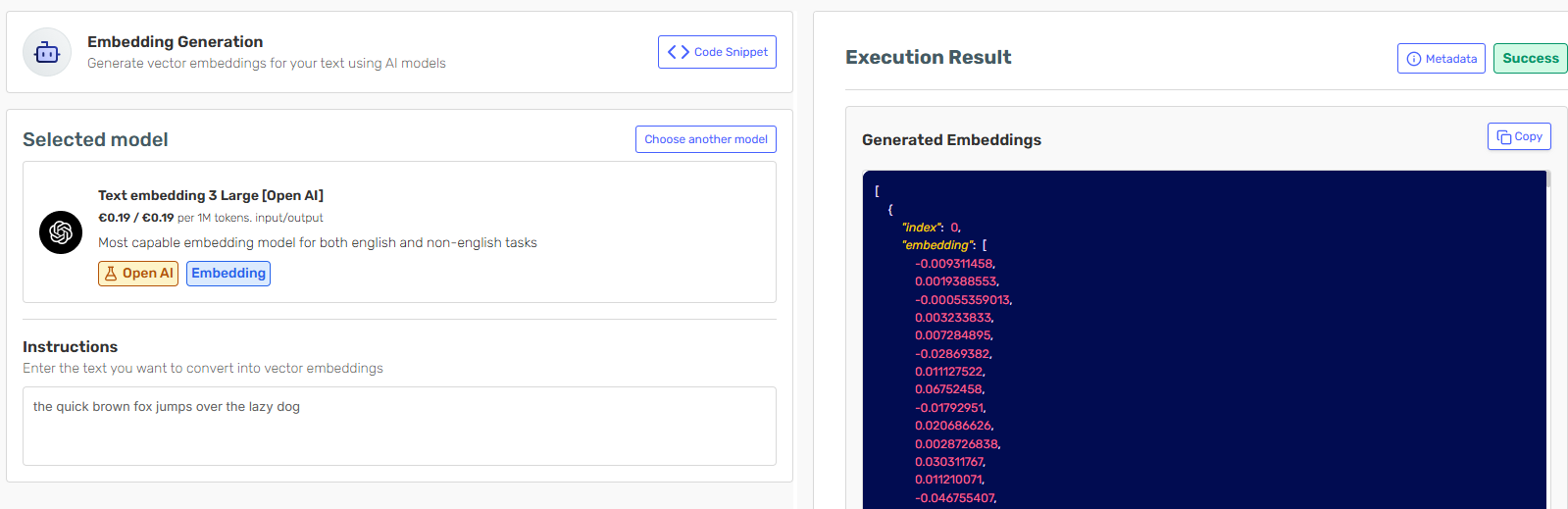
Embedding Generation
Transform any text into an embedding vector using the embedding generation service to power search, retrieval, and semantic matching use cases.
Improved Cost Dashboard and Instance Tracking
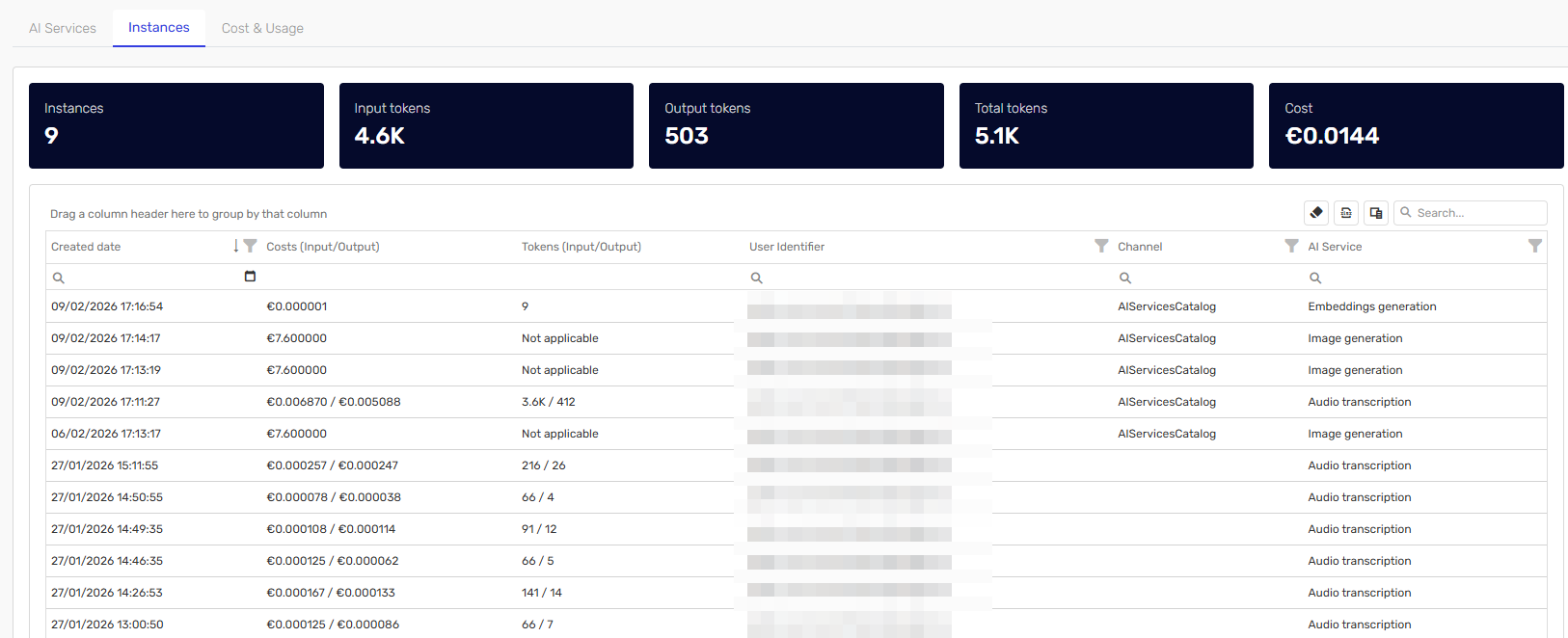
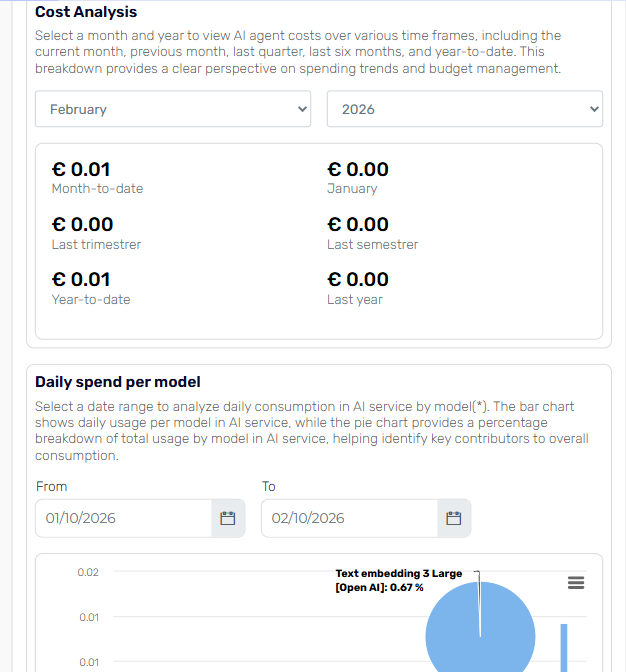
Access comprehensive audit information, cost and usage dashboard for AI Services within Serenity* Star. The dashboard and instance grid provides clear insights into total usage trends across the entire platform, including costs related to knowledge processing, standalone AI Services, and any internal processes that execute AI Services.
Groups Management
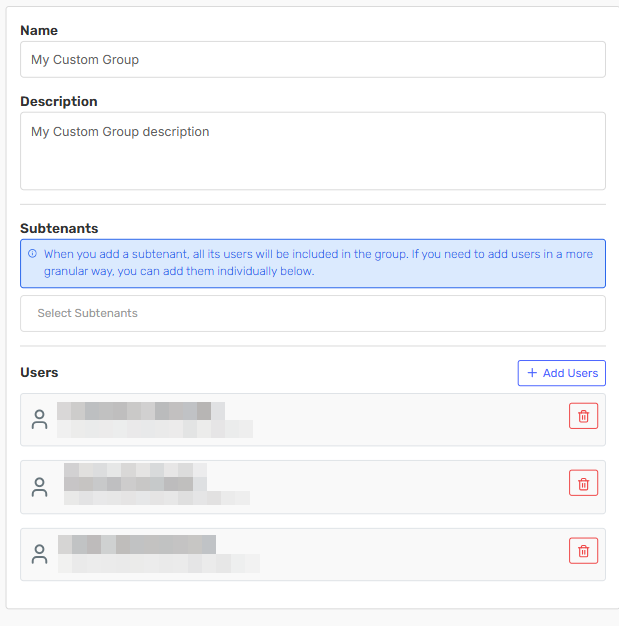
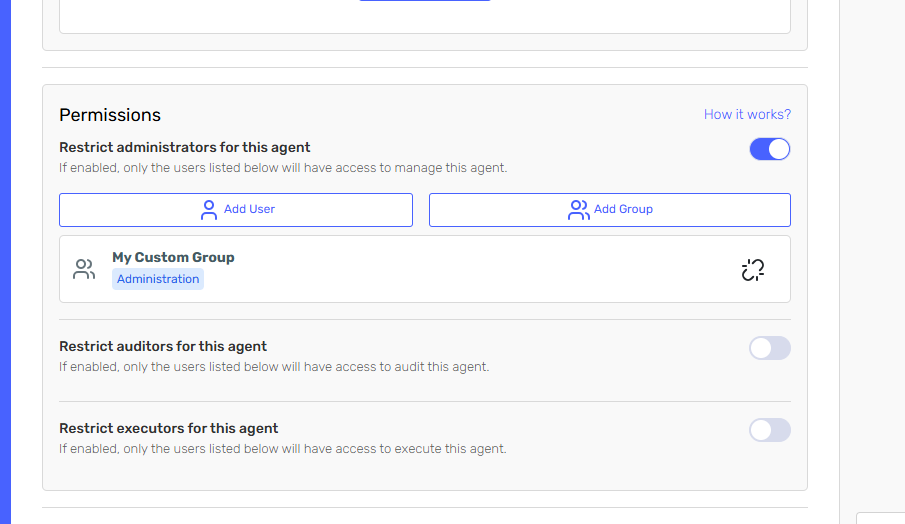
Create user groups to simplify permission assignment for agents. Groups can be created and updated, then used to grant permissions to agents for all users in the group—improving flexibility, consistency, and ease of administration.
Serenity Workbench Skill
Serenity* Workbench is a new capability in the ecosystem that allows your agent to access a dedicated workspace for creating, running, and executing code and more. This new skill gives your agent a controlled environment to perform computational and programmatic tasks, complementing LLM behavior with deterministic, code-based workflows.
Enhancements ✨
Account Settings
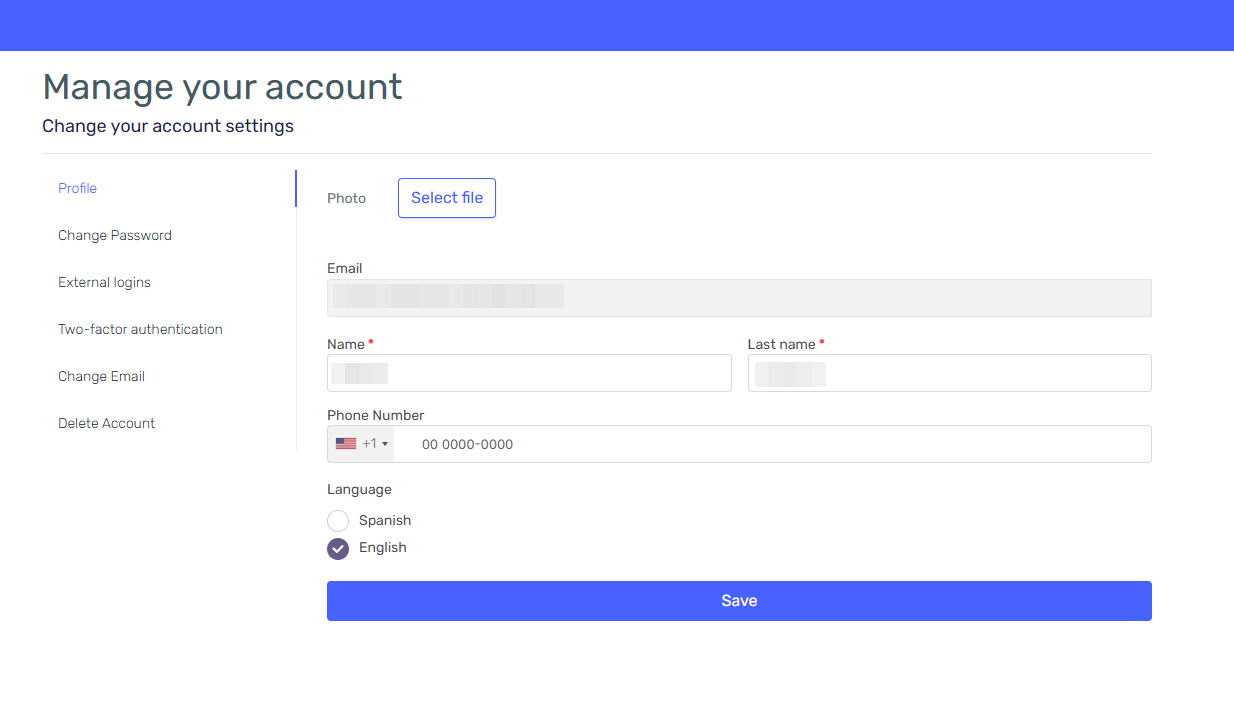
The user account view has been moved to the authentication portal. You can now manage all your account settings directly at https://auth.serenitystar.ai/Account/Manage.
Bug Fixes & Minor Improvements 🛠️
Agent Design Studio
- Fixed API errors when including knowledge sources
- Fixed a bug that prevented model parameters from being set when creating an agent with Serena
- Fixed a bug that caused errors when editing agents with Insights after a plan downgrade
- Fixed behavior when adding and completing input parameters
- Improved agent import with datasets to include the default dataset and dataset relationship when within the same tenant/subtenant
- Improved HATEOAS links in API responses
- Fixed a bug that prevented duplicating a skill when importing an agent
- Fixed a bug that broke execution when the Remote MCP skill had no authentication
- Fixed a bug when using Agent Input Parameters within the Prompt Skill
- Skill catalog and documentation now display instructions for connector skills
- Improved authorization access to the Get Models endpoint for all authorized users
- Modified roles for the GetModels endpoint to retrieve all roles via API
- Improved response results in the model endpoint
- Fixed a bug in the preview when attaching a file without sending any text
- Added localization for the timeago chat widget
- Isolated generated HTML scripts for improved security
- Fixed a bug that caused deprecated models to be displayed in the documentation catalog
- Improved dashboard export to exclude grouped information when categorized under "Others"
- Fixed a bug that incorrectly modified the last modification date and last editor when sharing a version
- Improved redirect and confirm links in the authentication site
- Improved loading performance of screens in views with tab navigation