Release 5.0 2025.02.28.1

Β· 2 min read

πŸŽ‰ Enhancements​

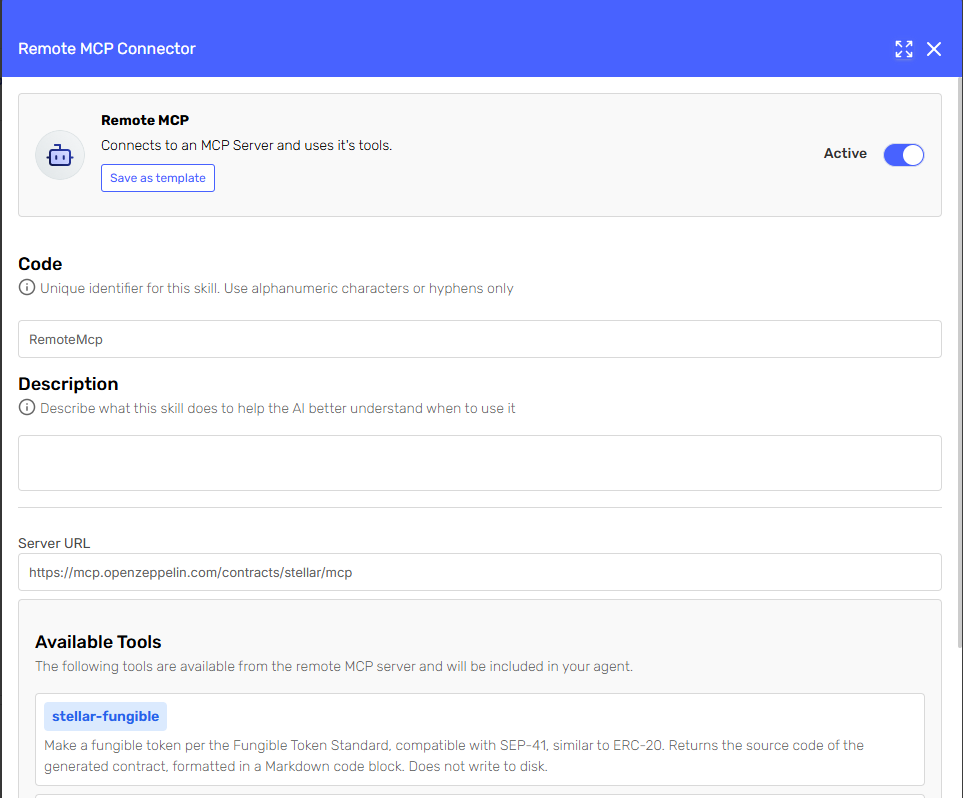
πŸŽ™οΈ Realtime Audio Skill Integration​

Realtime Audio now integrates seamlessly with AI Hub skills, enabling dynamic interactions. Your agent can query APIs, invoke supporting agents, and leverage the full capabilities of the Serenity* AI Hub skill catalogβ€”all in real time.

alt text

πŸ“² WhatsApp Audio​

WhatsApp conversations now support audio messages, expanding the input options for your agent and enabling richer interactions.

alt text

πŸ”§ Input Parameter and Skills Mapping​

Input Parameter Mapping

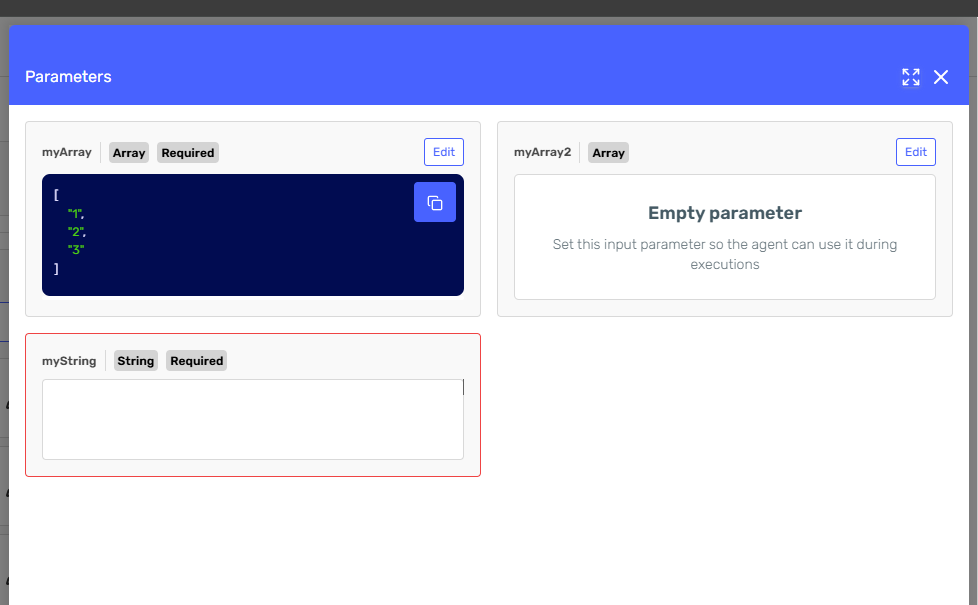
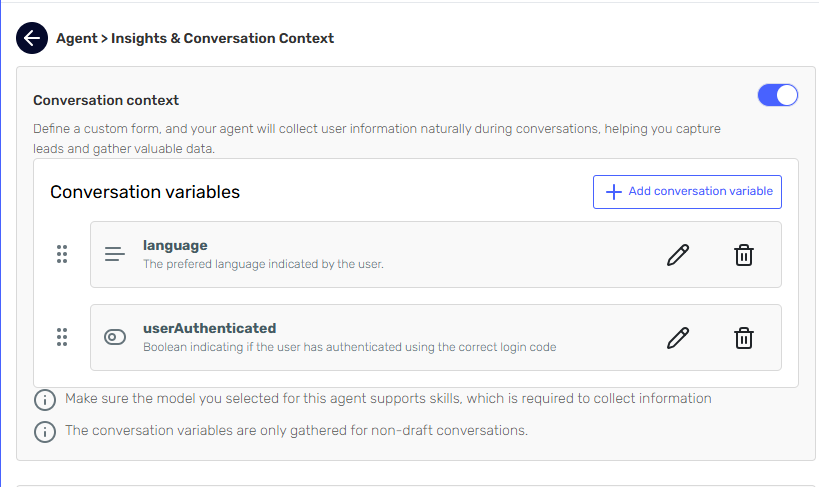
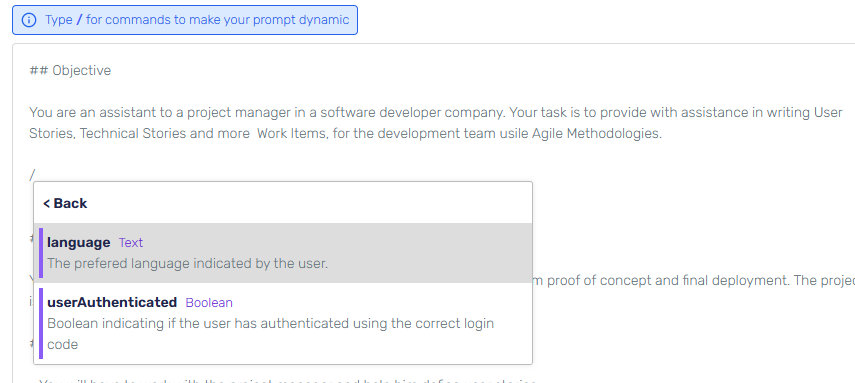
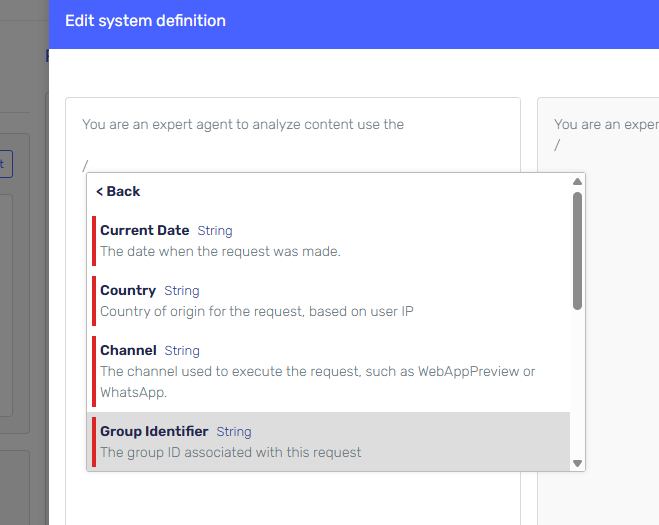
We've improved input parameter mapping between agents and skills. Variables declared using Liquid syntax (e.g., {{myVariable}}) are now automatically mapped to skills.

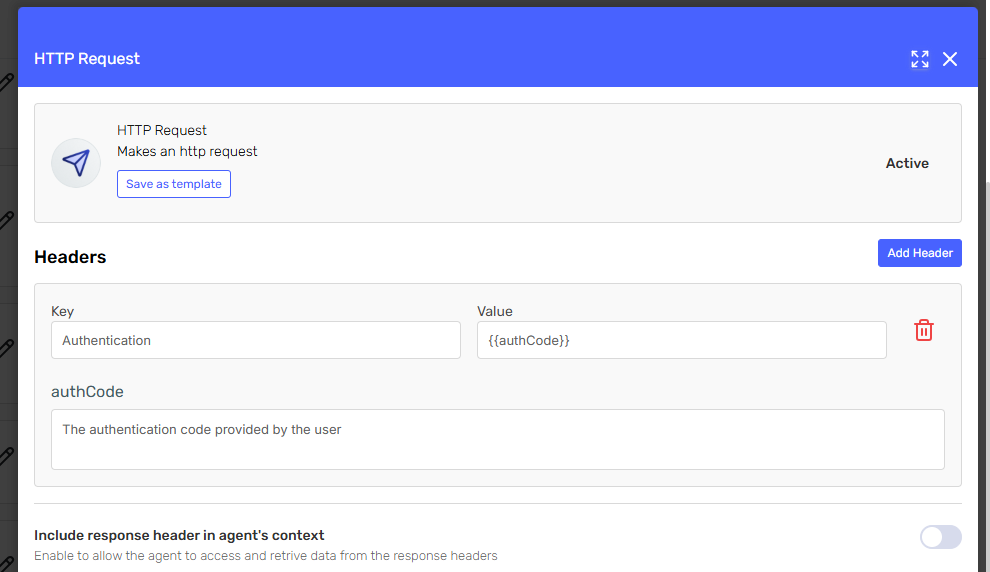
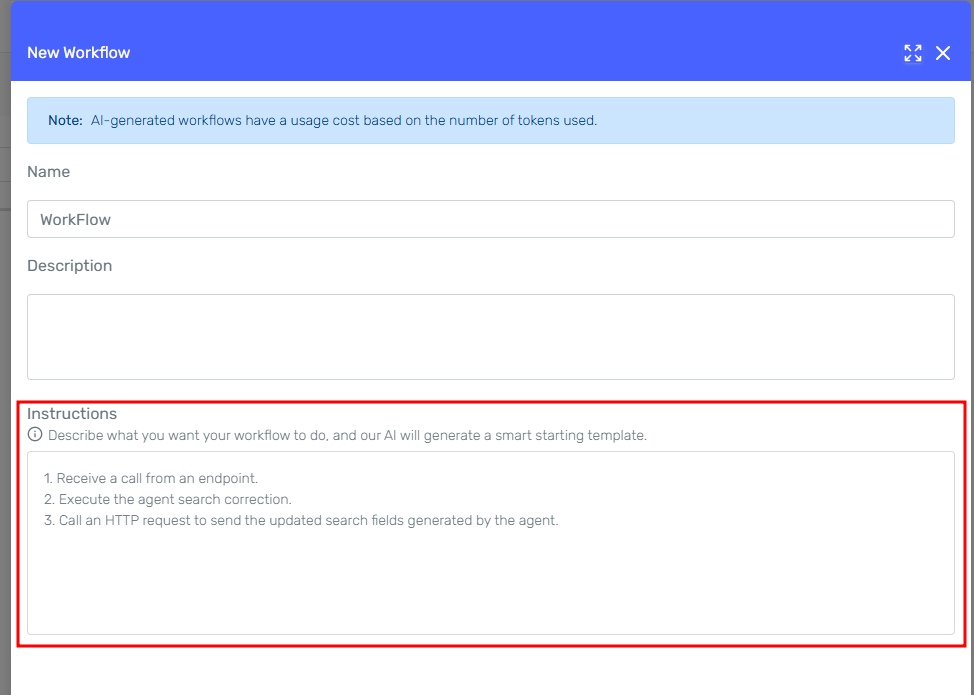
AI Generated Parameters in HTTP Request Headers

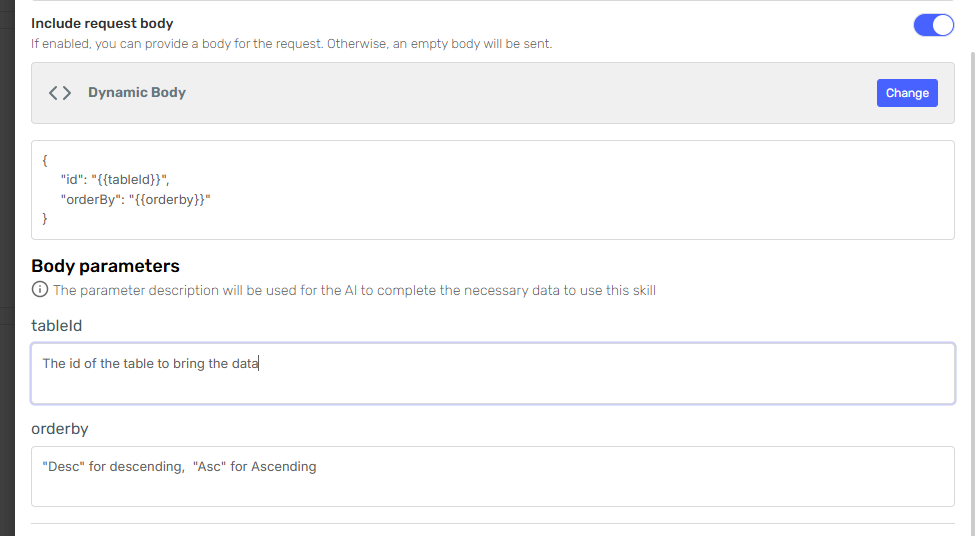
HTTP headers now support variable parameters that can be auto-completed by the Agent if no matching variable is found in the context. Simply provide a clear description of how the parameter should be completed, and the Agent will dynamically generate the appropriate value during execution.

alt text

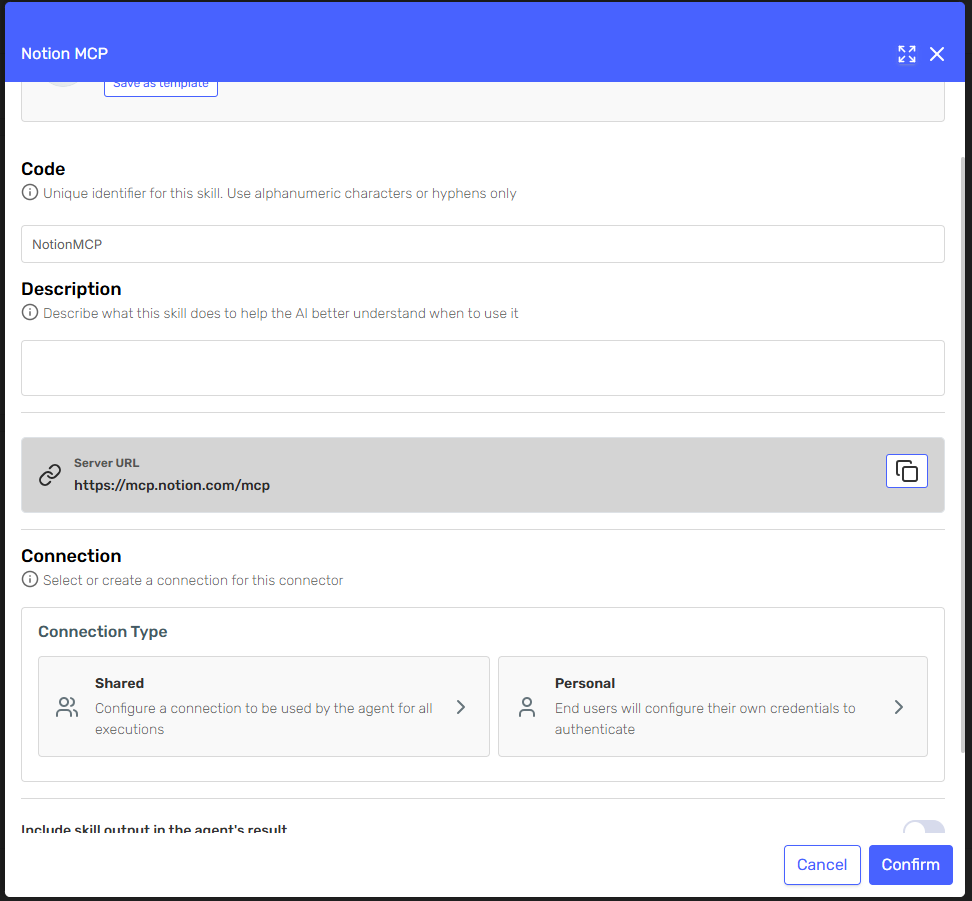
Variable declaration in header in http request skill

alt text

Variable declaration and usage in Agent Execution input parameters

alt text

Api receiving the custom header that was mapped automatically due to matching variables

πŸ“– Documentation Updates​

Documentation updates​

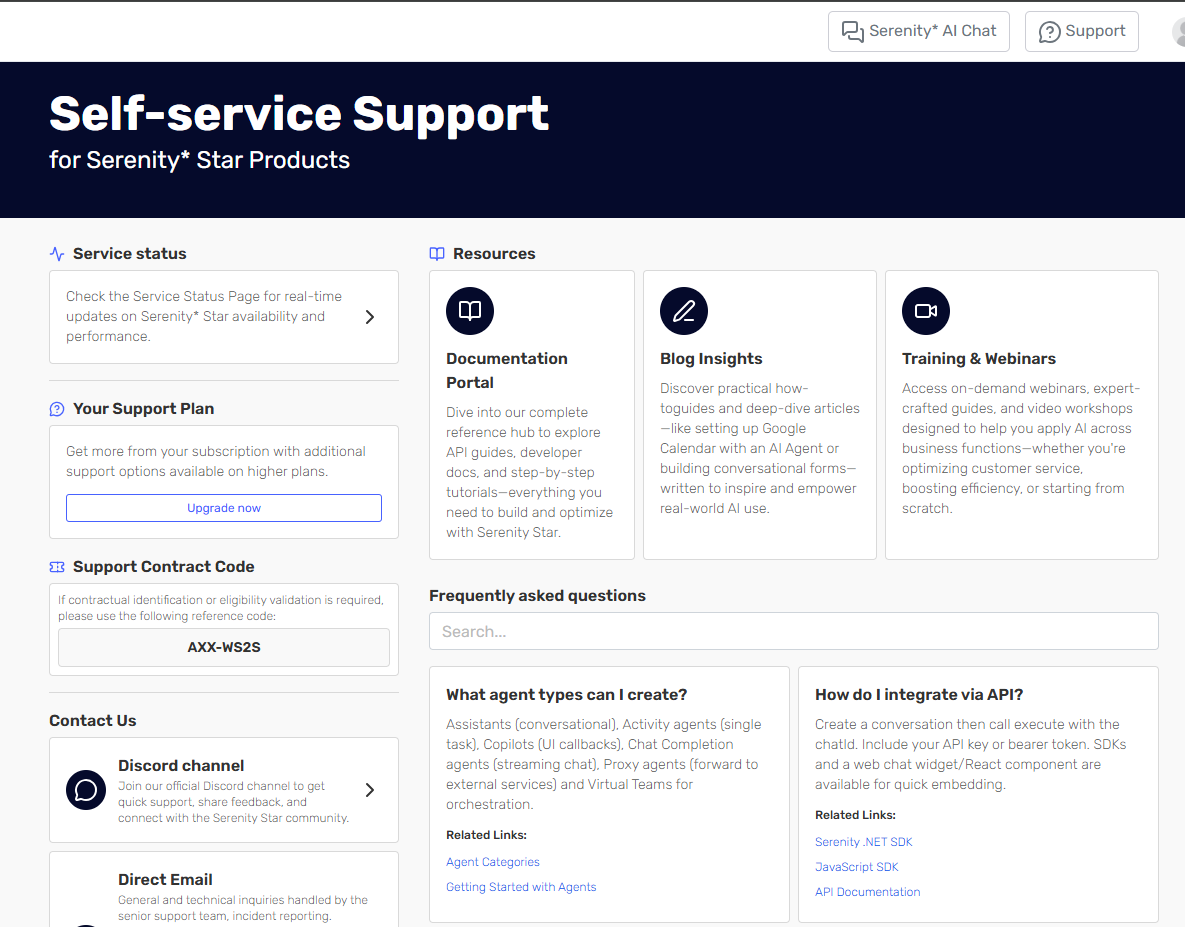
Our documentation portal received two major upgrades:

  • Advanced Search Engine: A new powerful search capability to help you find documentation content faster
  • Enhanced AI Guide: Serena, our virtual assistant, now comes with expanded knowledge about APIs and AI Hub topics to provide more accurate guidance

πŸ“š Visit the documentation

alt text

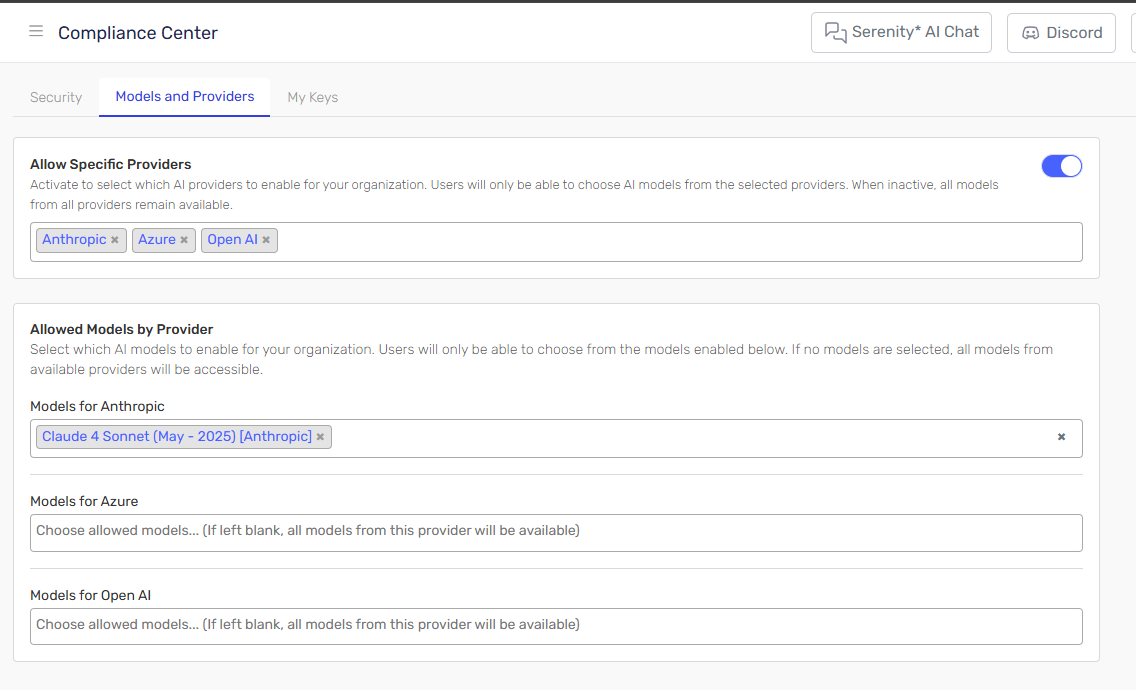
πŸ€– New Models and Providers​

  • SambaNova: Now integrated as a model provider, expanding available models on AI Hub.
  • OpenAI ChatGPT 4.5: Available on Serenity Star* just minutes after launch. Experience OpenAI’s latest flagship model.
  • Anthropic Claude 3.7: Anthropic’s newest reasoning model, Claude 3.7, is now live on Serenity Star*.

alt text

Release 5.0 2025.02.17.1

Β· 2 min read

πŸŽ‰ New features​

πŸŽ™οΈ Realtime Conversations​

Introducing Realtime Audio in Serenity* Star, enabling instant voice conversations with your AI assistant. This feature unlocks new interactive possibilities, enhancing user experience and expanding use cases.

alt text alt text

Preview Access: Realtime Audio is currently in preview. Contact us for exclusive early access.

To enable this feature, use a supporting realtime model and enable the "voice" interaction mode in your chat widget.

const chat = new AIHubChat("aihub-chat", {
...
interactionMode: "voice"
});

chat.init();

πŸ“² WhatsApp Integration Enhancements​

Custom Phone Number Configuration​

Now you can configure custom phone numbers for WhatsApp, meaning that each agent can use a different phone number to communicate with your users.

Advanced File Processing​

You can now send files directly through WhatsApp, and your AI assistant will analyze them to extract relevant insights.

alt text alt text

Requires an active WhatsApp feature in your subscription plan.

Bugs & Minor Improvements​

  • Fix bug that didn't allow payment of subscription plans from the billing grid
  • Predetermined payment method is set first
  • Improved rendering of boolean switch on Agent Quality Studio
  • Fixed filtering of combo charts based on series.
  • Show feedback when input parameters are overriden in Agent Quality Studio
  • Preload global parameters in Agent Quality Studio
  • Fixed domain policies when using whatsapp channel
  • Improved demo page visualization for mobile and tablets
  • Fixed missing knowledge tab in some agent instances

Release 5.0 2025.02.06.1

Β· 3 min read

πŸŽ‰ New features​

πŸ”’ Sensible Data Protection​

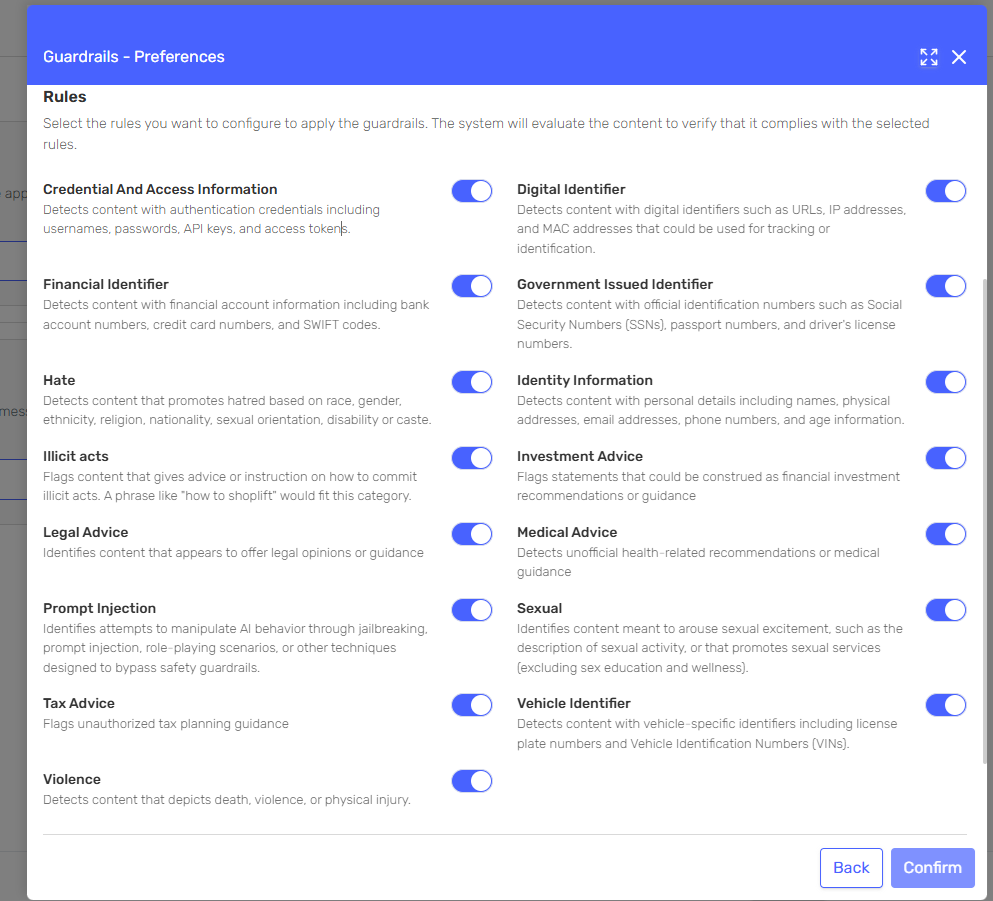
We've added a new feature to help you keep sensitive data safe! Now, before any information is sent to AI models, our system can automatically detect and hide confidential information like credit cards, social security numbers, and other sensitive data. You can:

  • Choose what types of data should be hidden
  • Set how strict the detection should be
  • Control exactly how your sensitive info is handled

This way, you can use your agents without worrying about accidentally sharing private information.

alt text

alt text

alt text

πŸ“’ Serenity Chat - Voice Messages Are Here!​

Now you can just speak your message instead of typing! Hit the record button, say what you want, and the chat will turn your voice into text automatically. Simple as that!

alt text alt text alt text

Transcription currently only supports english through Open AI Whisper Model.

To enable this feature, add the allowAudioRecording option to your chat initializer

const chat = new AIHubChat("aihub-chat", {
...
allowAudioRecording: true
});

chat.init();

πŸ› οΈ Enhancements​

πŸ’­ Skills catalog​

We've updated the Skills Catalog to make it easier to find and learn about the skills your agents can use.

Browse through categories, check out featured collections, or search for specific skills you want to know more about.

Each skill comes with helpful documentation so you can quickly understand how to use it in your agents.

alt text

Subscription Plans with Monthly Tokens​

  • When you purchase a subscription plan with included tokens, your account will receive a fresh token balance each month.
  • Agent execution tokens will be deducted from this balance without affecting your credit.
  • This means more usage for your agents with continuous access to tokens!

Upgrade your plan and enjoy more flexibility in running your agents.

alt text

Agent Quality Studio:​

We've made some nice updates to Agent Quality Studio! Now you can:

  • Set up inputs parameters right when you create test plans
  • Enjoy a smoother test case creation experience with our redesigned side panel interface
  • Test different types of agents more easily

πŸ€– New Providers​

We've successfully integrated with new model providers:

  • Deepsek
  • IBM
  • NVIDIA

Bugs & Minor Improvements​

  • Added better validation of input parameters when executing API Calls
  • Improved UI in Test Plan definition by using Side Panel to define test cases
  • Fixed bug that deleted http request body in Http request skill when pressing the body type.
  • Added required message on plugin code
  • Added detail option in dev tools to see assigned roles to api keys
  • Fixed agent selection by subtenant on test plans
  • Improved texts, localizations and typos.
  • Added required validation for user identifier on demo page when needed
  • Fixed concurrency bug in test execution that generated repeated test cases
  • Correct execution of agent version when agent version is specified in api call
  • Added support and integration with models that support initial bot message improving context management in agents.

Release 5.0 2025.01.20.1

Β· 2 min read

πŸ› οΈ Enhancements​

πŸ’­ Skills​

We've made some big improvements to the skills section to make it easier for you to add and manage skills in your AI agents.

The new UI is simpler and more intuitive, so you can get things done faster.

alt text Http Request Skill Configuration: Endpoint setup

alt text Http Request Skill Configuration: Headers and Body setup

alt text New Email Skill Configuration UI

Agent Quality Studio​

Activity agents support​

The Agent Quality Studio now supports Activity Agents! You can now create Test Plans for both Assistant and Activity agents

This is currently on Preview and should receive new updates in the upcoming weeks!

alt text Defining a test plan for an activity Agent. Individiual input parameters can be defined on the test execution screen

Export to Excel​

The new export-to-Excel functionality provides deeper insights into agent performance. By exporting results, you can conduct post-processing and monitor the evolution of your agents over time.

This feature empowers you to analyze performance trends and fine-tune your agents.

alt text Export test case results for better understanding. Many evaluations can be exported within one file

πŸ€– New Providers​

We've successfully integrated with IBM to offer their foundational models and access to many more.

  • Granite 34B Code Instruct
  • Granite 3 8B Instruct
  • Granite 3 2B Instruct
  • Granite 20B Code Instruct

Bugs & minor improvements​

  • Fix line break on plugin descriptions
  • Added default missing vendor logos on model catalogue
  • Ordered charts in agent manager
  • Correct display of executed version on instance details
  • Fix not found errors on api returning 500 instead of 404
  • Fixed subtenant selector when only one subtenant is present
  • Support for agents with required parameters in initial bot message
  • Add direct access to agent instance from test execution results
  • Fixed instance logs when json format validation ocurred

Release 5.0 2025.01.14.1

Β· 3 min read

πŸš€ New Features​

πŸ›‘οΈ Sensible Data Obfuscation​

We’re excited to introduce a new security feature to safeguard your data! The Sensible Data Obfuscation filter automatically identifies and obfuscates sensitive information before sending it to large language models (LLMs). This ensures your private data stays secure and is never shared with external providers.

You can activate this feature in the Security Tab of the Agent Designer.

image.png

Message sent with sensible information

image.png

Processed request sent to the AI with the sensible data Obfuscated

Serena Skills​

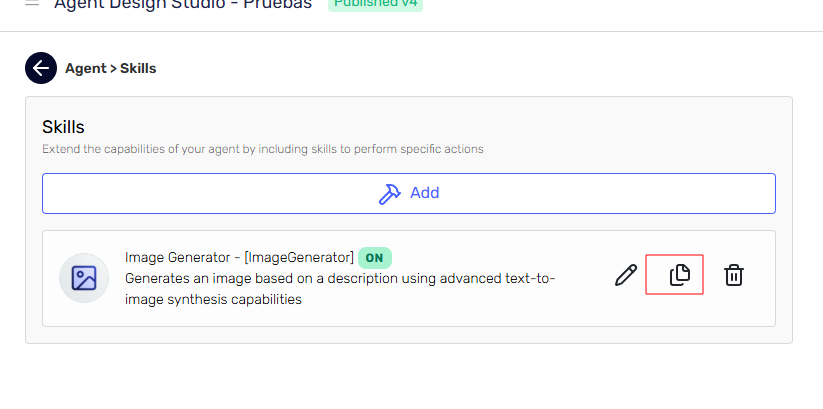
Serena now has new capabilities! Based on your conversations and needs, Serena will automatically add relevant skills to your agent. This makes your agent more responsive without manual intervention.

πŸ› οΈ Enhancements​

Agent Quality Studio​

πŸ“‚ Files in Test Cases​

Agent Quality Studio now supports the use of files for agent evaluation. You can attach files to each test case to enrich the context the agent uses during execution. These files will be used by the agent under analysis as part of the quality evaluation.

image.png image.png

Duplicate Test Plans​

Save time by duplicating an existing test plan! You can now modify, add, or tweak a new test plan based on an existing one, streamlining your testing workflows.

Agent manager​

πŸ“Š Channel Insights​

Gain deeper visibility into your agent's usage! You can now view your agent's activity by channel, helping you identify where the primary usages of the agent are occurring.

This enhancement provides actionable insights to optimize your agent's performance across different channels!

alt text

Skills​

Http Request with OAuth2 Authentication​

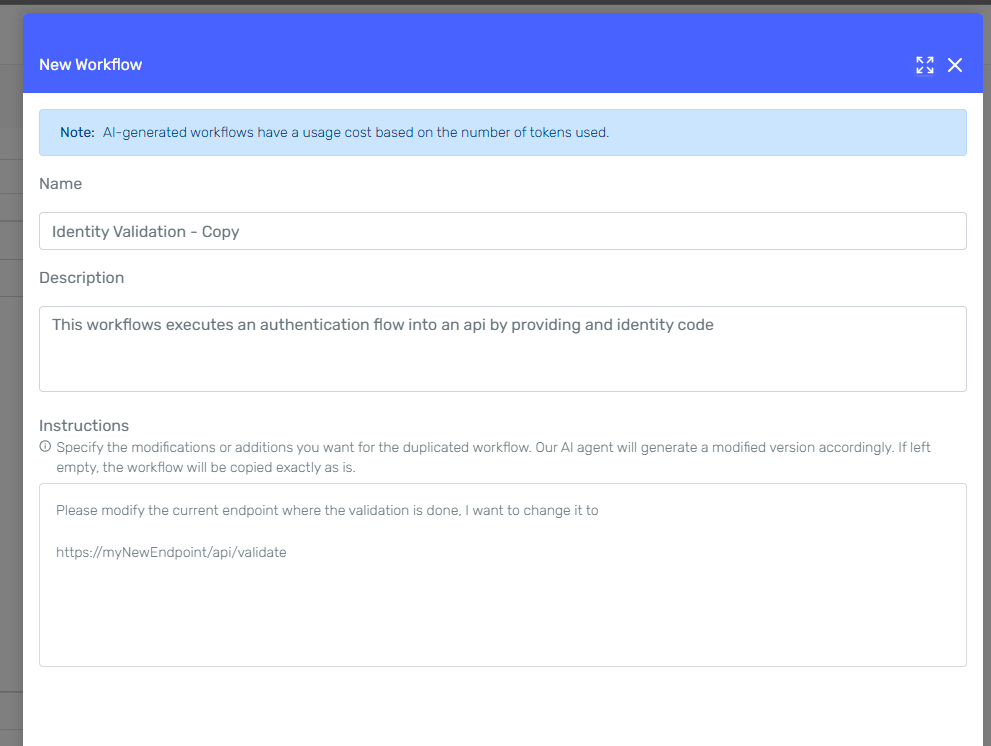
The HTTP Request plugin now supports OAuth2 authentication! You can now integrate secure OAuth2 credentials into your HTTP requests, making it easier to authenticate with external APIs and services. This new feature ensures secure integration with modern authentication standards.

alt text

Unique Code​

You can now assign a custom unique code to each skill within your agent. This makes it easier to identify and integrate skills with your own client services.

Quotas​

Manage consumption quotas with ease:

  • Set daily, monthly, or yearly maximum quotas to control credit usage.
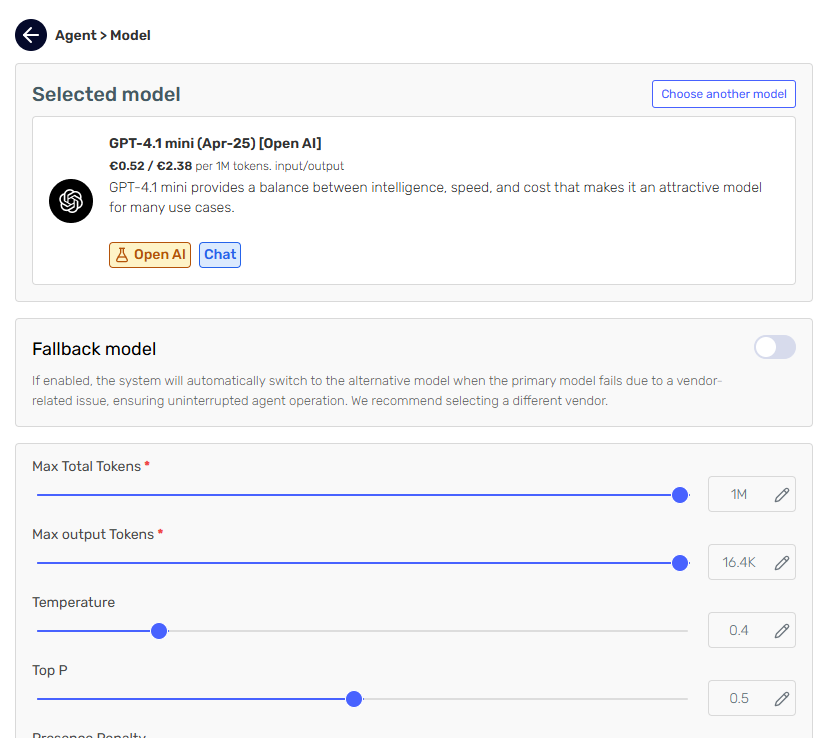
  • Create and assign quotas for subtenants for better oversight and credit management.

image.png

πŸ€– New models​

Enjoy open AI latest models

  • o1
  • o1 Mini

Bugs & minor improvements​

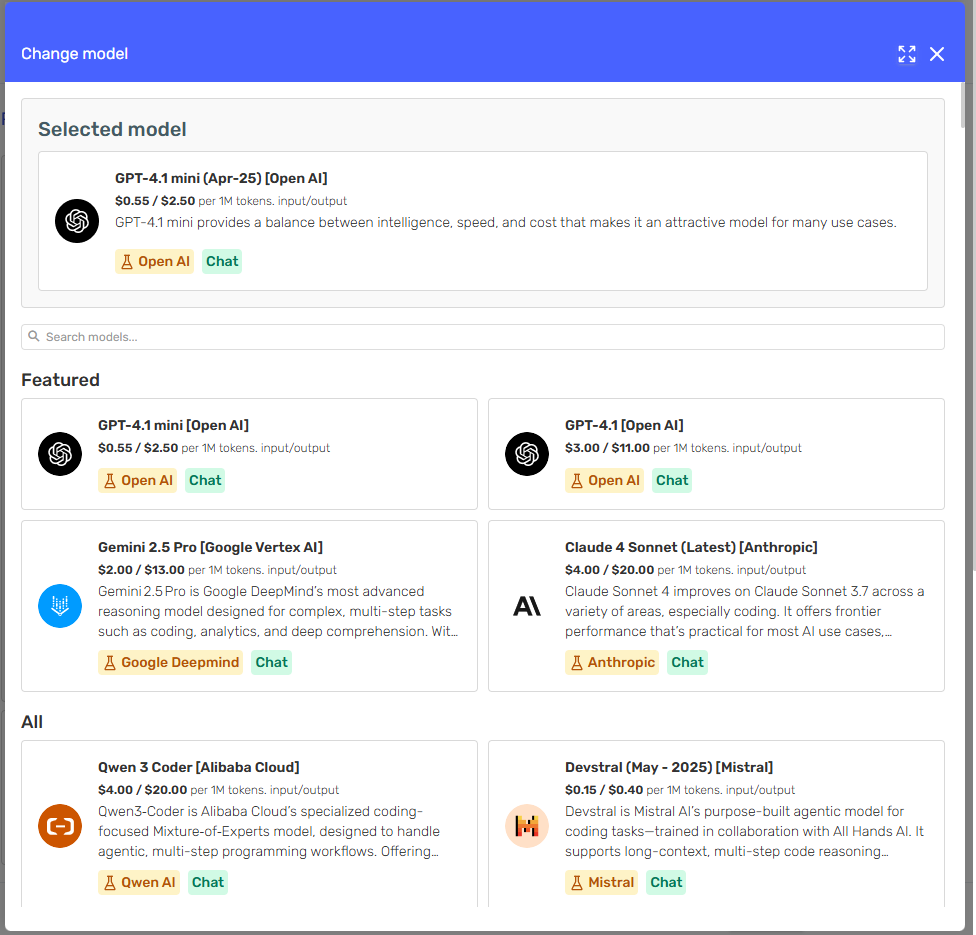
  • Token costs are now shown in tenant currency in model selection
  • Input parameter validation on Test Plan Execution
  • Fix streaming errors in system agents
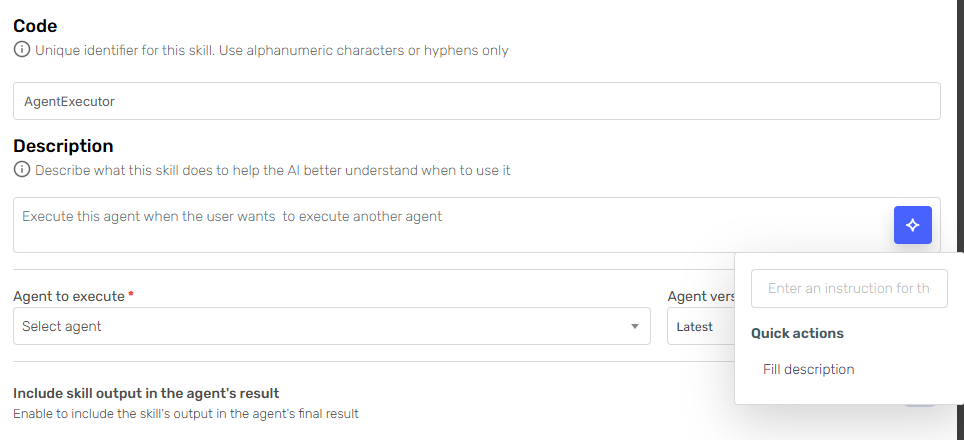
  • Allow agent executor skill to call Conversational Agents
  • Set audit footer on tenants
  • Fix role access bugs
  • Fix incorrect API Key link when creating new tenants
  • Filter inactive agents on Serenity* AI Chat agent list
  • Improved number of characters supported in output json format
  • Better handling of knowledge files that include images

Release 4.1 2024.12.19.1

Β· 5 min read

πŸŽ‰ New features​

Knowledge​

πŸ“… Scheduled Scrapping for Websites​

Keep your agents up-to-date with our new Scheduled Scraping feature! Set up your agents to revisit websites at regular intervals, so you always have the latest information from ever-changing sources. This automation saves you time and keeps your responses accurate and current.

alt text

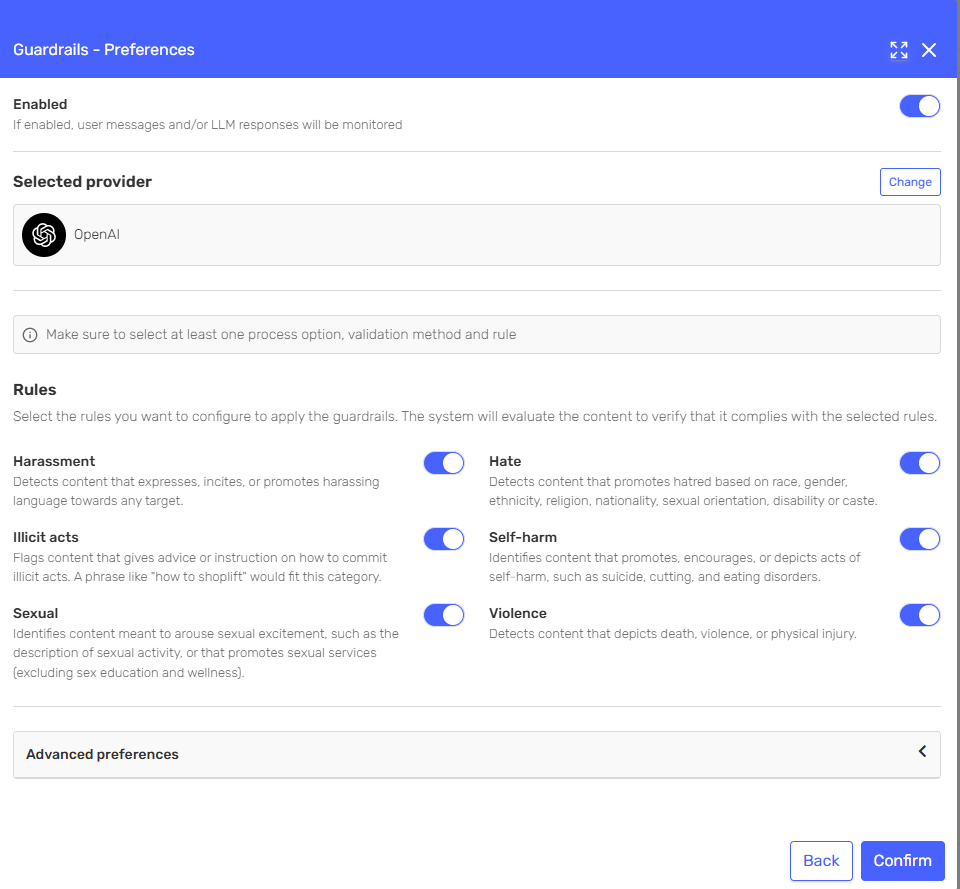
πŸ“‚ Linked Files Download​

Boost your agents' knowledge with Linked Files Download! Automatically grab and include linked files from your websites, adding depth to the scraped content and ensuring your agents get the full picture. It's perfect for adding extra layers of context and resources to your web-sourced knowledge.
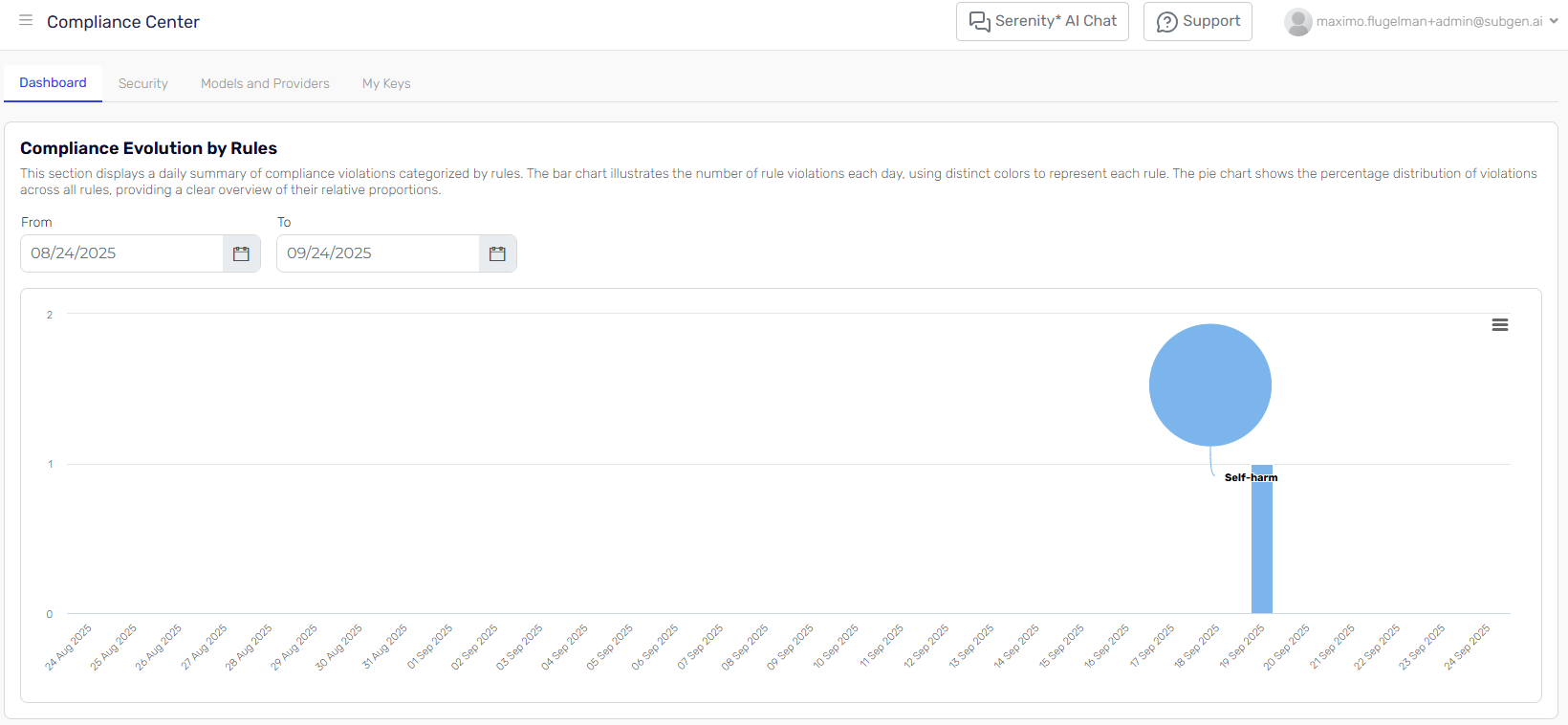
πŸš€ Create Trial​

Discover Serenity with the new Create Trial feature! Now, you can set up temporary agents using your own website, no registration needed. It’s a great way to explore Serenity’s capabilities or share it with others.

  • Simple Setup: Quickly create and test agents directly from the trial page.
  • Share with others: You can easily send a link to the trial by email, scan a QR code, or copy the link.
  • No Commitments: Enjoy a smooth trial experience.
  • Exclusive Offer: Like what you see? Register for free and get your agent plus an instant €5 credit to run your agents! Try it today: https://trial.serenitystar.ai/

alt text

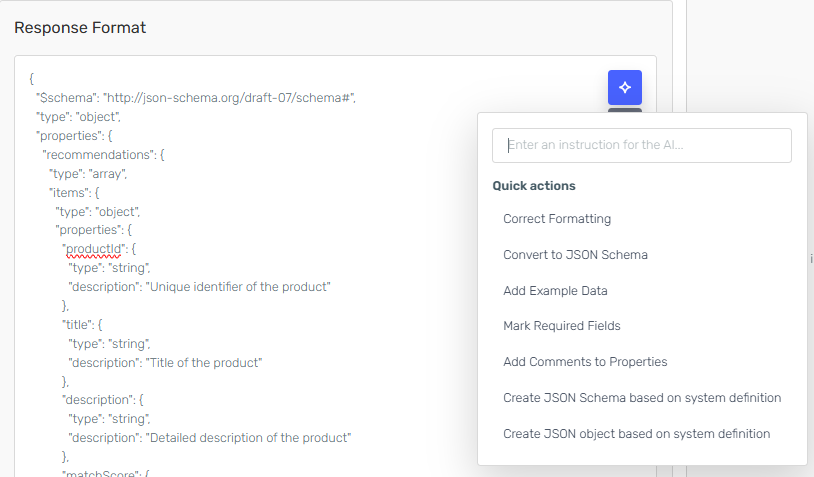
🧩 JSON Schema Support for Selected Models​

Enhance your system agents with JSON Schema Support! Now, selected models can use a JSON schema to create more precise and structured outputs that fit your needs.

  • Consistent Outputs: Get responses that match your specified JSON structure, making it easier to integrate into your systems.
  • Better Control: Fine-tune your agents for tasks that need well-defined data formats.

This feature makes your agents more reliable and ready for structured applications!

alt text

πŸ”’ Conversation Limits​

Maintain control and prevent misuse with Conversation Limits on conversational agents!

  • Message Caps: Set a maximum number of user messages per conversation to ensure fair usage.
  • Automatic Termination: Once the limit is reached, the conversation ends, preventing further interaction.
  • Abuse Prevention: Protect your agents from spam and overuse while maintaining a smooth experience for all users.

This feature provides an extra layer of security, keeping conversations efficient and manageable.

alt text

πŸ›  Enhancements​

Agent Quality Studio​

πŸ†” Identifier in test cases​

Assign custom identifiers to test cases for better tracking.

  • Organization: Easily differentiate test cases across executions.
  • Traceability: Quickly locate and analyze specific cases.

alt text alt text

πŸ’Ύ Save without executing​

Improved test execution workflow with the ability to save test executions without immediate analysis, Save large test execution configurations and resume configuration at a later time without the need to fire a new analysis.

πŸ” Re-Execute Test Plans​

Save time with the new Re-Execute feature for test plans.

  • Quick Duplication: Duplicate an existing test execution and re-run it with ease.
  • Simplified Workflows: Avoid manual reconfiguration and focus on what matters most.

These updates make managing, organizing, and executing test plans smoother and more efficient

Serena​

  • Subscription awareness for better recommendations: Serena now evaluates your current subscription plan to suggest the most suitable agent for your needs.
  • Optimized Usage: Maximize the value of your subscription by aligning agent capabilities with your plan.

🌐 HTTP Request Skill Enhancements​

πŸ”— Template Variables for URL Parameters​

Make HTTP requests more dynamic with Template Variables!

  • Flexible URLs: Use {{parameter}} syntax to define variable parameters directly in your URLs.
  • Enhanced Context: Provide descriptions to guide agents on how to complete and handle each parameter effectively.

πŸ› οΈ Custom Headers Support​

Handle more complex API scenarios with Custom Headers.

Interact with more APIs by customizing requests to their requirements. These updates make the HTTP Request Skill more versatile and useful for your integration needs.

alt text

🌐 New Providers​

We’ve expanded your options with new integrations! You now have access to Open Router and xAI. Enjoy a wider range of models starting today, with more models being added gradually for these providers.

πŸ› Bugs & Minor Improvements​

  • Typos and text improvements
  • Added User flow on the trial page
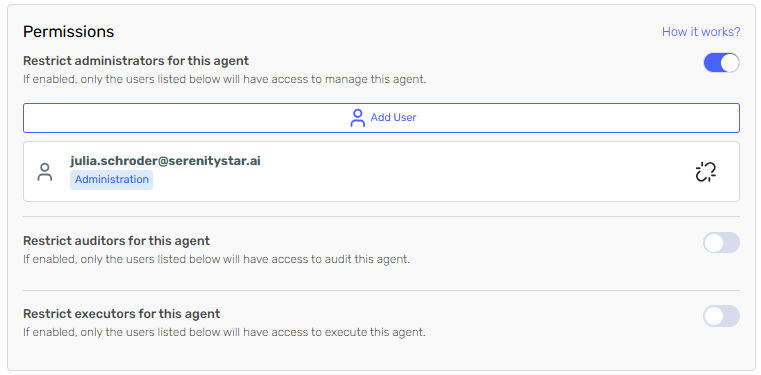
  • New role "Agent Instance Users" with permissions to view executions of agents without editing the agent
  • Improvements and persistence of input parameters when changing versions in test execution configuration
  • Account page style improvements
  • Added test plan name in execution list for clarity
  • Fixed CRUDL operations when adding phone numbers in WhatsApp channel
  • Fixed bug that persisted the user identifier field on test execution configuration when changing versions
  • Improved error page
  • Fixed line breaks in the system definition of agents
  • Fixed header title on demo page
  • Fixed data binding on the security tab of the agent when opening the agent designer
  • Added user identifier field in code snippets when required
  • Fixed side panel rendering when input parameters were too long
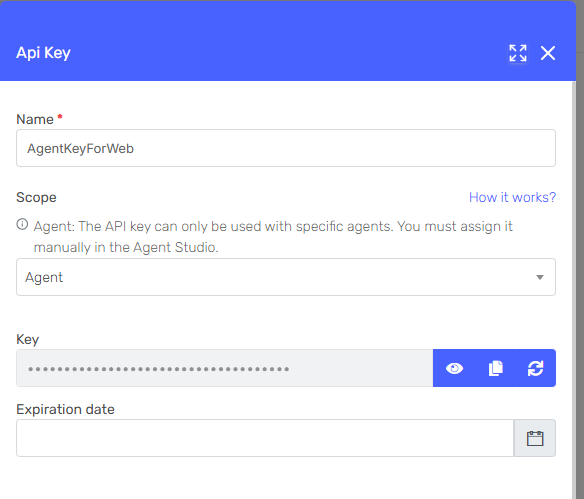
  • Added expiration date to API key in dev tools
  • Fixed API key refresh in dev tools
  • Fixed downgrade management when finishing subscriptions
  • Fixed visualization of test plan results when some results failed
  • Set correct status error code on streaming with server-sent events
  • Added Output JSON format to version comparison in agent designer
  • Added vision support for Gemini models
  • Optimized quota validations when executing agents
  • Remember selected subtenant when using Serena to create an agent
  • Improved visualization on tablets
  • Improvements to dev tool styles
  • Improved tooltip rendering
  • Adjusted knowledge view in agent instances
  • Better rendering of side panels
  • Fixed whitespace bug in side panel mode in chat widget

Release 4.1 2024.12.02.1

Β· 3 min read

πŸŽ‰ New features​

Knowlewdge​

Knowledge Versioning​

You can now keep track of changes to your knowledge files with versioning. Whether it's updates, re-scraping websites, or adding new files, every change is recorded. Each agent version keeps its knowledge in a versioned format, making development smoother.

alt text alt text

Knowledge Usage Audit​

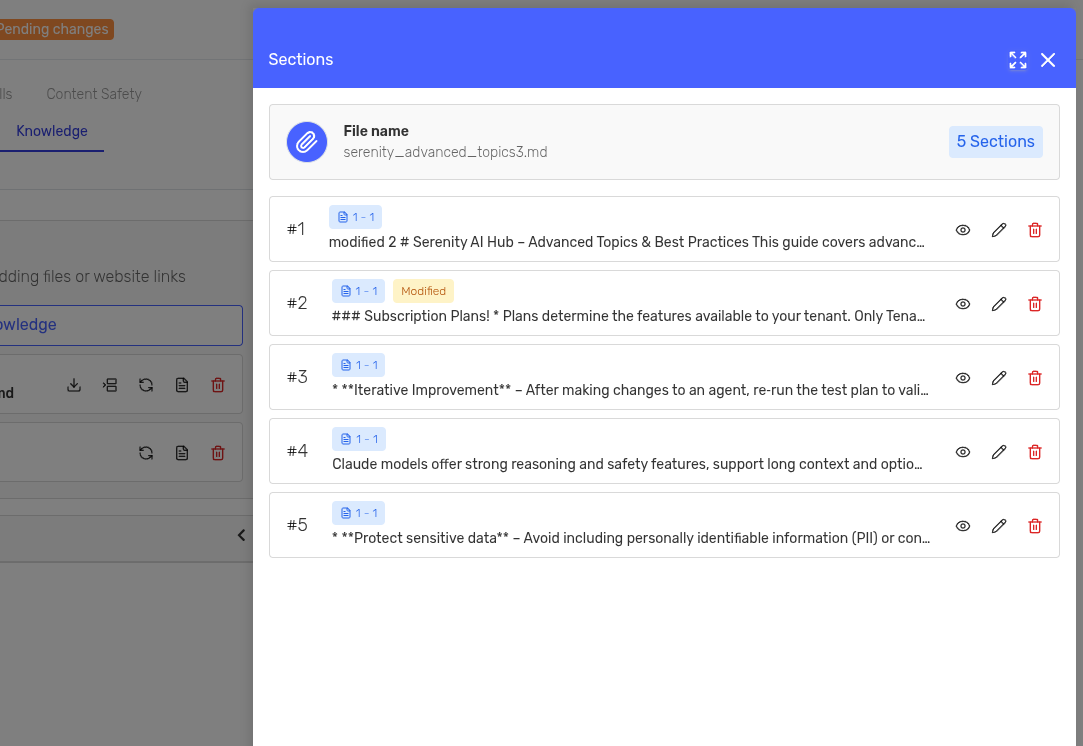
See how your agent uses the knowledge you give it. The new audit feature breaks down the sections, shows their relevance, and details how your Retrieval-Augmented Generation (RAG) system works within the agent.

alt text

Improved Website Scrapping​

Now, our scraper is smarter and can get past those pesky anti-scraping barriers. Plus, it can download files from web pages and use them as knowledge for your agent.

Dev Tools​

Enhanced API Key Management​

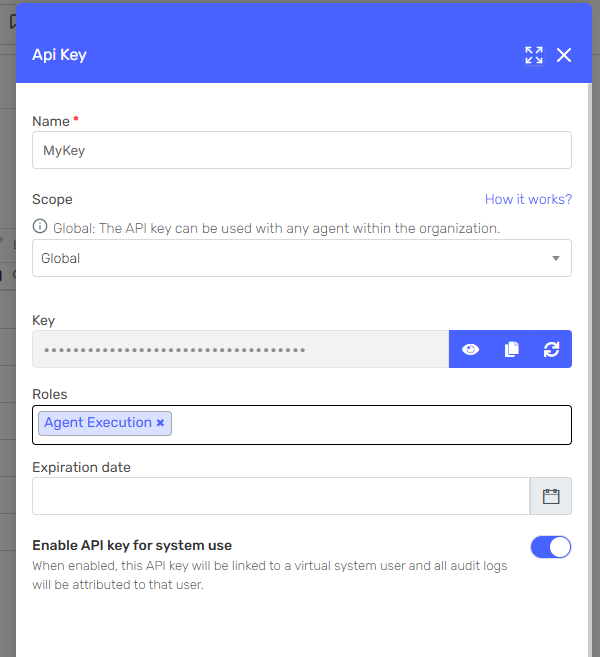
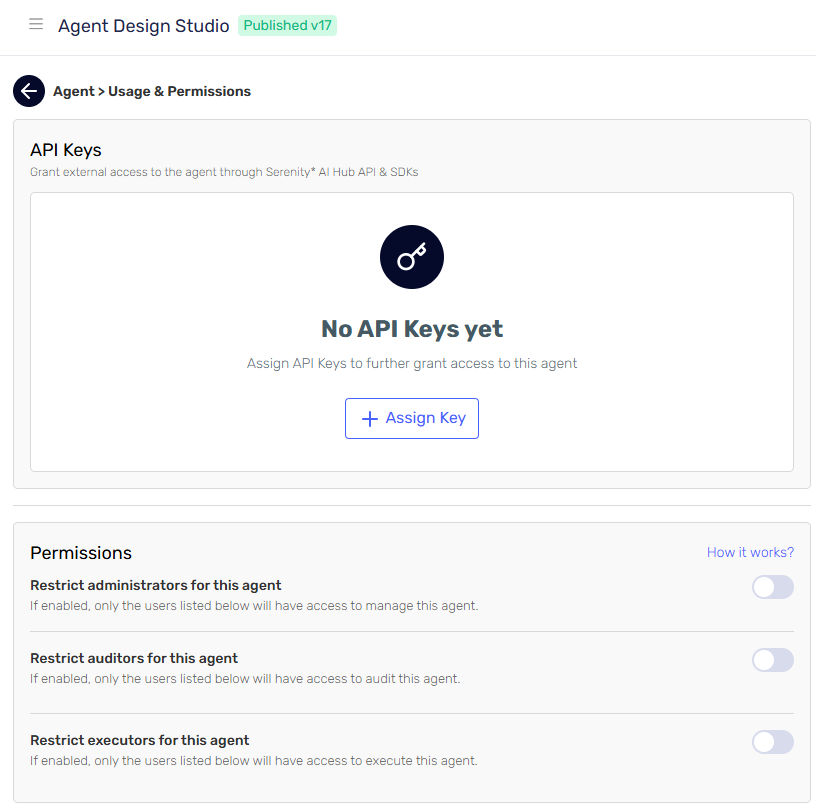
Easier and safer API key management! Now you can regenerate keys for specific users, assign roles, and set expiration dates. Keep your organization secure and organized with these new features.

alt text alt text

Check Condition Skill​

Introducing the Check Condition Skill, which allows agents to evaluate specified conditions. If the condition is met, the agent will return a true value. This skill is particularly useful for integrations where an event should be triggered based on the evaluation of a condition.

alt text

πŸ›  Enhancements​

Fine-Tuning for Mistral Models​

We're excited to announce that fine-tuning for Mistral models is coming soon! Keep an eye out for new models that you can fine-tune to better suit your needs.

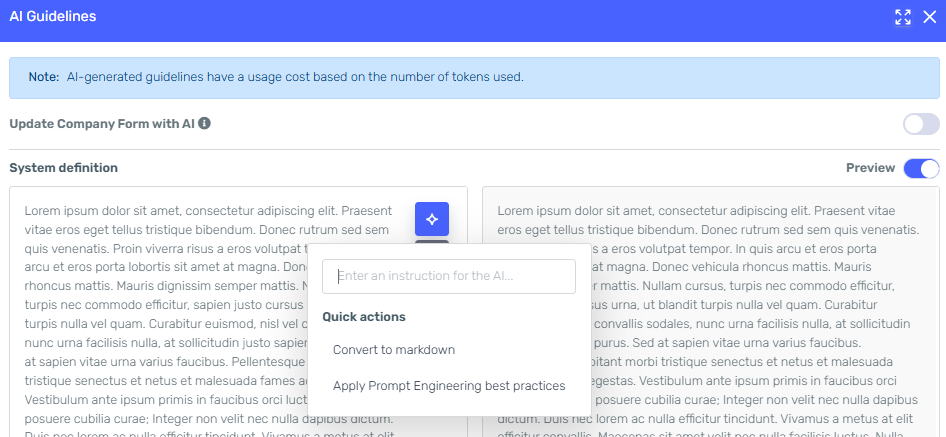
Serena Output Customization​

Serena now makes it easier to create system agents by letting you customize the output JSON format. This means you can spend less time on data management and more time on building great interactions.

Chat Widget with Expanded Mode​

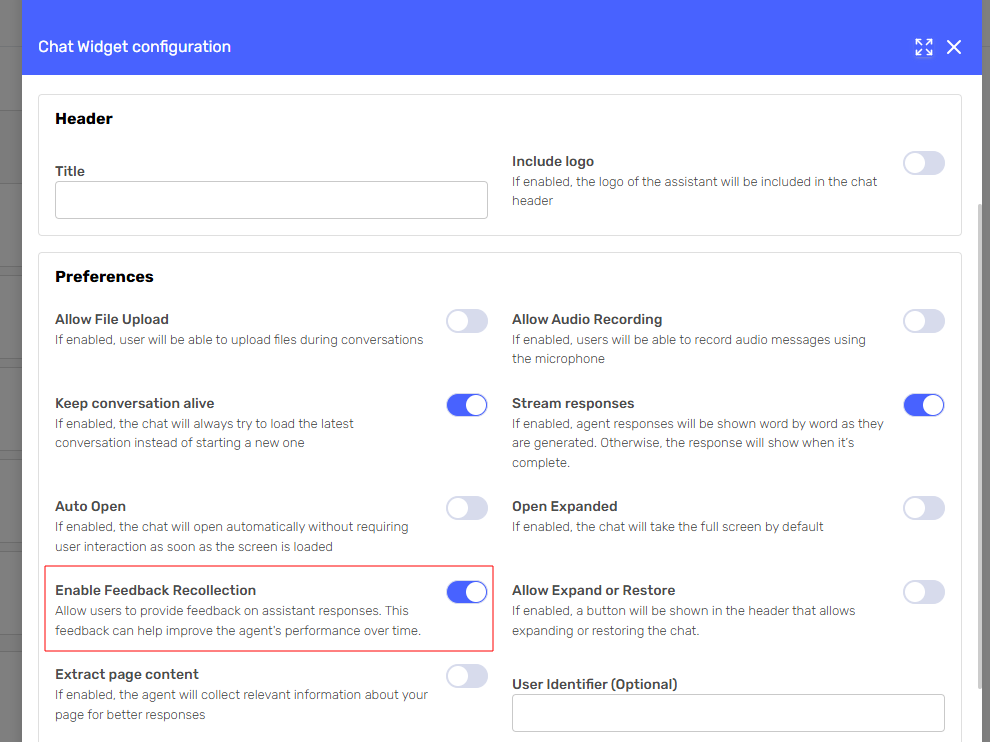
Now you can enjoy a better chatting experience with the new expanded mode for the chat widget. Just set it to full-screen for more engaging and easier interactions.

alt text alt text

Duplicate Test Executions in Agent Quality Studio​

Now you can duplicate test executions in the Agent Quality Studio. This makes it super easy to run new tests on your plans, helping you ensure your agents perform at their best.

πŸ› Bugs & Minor Improvementes​

  • Localizations, texts and typos
  • Subtenant selection on fine tuning
  • Resend token when expired
  • Fixed downgrade of subscription
  • Filters on model catalog
  • Improved execution response when prompt plugins are executed
  • Improved queries for agent manager heatmap.
  • Fixed issues on pending changes label on agent designer
  • Fixed issue on accessing a test execution with failed test cases
  • Export correct code snippet for the specific version of agent you are editing

Release 4.1 2024.11.25.1

Β· 2 min read

πŸ›  Enhancements​

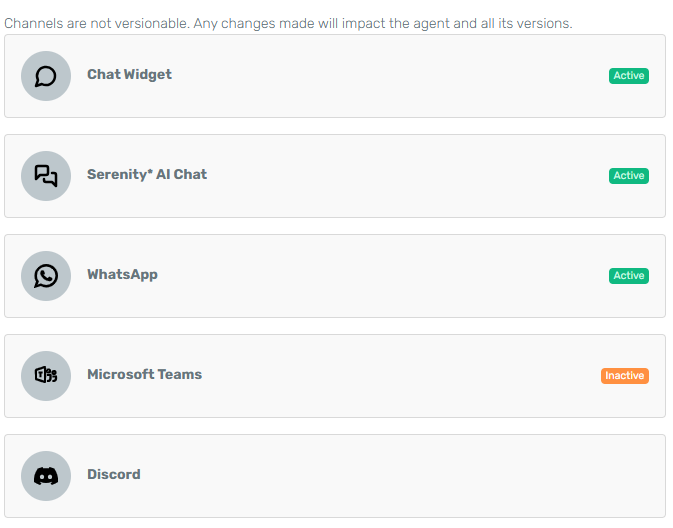
Channels: Track Usage Across Platforms​

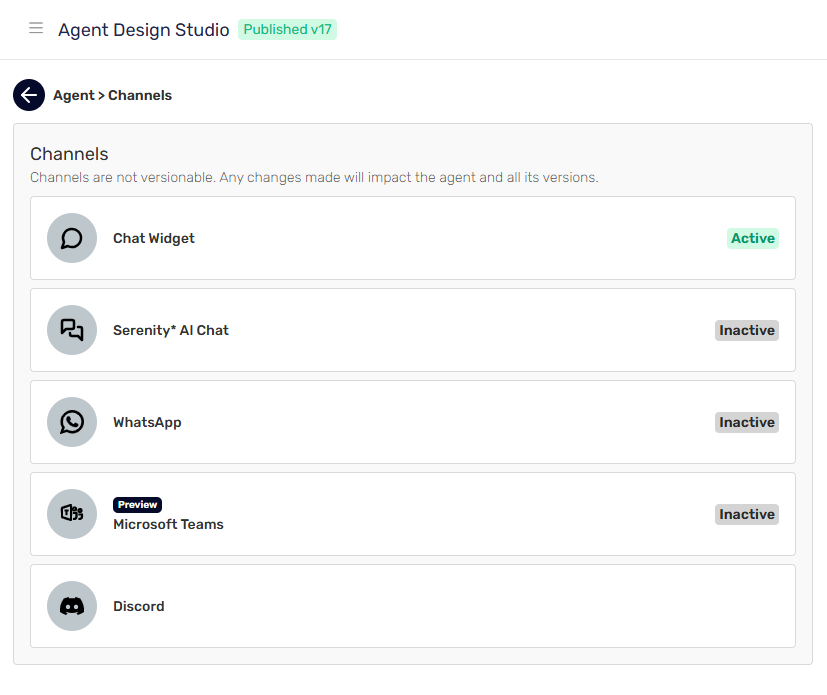
Easily track where your agents are being utilized, whether it’s Serenity Chat, Agent Designer Preview, WhatsApp, or other channels. View each instance alongside the corresponding channel executed for better visibility and insights.

alt text

Dashboards: Enhanced visualization & Mobile Support​

Enjoy better visuals for Agent Manager and Cost dashboards. Access them easily from mobile devices for convenient monitoring and management on the go.

alt text

Skills: In-Depth Skill Audit Capabilities​

Gain insights into how skills are executed, including parameters and additional details, directly in the agent instance screen. This feature supports more thorough analysis and helps refine agent performance.

alt text alt text

Input parameters: Dynamic Prompt Plugins with Liquid Syntax​

Prompt plugins now support Liquid syntax for runtime parameter replacement by AI. Easily define parameters with the {{my_parameter}} syntax, which the AI maps automatically upon skill execution. Define descriptions for each parameter for a better replacement by the AI on execution.

alt text alt text

White Label feature​

If the white label feature is included in your subscription, you can check on the serenity star channel to have the chat widget white labeled. If selected, the Powered by Serenity Star will be hidden. alt text

πŸ€– New models and providers​

We are proud to introduce a new integration with Amazon Bedrock as a model provider. Enjoy a new selection of recently added models to Serenity* Star.

  • Cohere Command R
  • Cohere Command R+
  • AI21 Labs Jamba 1.5 Large
  • AI21 Labs Jamba 1.5 Mini
  • AI21 Labs Jamba Instruct
  • Amazon Titan Text G1 Express
  • Amazon Titan Text G1 Lite
  • Amazon Titan Text G1 Premier

πŸ› Bugs​

  • Fix logout in new tab when the user had already logged out
  • Added required parameters for creating the conversation in the code snippets pannel
  • Fixed token calculation if output json format is invalid
  • Prompt plugins now are only visible in the agent that created them. Shared configurations coming soon.
  • Improved token calculation to use information provided by the vendors
  • UI improvement for iPads
  • Fix demo page when user is not logged in

Release 4.1 2024.11.04.1

Β· 6 min read

πŸŽ‰ New features​

Fine tuning [Preview]​

We are excited to announce the new feature to leverage fine-tuning capabilities, allowing users to maximize the potential and customization of AI Models. This update brings several key benefits:

  • Higher Quality Results: Fine-tuning provides superior outcomes compared to traditional prompting methods, ensuring more accurate and relevant responses.
  • Expanded Training Capacity: Unlike standard prompts that are limited in size, fine-tuning enables training on a significantly larger set of examples, leading to improved performance across various tasks.
  • Cost Efficiency: By reducing the need for lengthy prompts, fine-tuning results in token savings, making it a more economical choice for users.
  • Reduced Latency: Fine-tuned models can respond faster, offering lower latency in requests, which enhances the overall user experience.

To use this functionality, go to the "Fine Tuning" section in the sidebar and follow the steps in the form. Once your agent is successfully trained, you will receive an email, and your new model will be ready for use!

image.png

Agent Quality Studio - AI Generation​

We're excited to announce an enhancement to Agent Quality Studio with the introduction of automated test case generation and characteristics for your agents. This new feature allows you to streamline your testing process significantly.

Key Highlights:

  • Automated Test Case and Characteristics generation: When creating a test plan, you can now request Serena to automatically generate new test cases and characteristics tailored to your agent system definition.
  • Enhanced Test Plan Completeness: This automation ensures that your test plans are comprehensive, reducing the risk of oversight and improving overall test quality.
  • User-Friendly Experience: The integration of this feature provides an easier and more efficient way to utilize the Agent Quality Studio, allowing you to focus on optimizing your agents rather than manual test case creation.

To take advantage of this feature, simply navigate to the test plan creation section and ask Serena to generate the necessary test cases based on your specifications. Enjoy a more efficient and effective testing experience!

image.png

Agent Instance Execution​

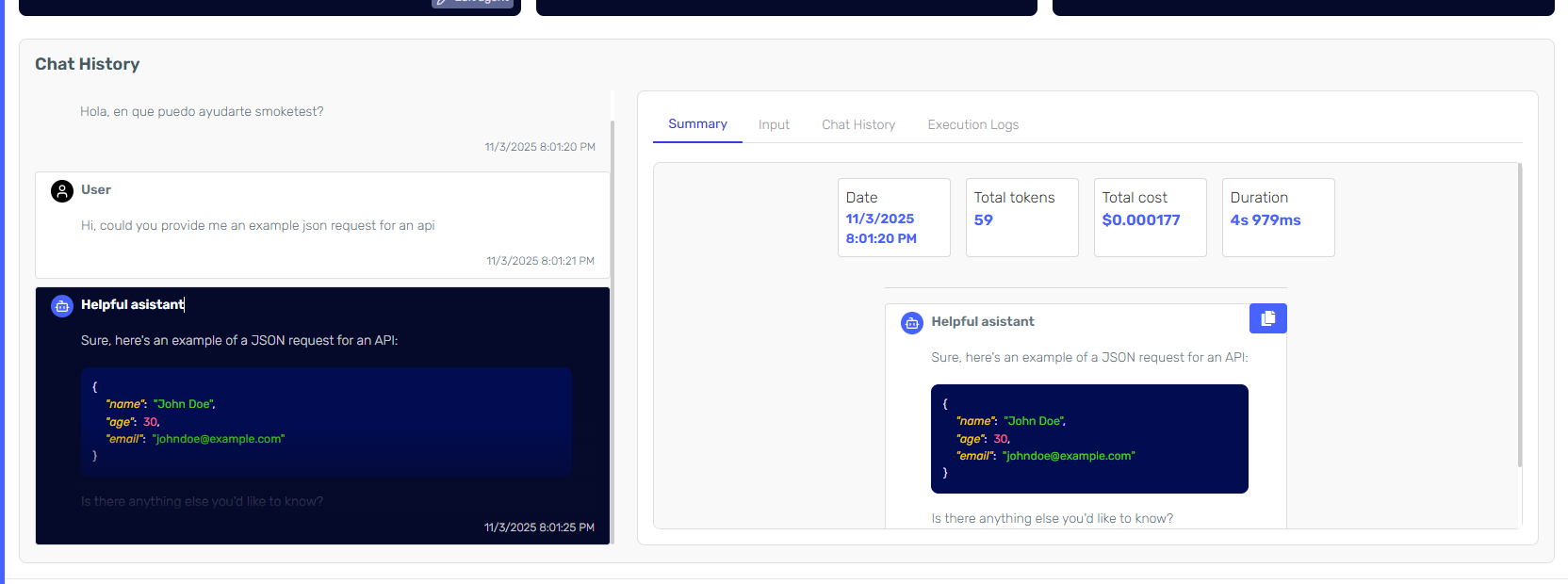
We have completly redesigned the Agent Instance screen for providing more detailed information designed to enhance your debugging and analysis capabilities. This feature provides a comprehensive view of AI agent interactions, showcasing the full execution of conversations, including all logs and history.

Key Highlights:

  • Full Chat History: See the entire conversation flow between users and the AI agent, helping you analyze and understand interactions better.
  • Execution Logs: Access detailed logs to track the AI’s decision-making and spot any issues or areas for improvement.
  • Cost and Token Usage: Keep an eye on the cost and token usage for each conversation to understand resource use and efficiency.
  • User-Friendly Interface: Easily navigate through conversations with our simple, organized interface for a smooth user experience.

image.png

Speech Skill​

The new speech skill, enhances the capabilities of your AI Agent: the ability to generate speech audio files. By integrating the new Speech plugin, your AI Agent can now create high-quality audio files from text, allowing for a more interactive and engaging user experience.

Key Highlights:

  • Text-to-Speech Functionality: Convert written content into spoken audio seamlessly.
  • Enhanced User Engagement: Provide users with audio responses, making interactions more dynamic and accessible.
  • Easy Integration: The Speech plugin can be easily added to your existing AI Agent setup, enabling quick deployment of this feature.

image.png image.png

πŸ›  Enhancements​

Flexible Subscription Customization:​

You now have the option to choose between monthly or annual payment plans for your subscriptions. Opting for annual payments not only simplifies your management but also allows you to save money in the long run.

Http Request Skill​

Added Basic Authentication for the Http Request Plugin allowing for more login options and better integration of agents with external apis.

Besides, forms have been refactored providing a more comprehensive user experience: image.png image.png

Follow up email​

Enjoying Serenity* Star? Tell us about your experience and get support via our emails and follow ups: image.png

Cost Dashboard​

  • Refreshed Cost Dashboard: We've revamped the cost dashboard to provide a clearer and more intuitive view of your expenses. Additional calculation logic and helper tools have been integrated to help you closely manage all your costs with ease.
  • General Consumption Cards: Introducing general consumption cards that allow you to track your resource usage more effectively.
  • Balance and Quota Use: Easily monitor your remaining balance and current quota usage, ensuring you stay informed about your resource allocation.
  • Model and Agent Daily Consumption: Gain insights into daily consumption metrics for both models and agents, helping you understand usage patterns and optimize resource allocation.
  • Customizable Date Filters: Adjust your date filters to get a comprehensive overview of usage distribution and daily consumption by model and agents. This feature allows for better tracking and analysis of your resource utilization over time.

With these enhancements, managing your costs and consumption has never been easier. Dive into the updated cost dashboard and start optimizing your resource management today!

image.png image.png image.png

Agent Manager​

Stay informed on agent performance and efficiency with the new Agent Manager View. This enhanced view provides a comprehensive overview of all your agent instances, their token consumption, and usage patternsβ€”all in one place.

Key Features:

  • Usage Trends Monitoring: Track trends in instance usage across input, output, and total tokens to better understand consumption patterns.
  • Daily Instance Mapping: Visualize daily instance and token usage broken down by agent, helping you quickly pinpoint areas of high demand.
  • Usage Heatmap: Discover peak usage areas with the heatmap feature, allowing you to easily identify when and where agents are most active.
  • Execution Uptime: See the uptime of your agent tracking possible issues and performance.

This update offers powerful insights for optimizing agent performance and resource allocation. Enjoy streamlined tracking and monitoring, all in a single, intuitive view.

alt text alt text

πŸ› Bugs​

  • Emails are sent when subscription is renewed
  • Fix predefined subtenancy selector on agent creator side panel
  • Removed user events screen not in use
  • Added required evaluator model for agent quality studio
  • Added validation for required input parameters on test plan executions
  • Added validations for deleting executed plans
  • Fix execution of test plans by subtenants
  • Corrected titles in test plan screens
  • Corrected subtenant selector on test plan
  • Improve execution validation queries
  • Various improvements in billing screen when changing plans and summary information
  • Corrected bug that generated the body in the http request not to be displayed
  • Improved performance on queries when accessing Agent Designer
  • Removed duplicated json response on Agent Designer preview

Release 4.1 2024.10.21.1

Β· One min read

πŸŽ‰ New features​

Skill Emulator​

Enhance any AI model by providing skill support. Now, with Serenity, models that previously did not support skills can gain full access to all available skills. By enabling the plugin emulator, a supporting agent executes the skills, enabling full skill support for any AI model.

Skill Emulator

πŸ›  Enhancements​

Export Code Snippets with Input parameters​

Code snippets from the agent designer now include all declared input parameters, eliminating the need for additional code definitions.

Code snippets

πŸ€– New Models​

  • Ministral 3B
  • Ministral 8B
  • Pixtral 12B

πŸ› Bugs​

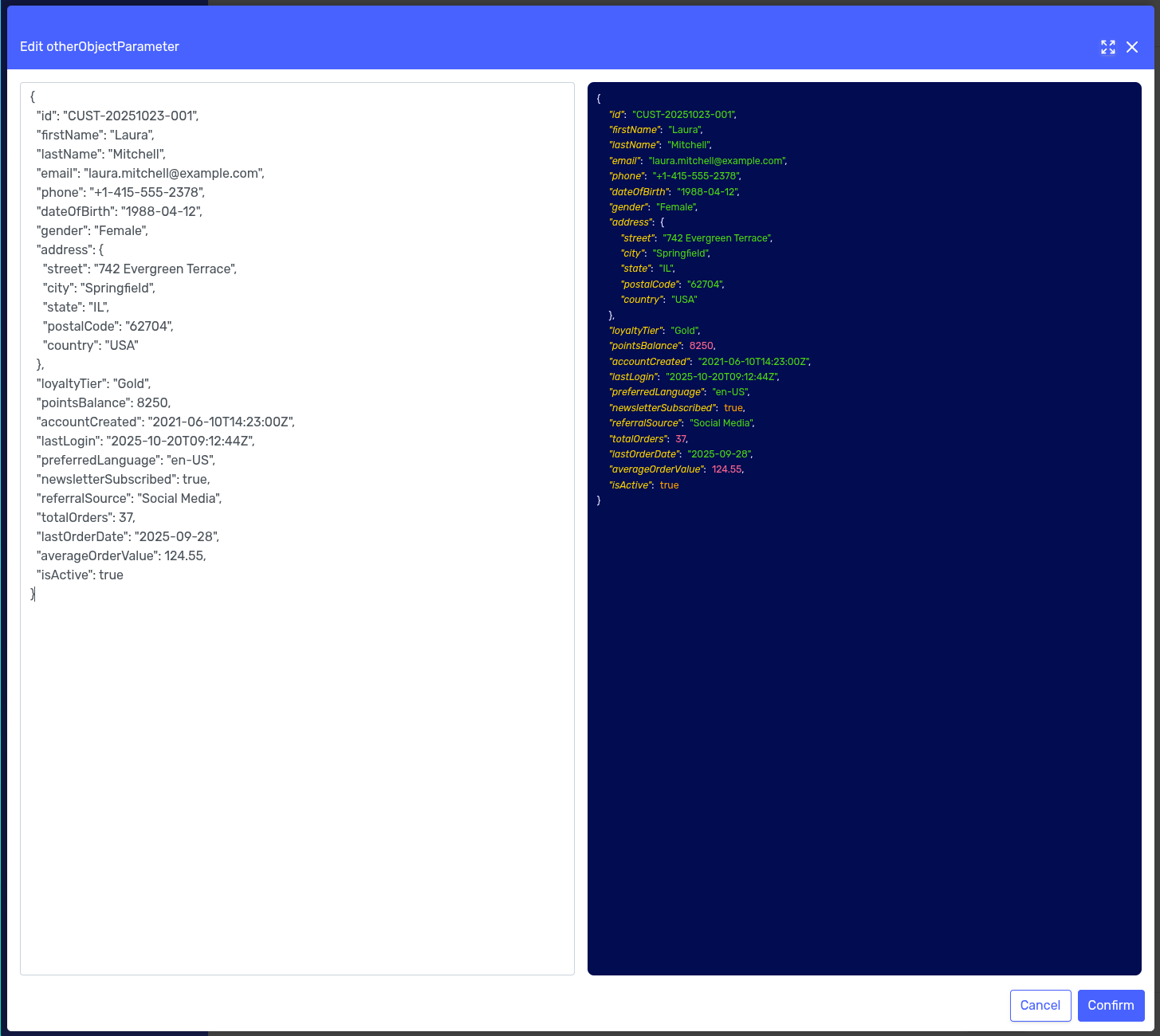
  • Improved liquid replacement for objects and arrays in input parameters.
  • Enhanced messaging for empty state objects in various areas.
  • Fixed the addition of payment methods when only one card was available.
  • Improved visualization of test cases during test executions.
  • Added onboarding email for invited users.