Release 5.0 2026.09.22.1
New Features 🚀
Receipt Analysis App
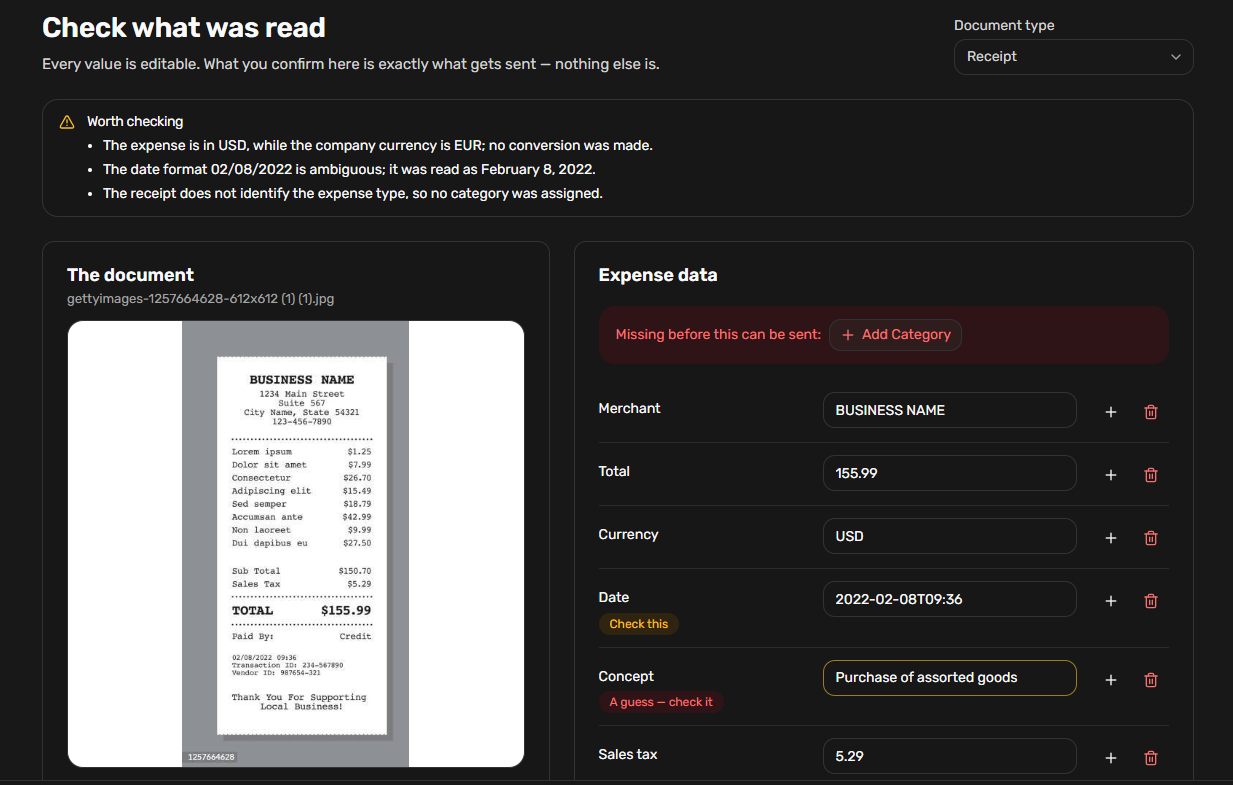
A new Serenity* App that extracts the expense data from an uploaded receipt: merchant, total, currency, date, concept and tax. The values are editable, and the app marks the ones it could not determine with certainty before the expense is submitted.
Enhancements ✨
Skills Improvements
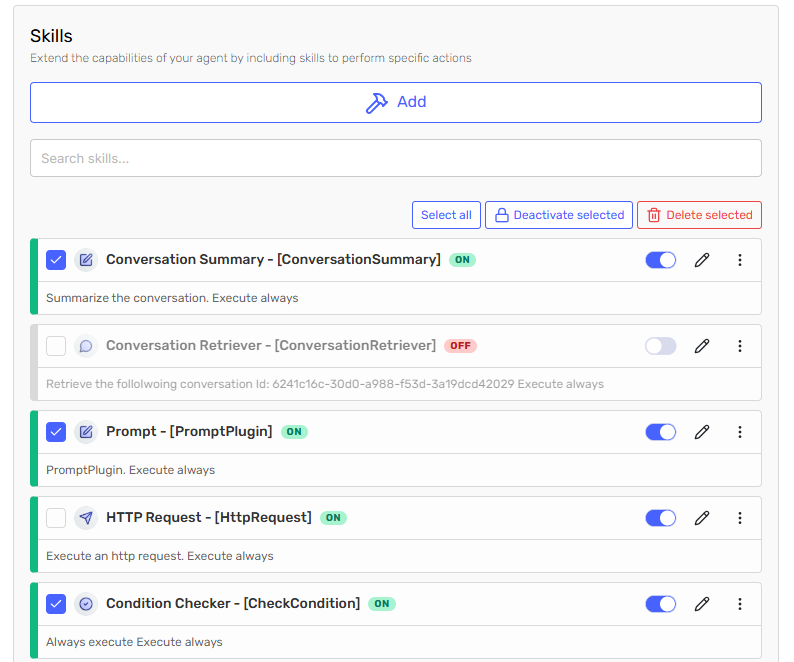
Skills can now be selected in bulk and deactivated or removed in a single action, and the list shows the state and configuration of each skill more clearly.
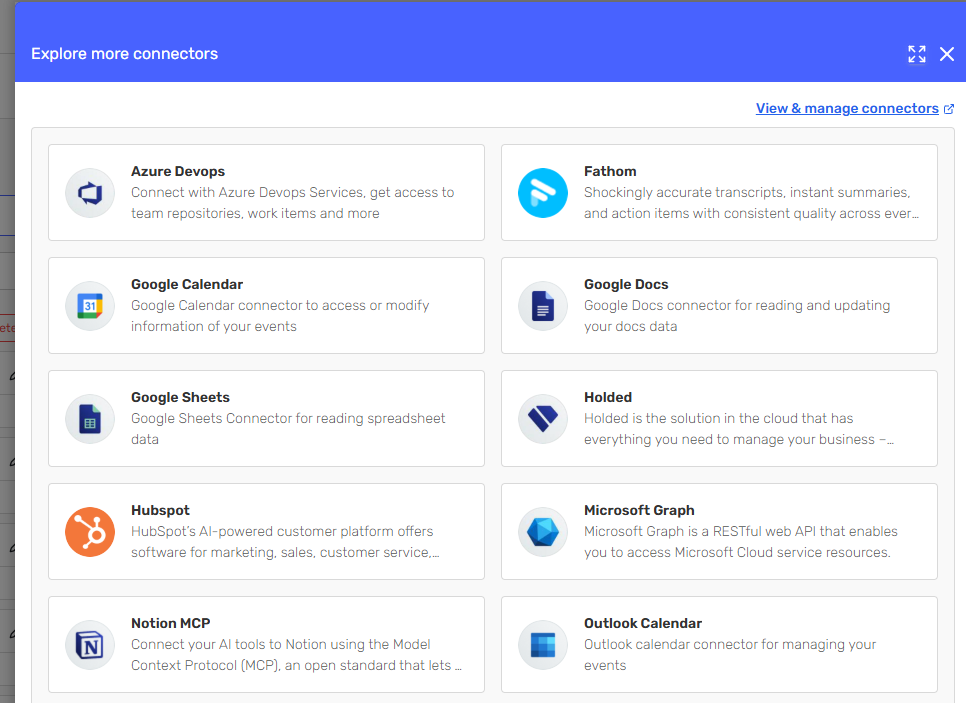
Navigation through the connector catalogue has also been improved, making it easier to browse the available connectors and manage them.
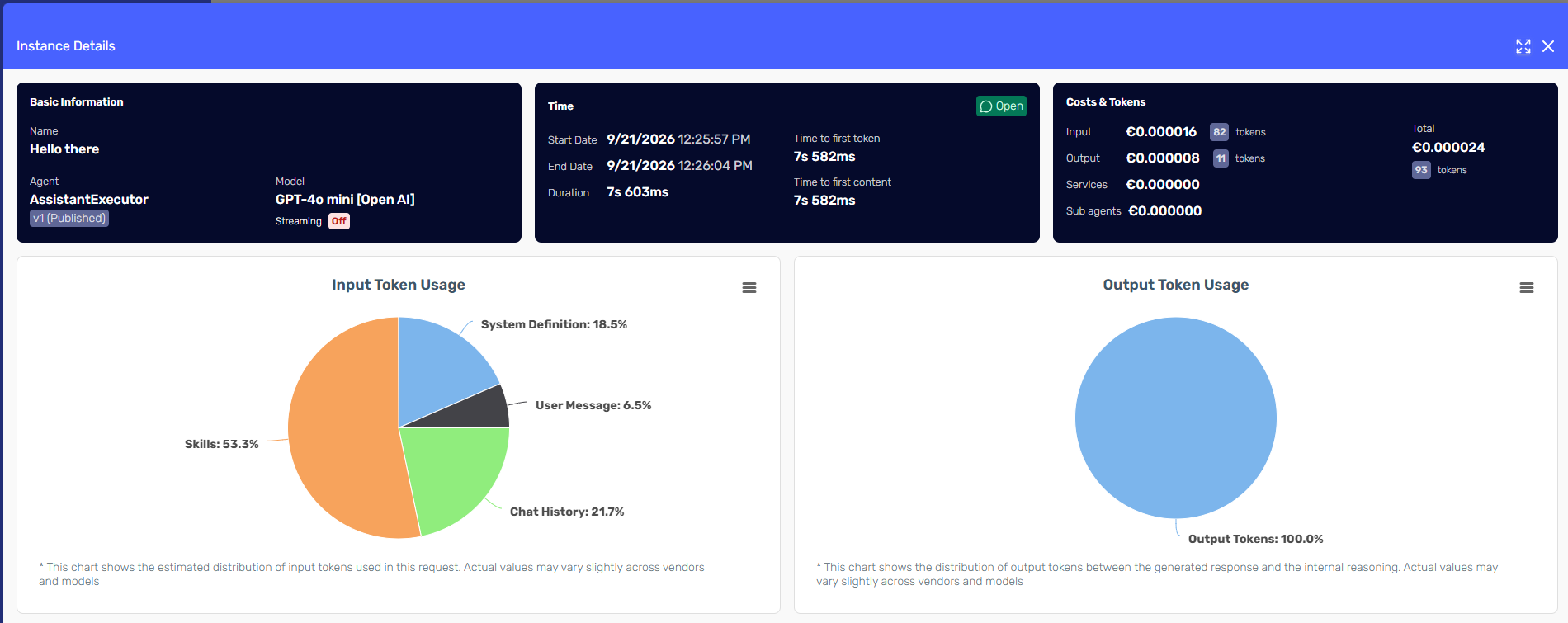
Instance Detail
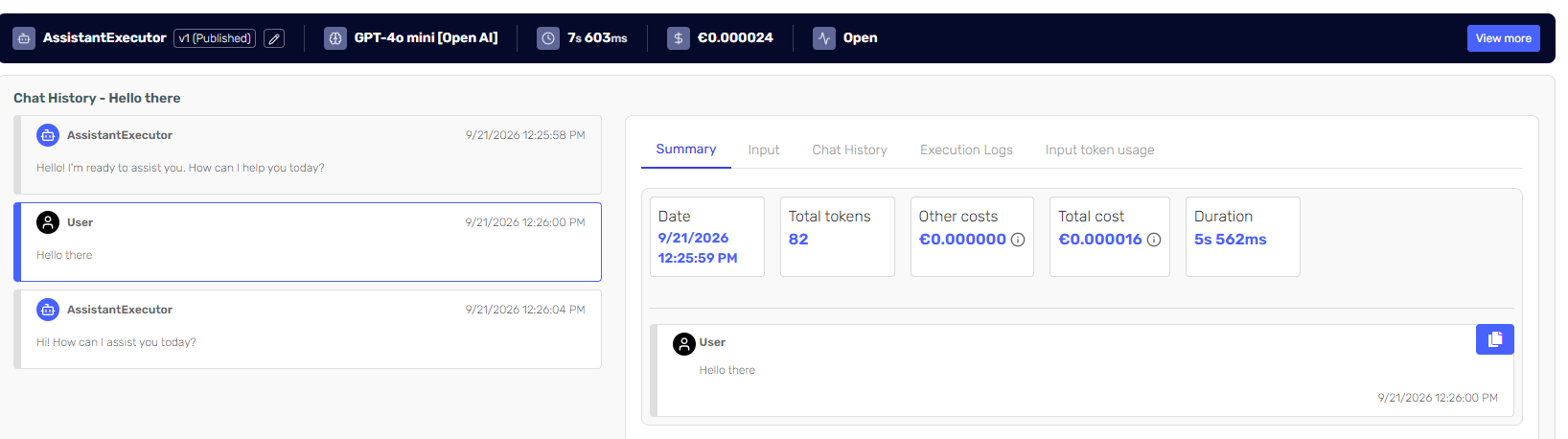
The instance detail has a redesigned interface, with less visual noise and a clearer hierarchy, so the detail of an execution is quicker to review.
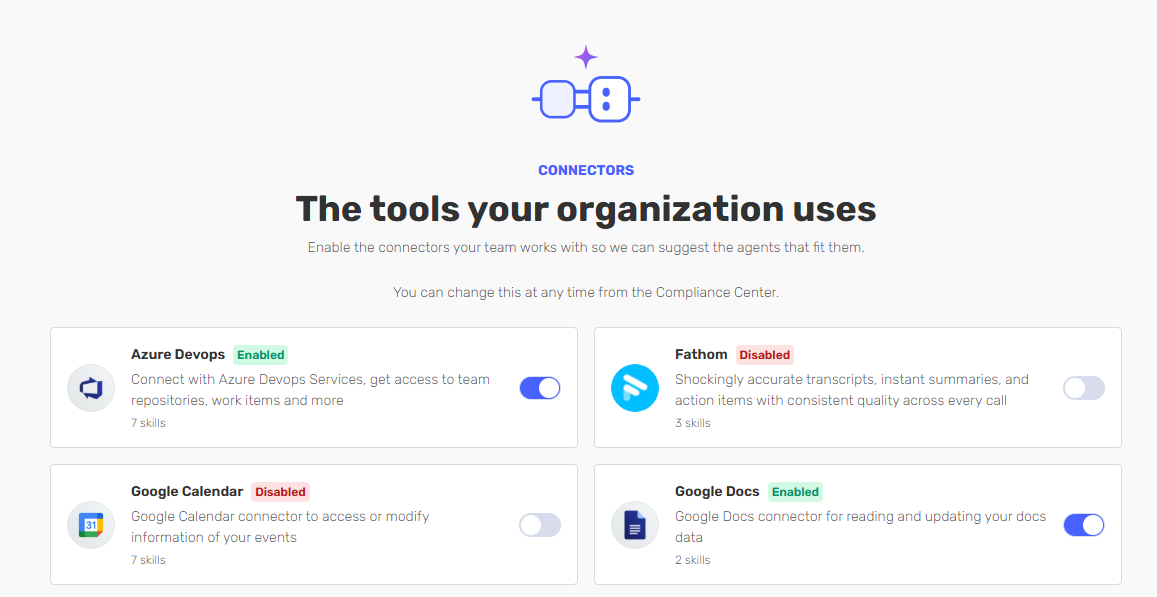
Connectors during Onboarding
Connectors can now be enabled during onboarding rather than afterwards. The selection can be changed later from the Compliance Center.
Sub-Agent Execution Tracking
Executions that call sub-agents now link to the resulting instances, so a parent execution can be traced to the sub-agent executions it triggered.
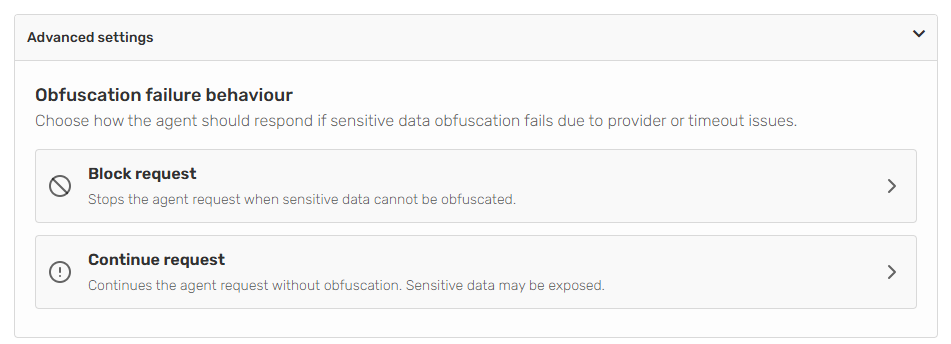
Data Obfuscation Improvements
You can now choose what happens when data obfuscation fails: block the request, or continue without obfuscation. Obfuscation performance has also been improved.
Agents Pending Configuration
Agents missing required configuration are now listed in a Pending setup section at the top of the agents grid, with a link to complete the setup.

Bug Fixes & Minor Improvements 🛠️
- The Text to Speech service now supports streaming.
- Improved navigation between the cards and sections of the Agent Design Studio.
- Fixed a validation error in the onboarding process.
- Improved the feedback given in the preview when a message is cancelled or when the agent returns a partial response.
- Removed unnecessary cache token properties from the API response.
- Added an action to bulk delete all the metadata of an agent's knowledge files.
- Fixed calculation errors in the average time to first content and average time to first token.
- Fixed an error that allowed isolated skills of an inactive agent to be executed.
- Added support for image models under the Google provider.
- Fixed an error that did not create a link between agent instances and audio generation service instances when used through a Speech Generation Skill.
- Added a new setting in the chat widget channel to customise the colour of links.
- Fixed an error that prevented the payment from proceeding when navigating back and forth between plan selection screens several times.