Release 5.0 2026.10.27.1
New Features 🚀
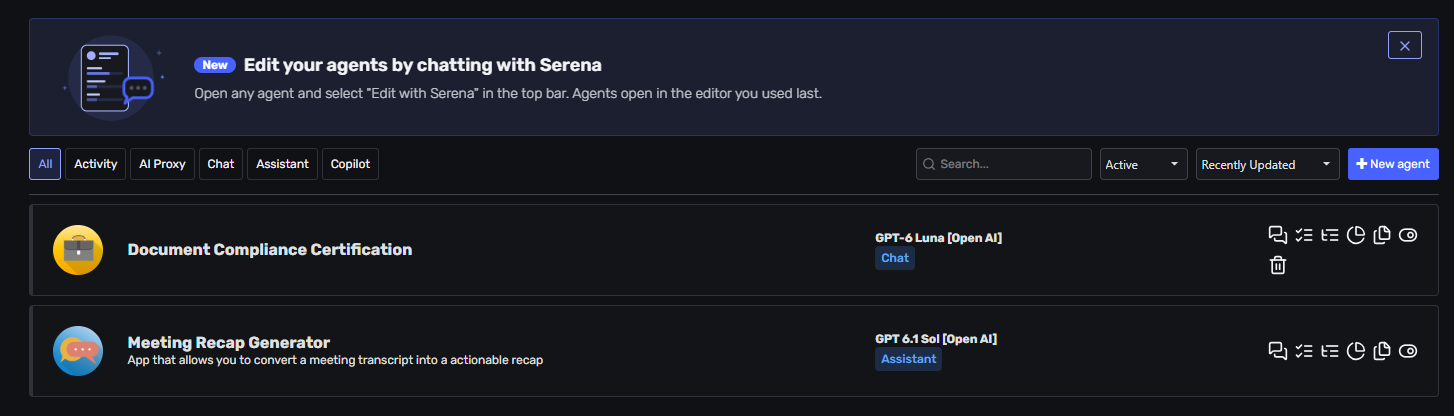
Serena Agent Editor
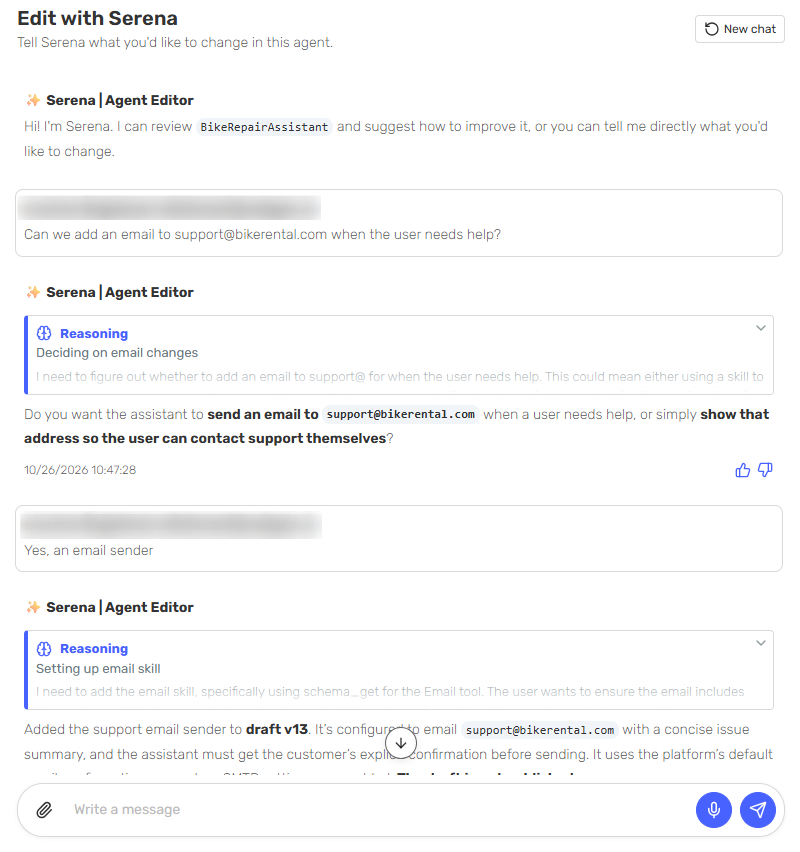
Agents can now be edited by chatting with Serena. Open an agent and select Edit with Serena in the top bar, then describe the changes you need, such as adding a skill or adjusting the instructions. Serena can also review the agent and suggest improvements.
Serena works from the agent's current configuration, asks for clarification when a request is ambiguous, applies the changes to a new draft version and can test them before you publish. Agents open in the editor you used last, so you can switch between Serena and the classic editor at any time.

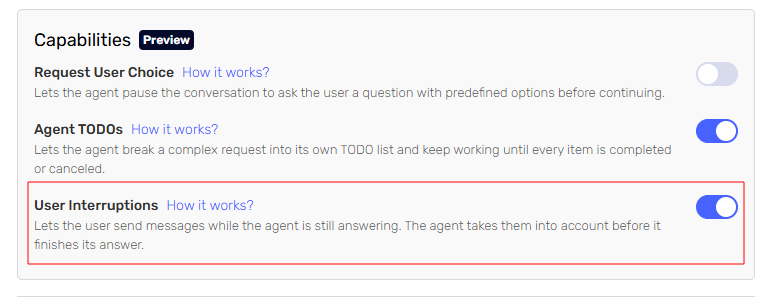
User Interruptions
With the new User Interruptions capability, users can send messages while the agent is still answering, and the agent takes them into account before it finishes its response. This makes it possible to correct or refine a request without waiting for the full answer. Interruptions are available in the chat widget, Serenity* AI Chat and through the API.
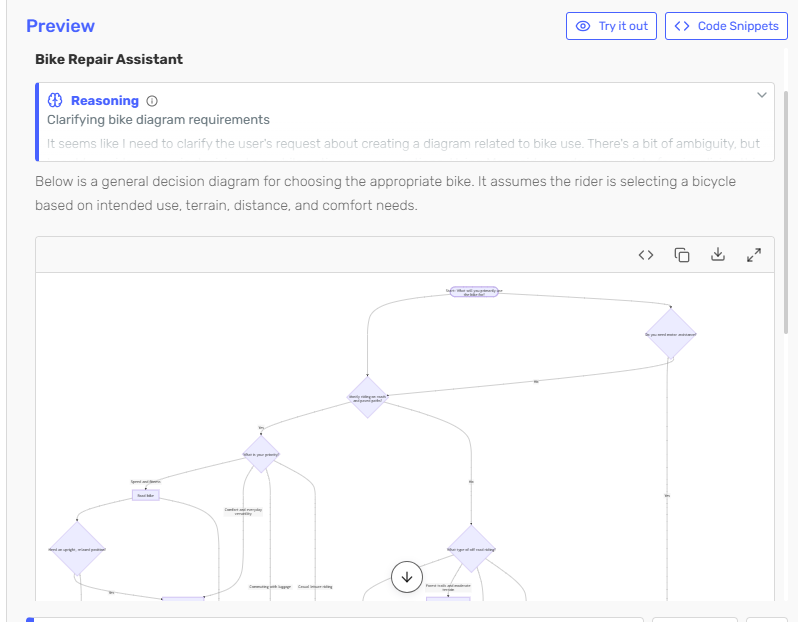
Mermaid Diagrams
Agents can now produce Mermaid diagrams, either through the Chart Generation skill or directly in their responses. Diagrams are rendered in the chat widget and in Serenity* AI Chat, where they can be viewed as code, copied, downloaded or expanded.
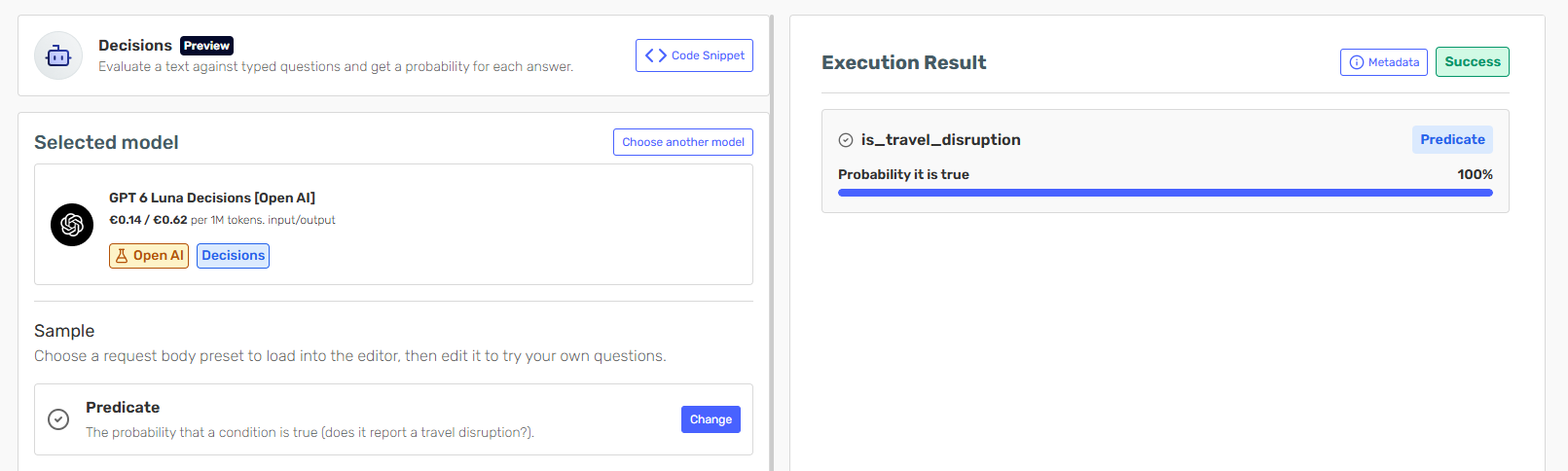
Decisions AI Service
The new Decisions AI Service evaluates a text against a set of typed questions and returns a probability for each answer, for example, how likely it is that a message reports a travel disruption. It supports decision models such as the OpenAI Decisions API and Serenity Edge Compass models, and is available from the AI Services playground and through the API. See the API reference for details.
Dark Mode
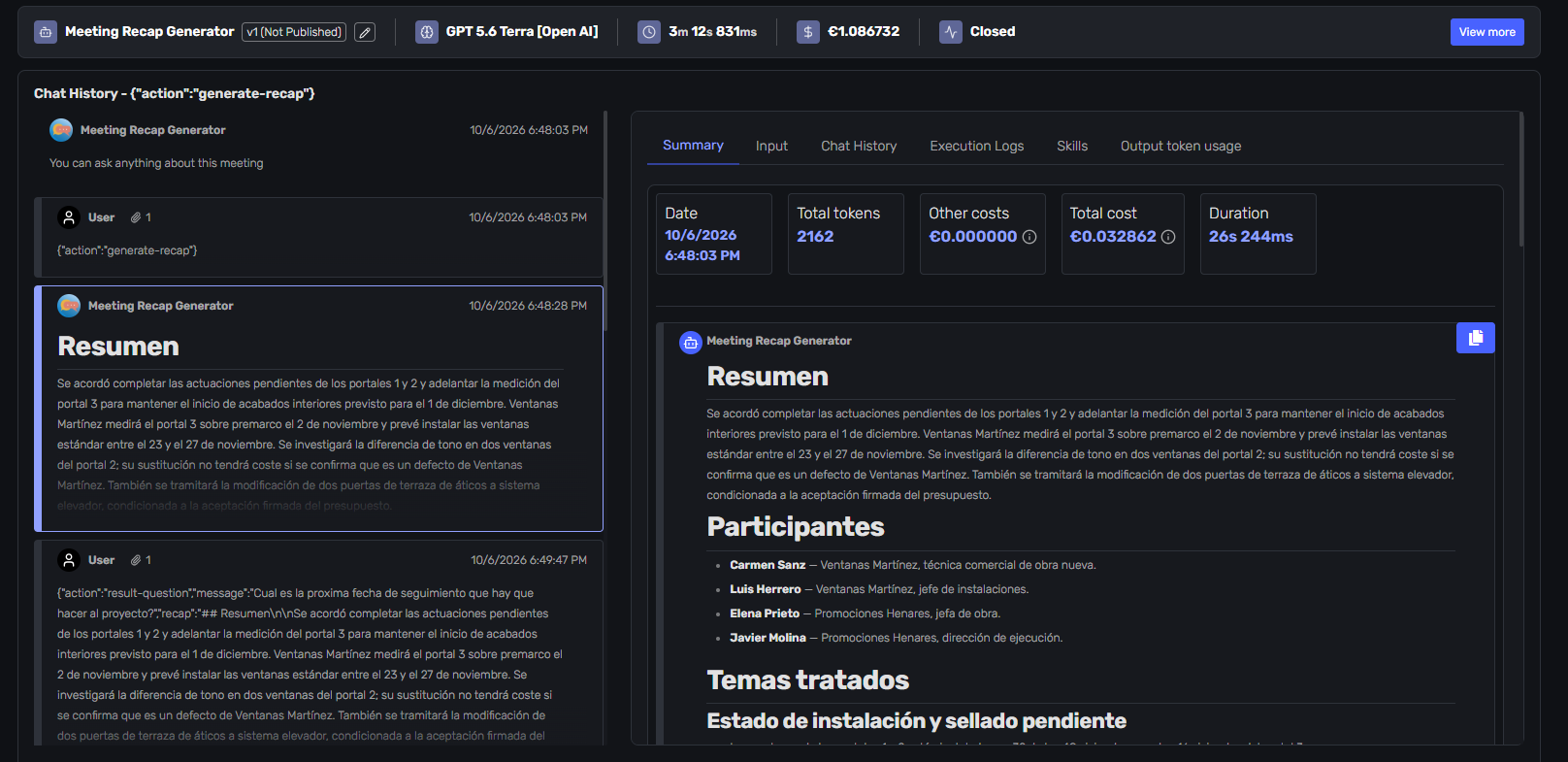
The platform now supports dark mode, for a more comfortable experience in low-light environments.
Enhancements ✨
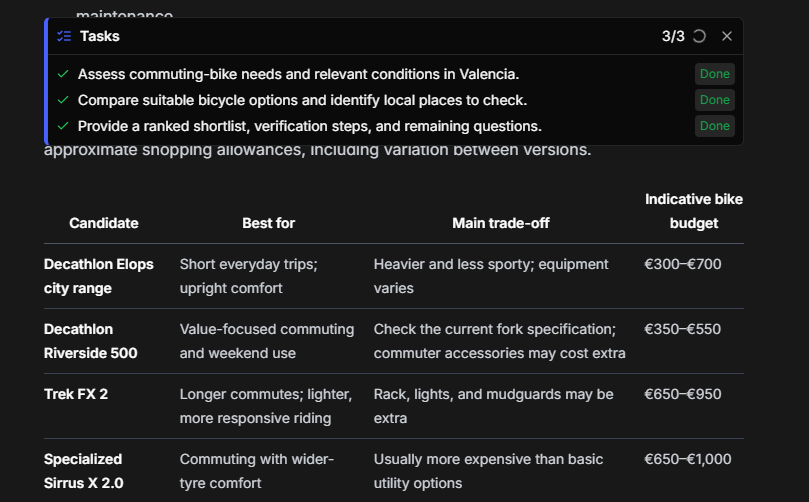
Agent To-Dos in Serenity* AI Chat
Agent To-Dos are now also available in Serenity* AI Chat, so you can follow the plan an agent builds for a complex request and track its progress step by step.
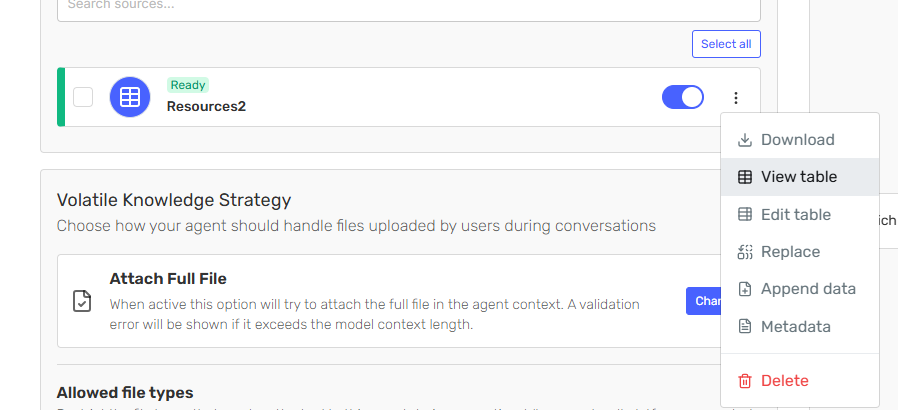
View and Edit CSV Knowledge Files
CSV files added to an agent as a knowledge source can now be viewed and edited as a table in a new editor. This makes it easier to understand how the agent reads the data and to correct it without uploading the file again.

Download Knowledge Files from the Preview
Knowledge files marked as available for download can now be downloaded from the citations in the agent preview. This makes it easier to check the sources behind a response before publishing the agent.
Individual Skill Management through the API
Skills can now be added, updated and removed individually through the API, without having to send the agent's full configuration. See the API reference for details.
Data Obfuscation in AI Chat
When data obfuscation is enabled in Serenity* AI Chat, the model is now told that it may receive obfuscated data, so it can interpret it correctly and respond accurately.
Bug Fixes & Minor Improvements 🛠️
- Added support for Meta's Muse Spark models.
- Scheduled triggers can now be run manually.
- The agent onboarding flow now lets you select a subtenant at the start.
- Agent admins can now purchase agents priced at zero.
- Auto top-up now runs as soon as the balance reaches zero.
- Added WhatsApp signature validation for improved security.
- Improved feedback for validation errors in the agent designer, which were previously not shown explicitly.
- Improved search for bring-your-own-key connections.
- Featured evaluator models are now shown separately in the Model Insights model selector.
- Image models are now consistent between AI Services and the Image Generation skill.
- Standardised the response format of the AI Services usage report API.
- Improved the validation popup in the Privacy Filter service.
- Improved the chat widget in side panel and floating panel modes.
- Improved navigation between models, pricing and settings.
- Terms and conditions now open in a new tab.
- Several localisation and performance improvements.
- Fixed an issue where removing an allowed domain from an agent removed the whole list.
- Fixed an issue where the chat widget did not open expanded automatically.
- Fixed an issue where the Conversation Summary skill did not respect the model settings configured in the agent.
- Fixed an error when configuring models and categories in Serenity* AI Chat management.
- Fixed a banner error in the model categories management screen.
- Fixed an error when filtering the agent versions table.